No Limit Super Store
C-AT Magnetic Leverless Hitbox Controller Stickless Arcade Controller Keyboard For PC/PS4/PS5/Switch Hitbox Fightstick
C-AT Magnetic Leverless Hitbox Controller Stickless Arcade Controller Keyboard For PC/PS4/PS5/Switch Hitbox Fightstick
Couldn't load pickup availability
SPECIFICATIONS
Accessories Type: Leverless Controller,Leverless Hitbox Controller
Compatible Brand/Model: PC
Electric: No
Electronic: no
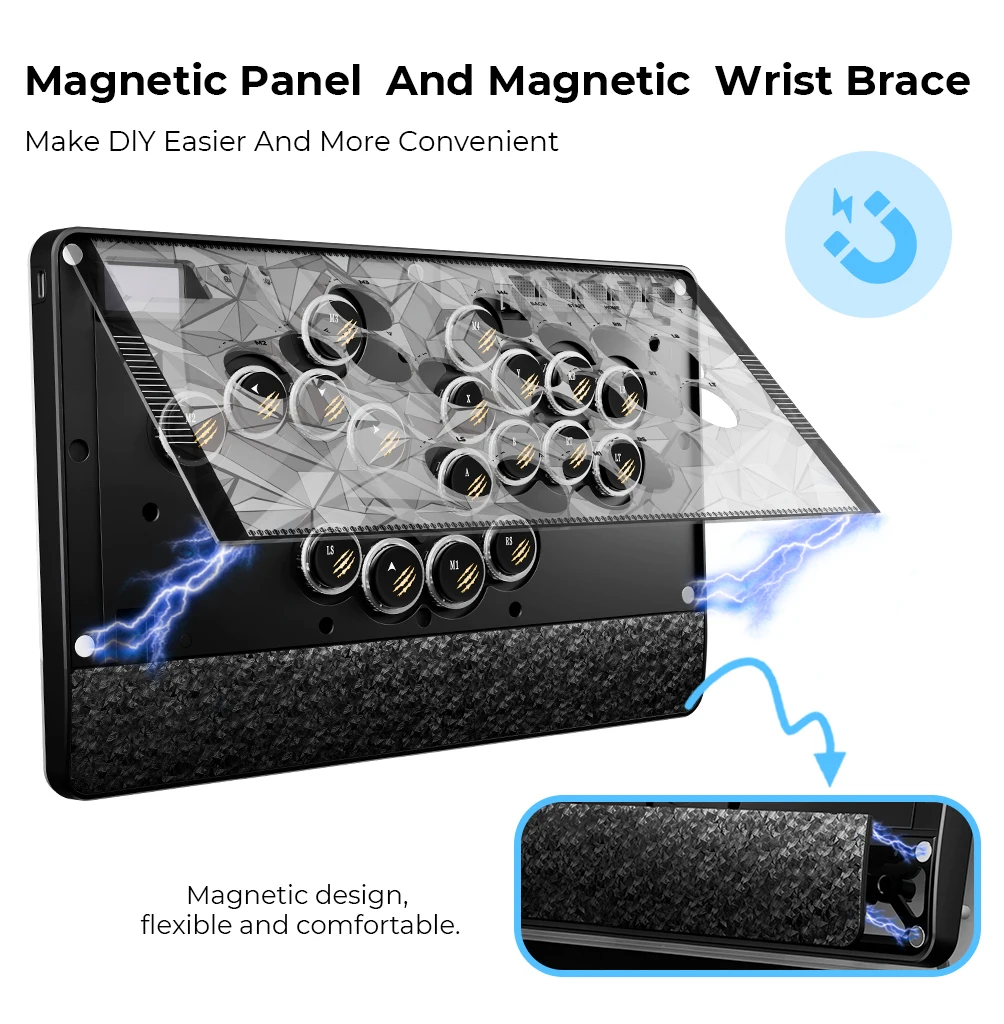
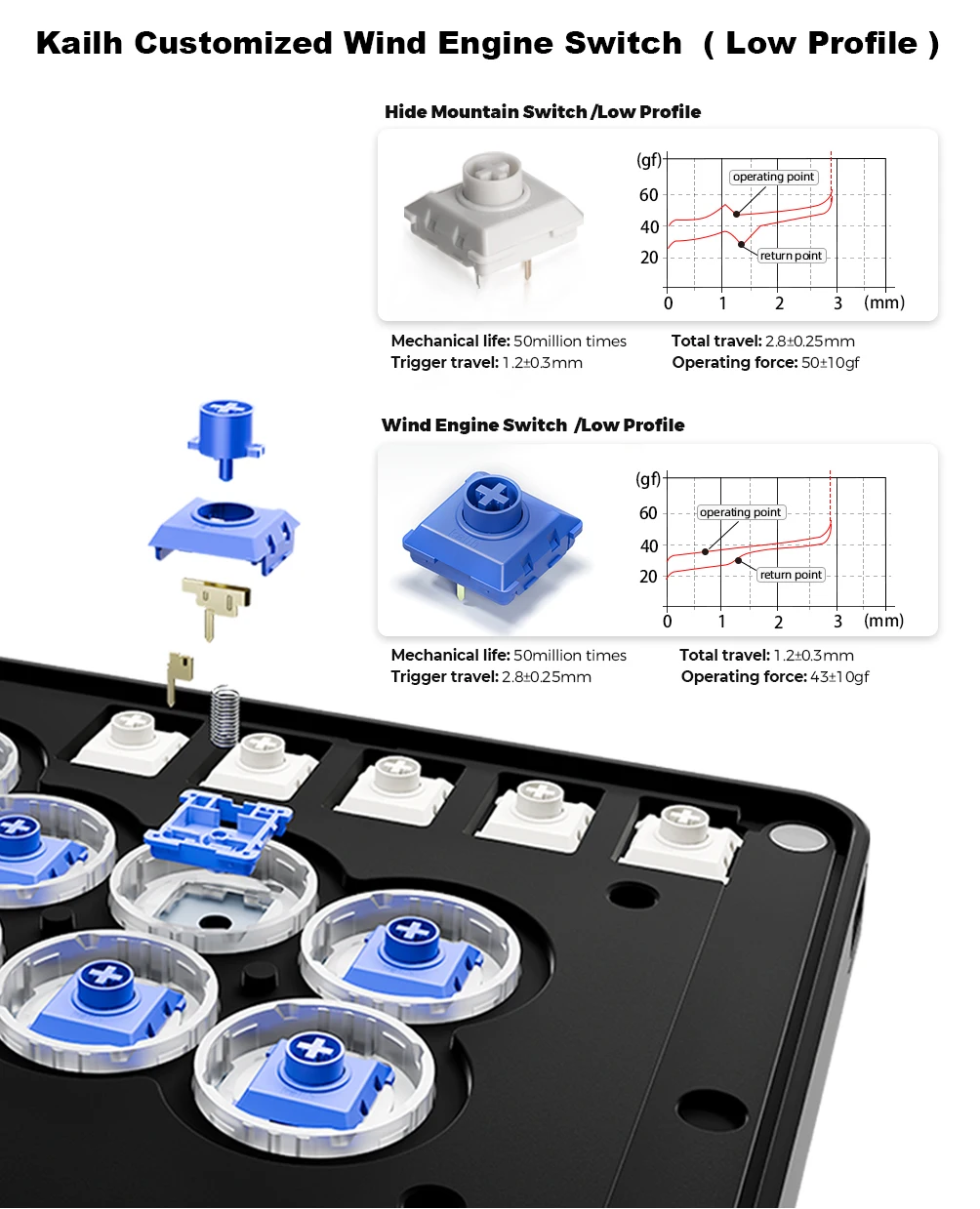
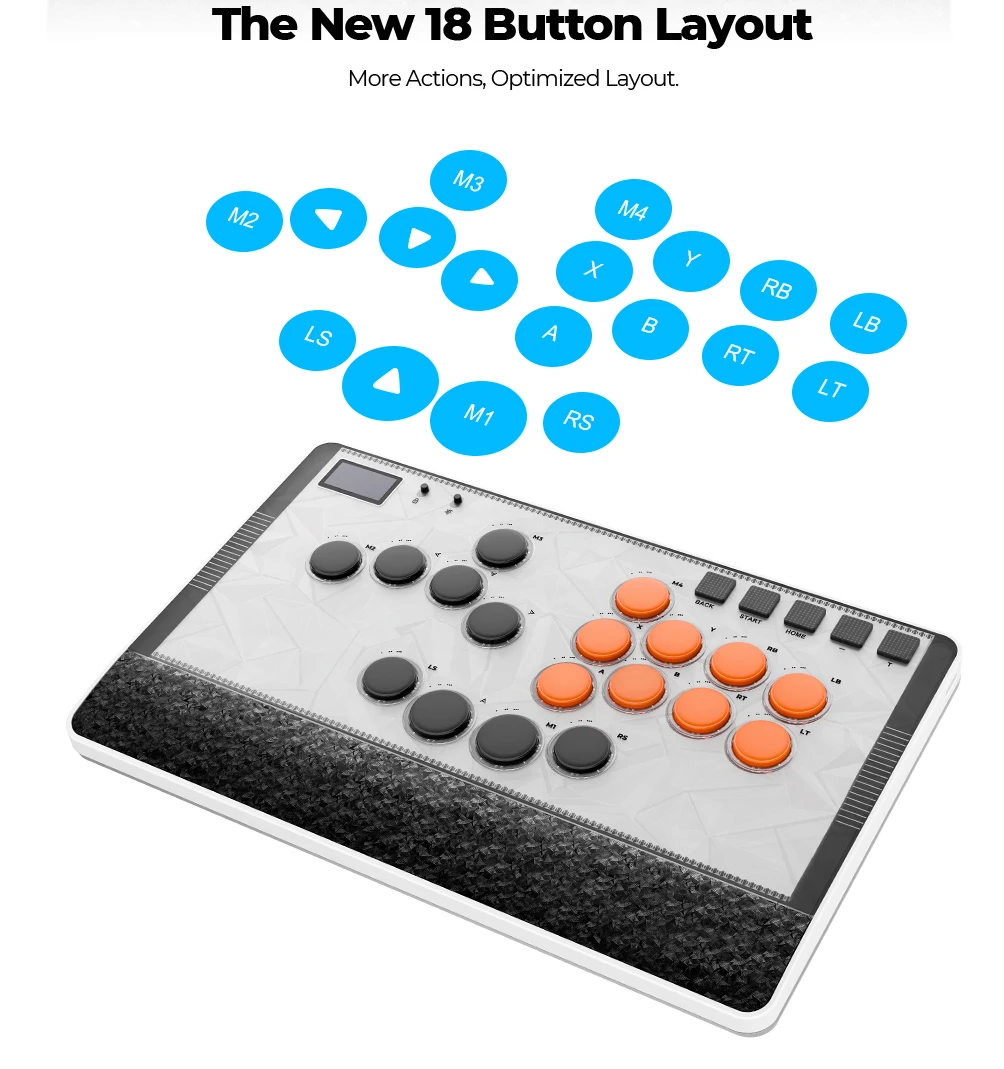
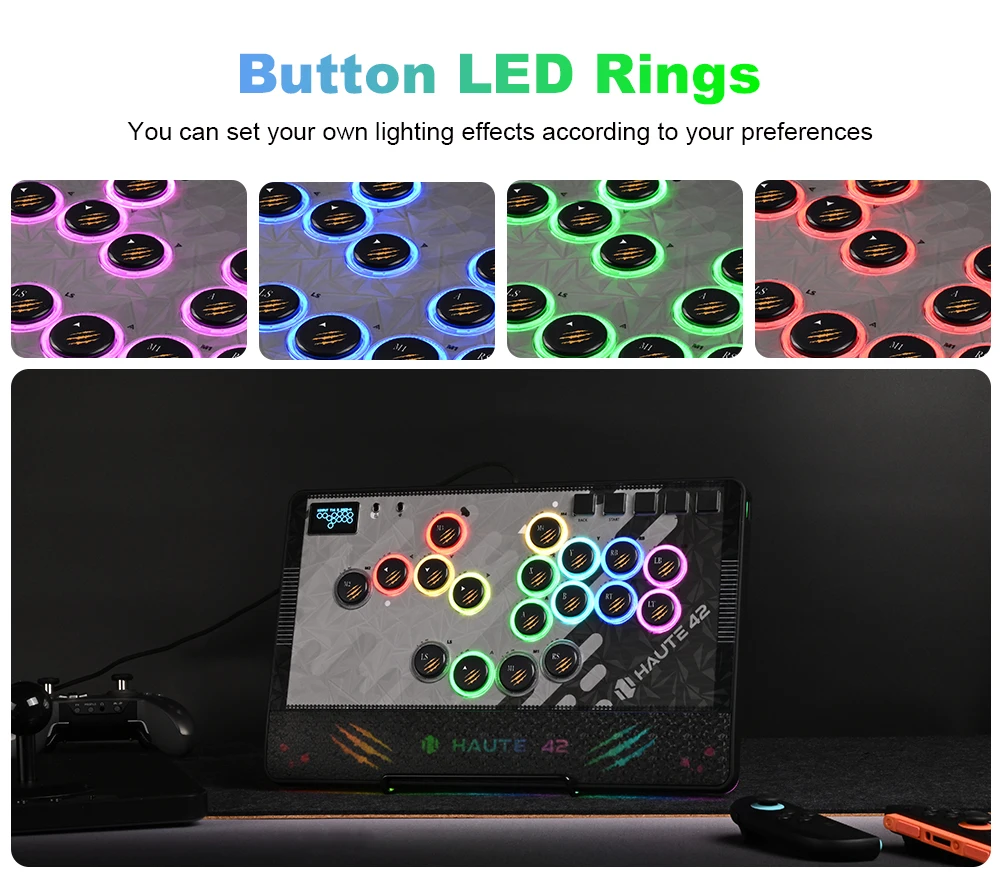
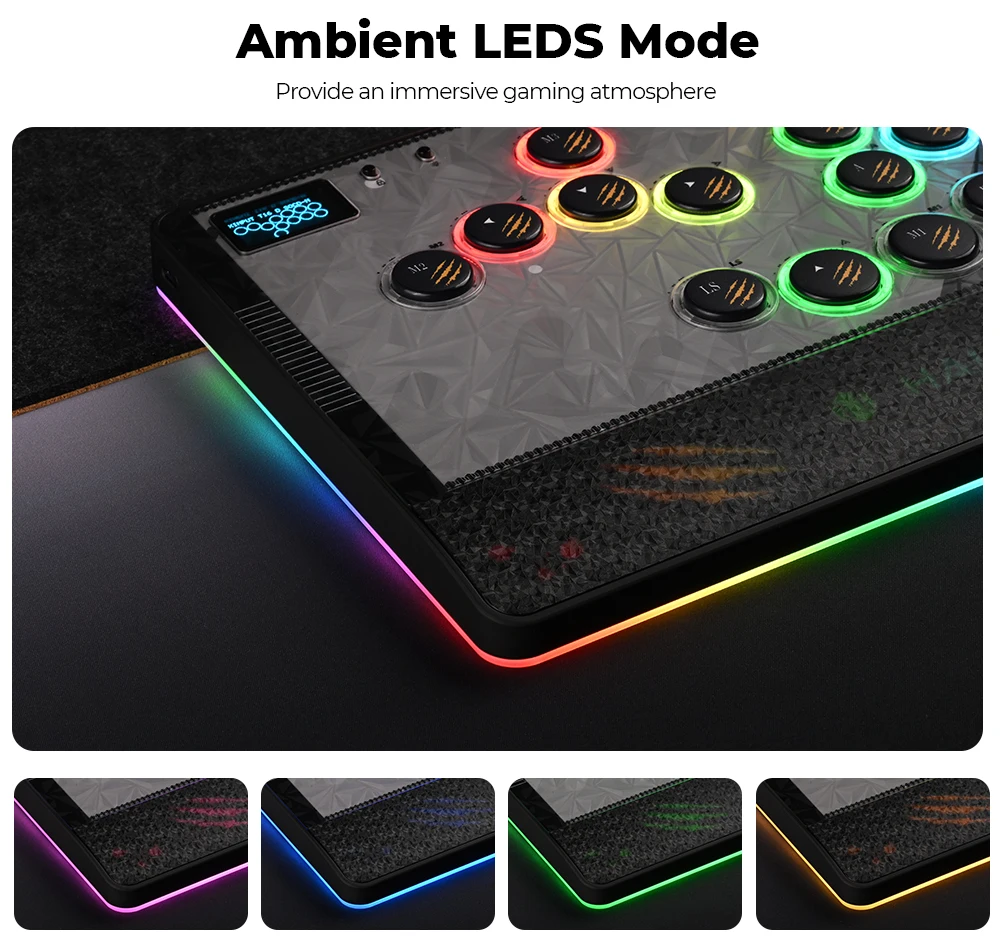
Feature: 18 button with RGB mode,with Button Rim/Ambient Light,Magnetic PC Panel
High-concerned chemical: None
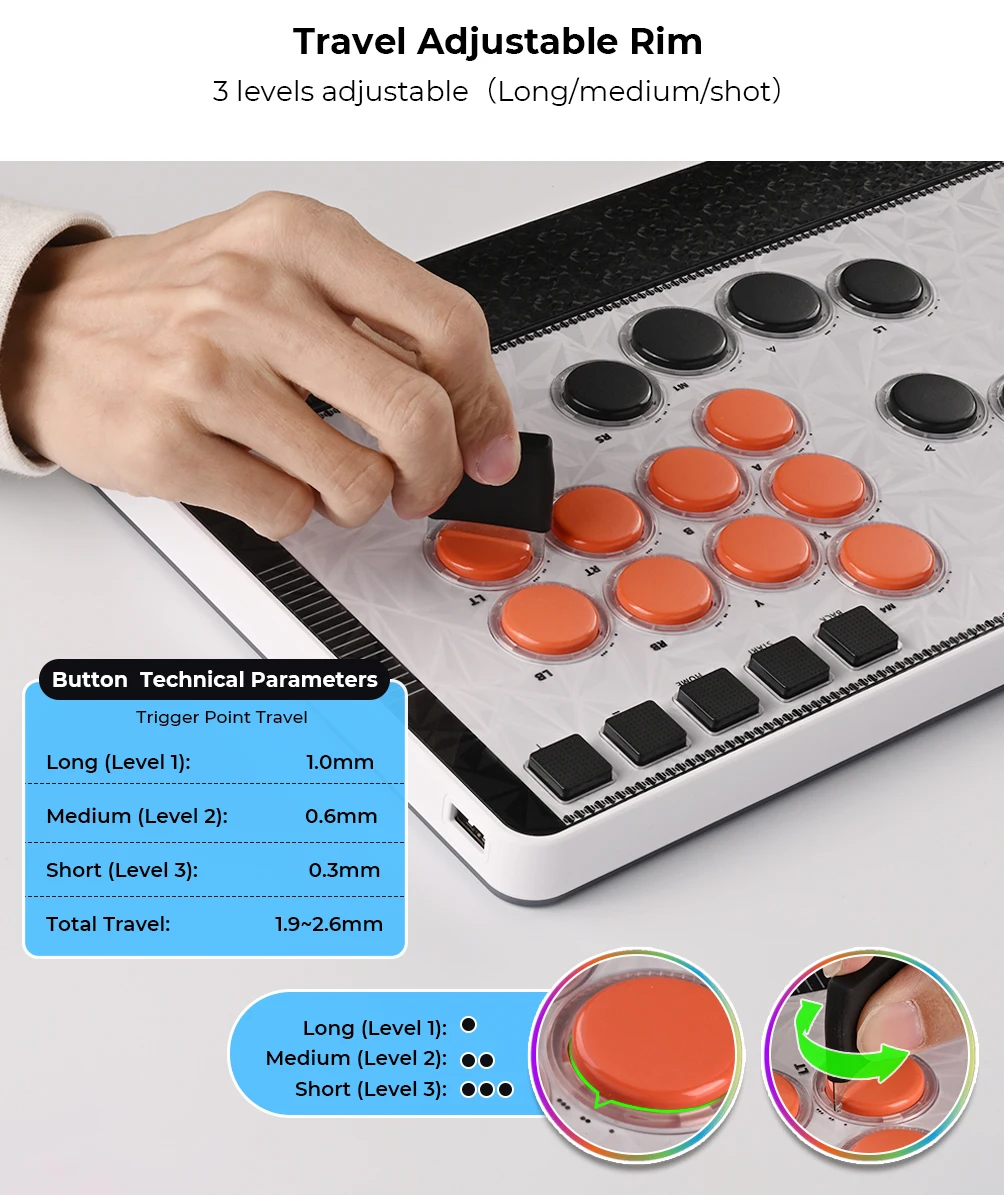
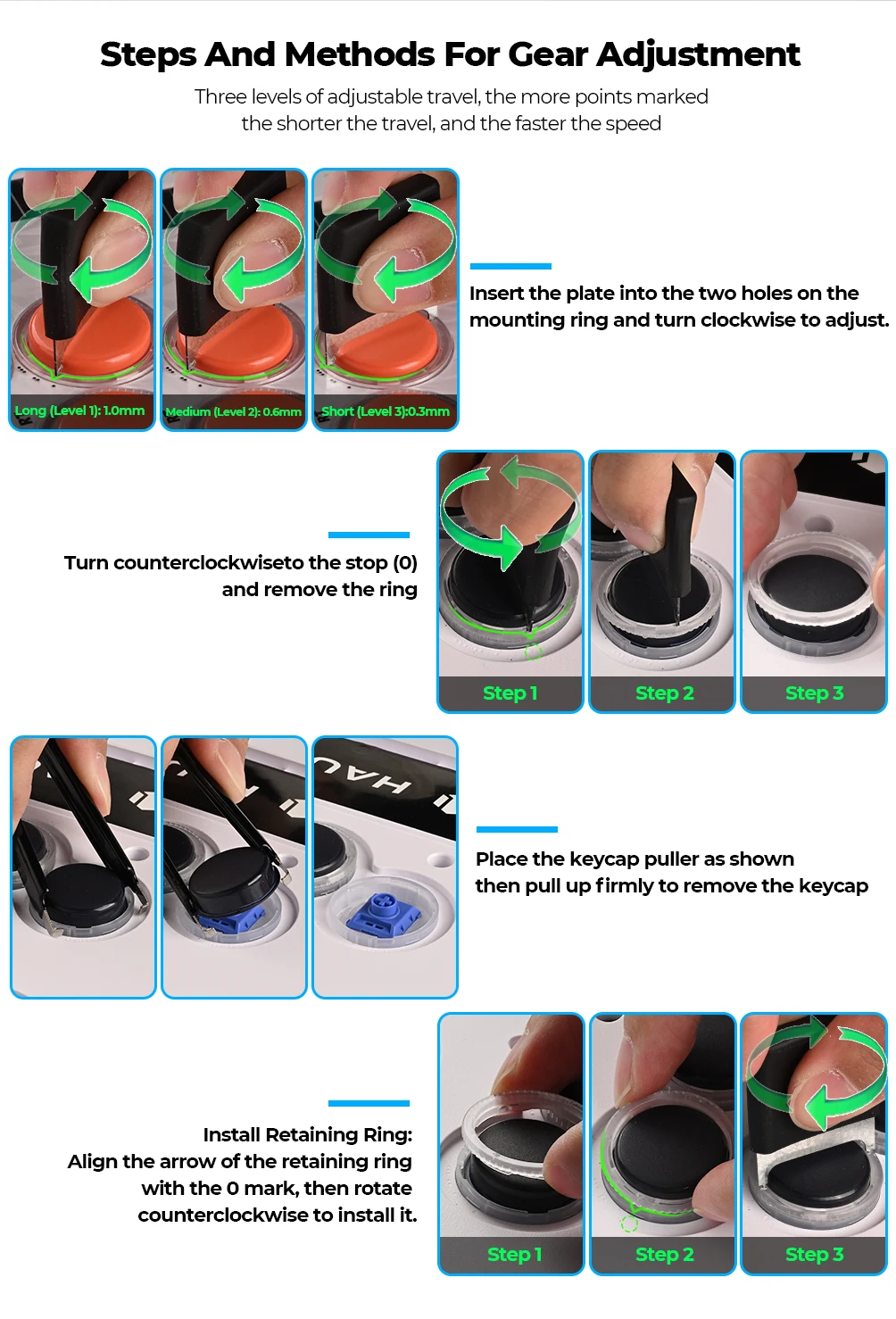
Key Features: Adjustable Travel(1-3 Gears)
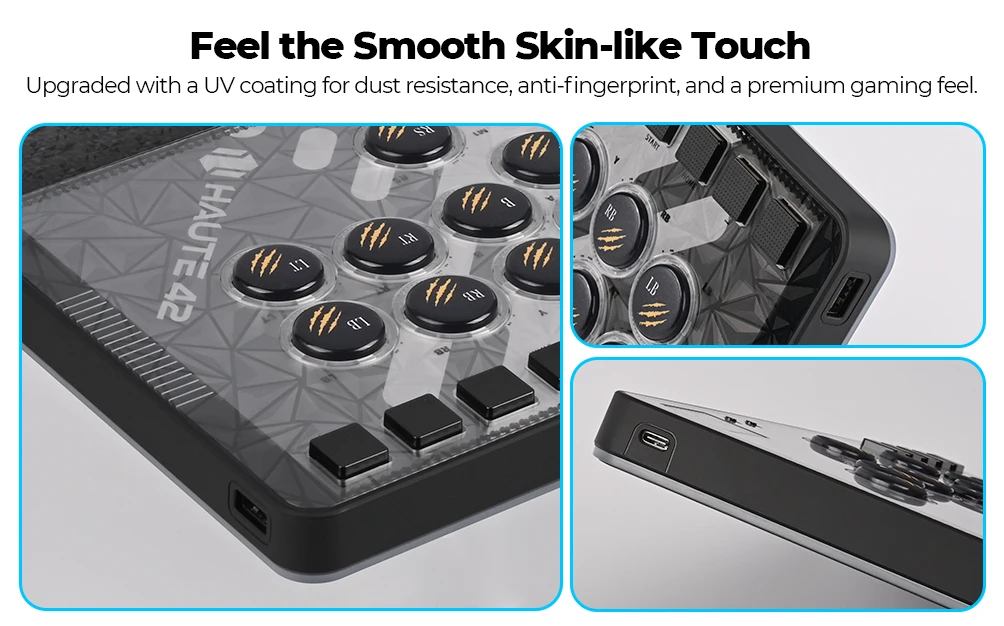
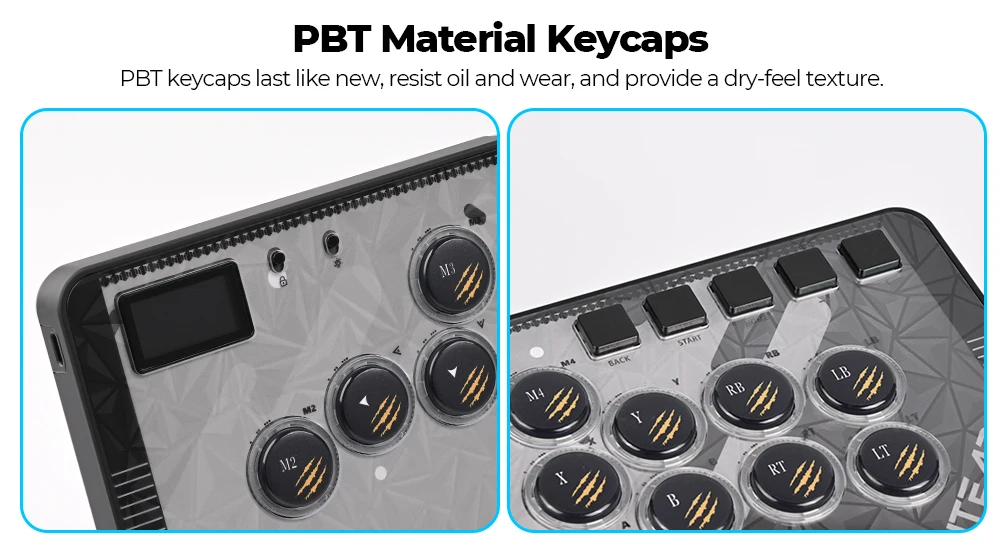
Keycap features: PBT Sublimation Printing
Leverless Hitbox: Hitbox Controller
Magnetic Hitbox: Stickless Arcade Stick
Model Number: Haute42 C-AT
PC System: Windows 10
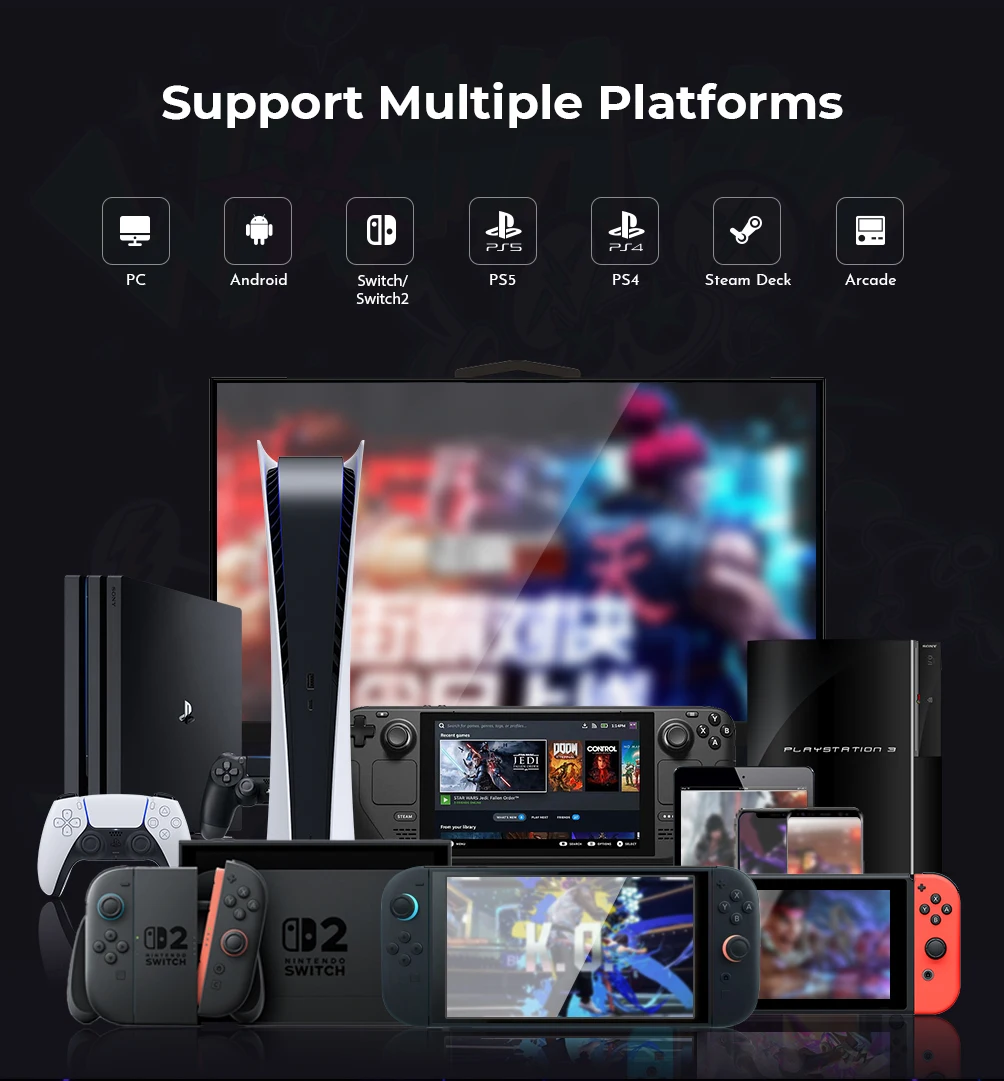
Supported Platforms: For PC/PS4/PS5/Switch/Steam
With USB: YES
is_customized: NO
Haute42 C-AT Magnetic Leverless Hitbox Controller Stickless Arcade Controller Keyboard For PC/PS4/PS5/Switch Hitbox Fightstick
Product Description
Working voltage: 5V
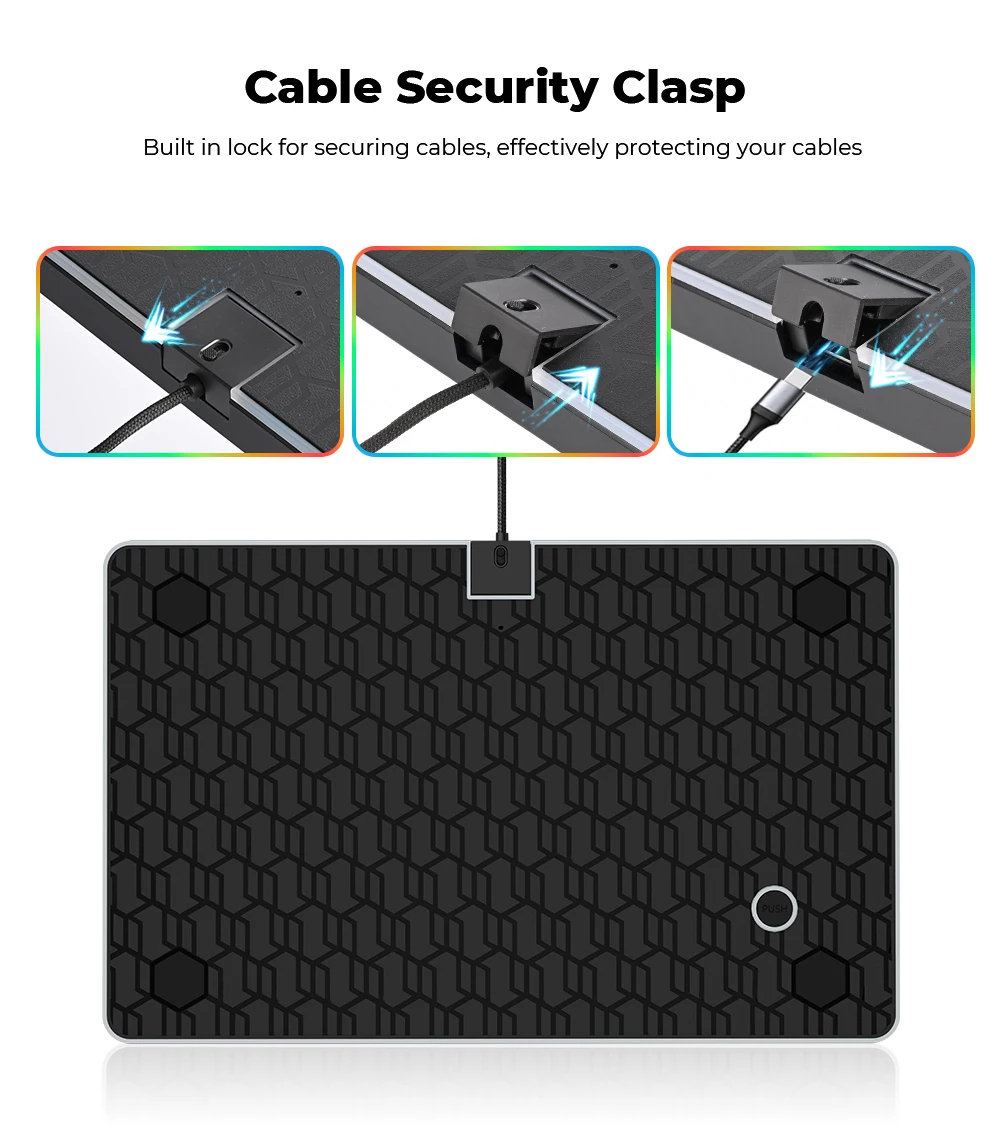
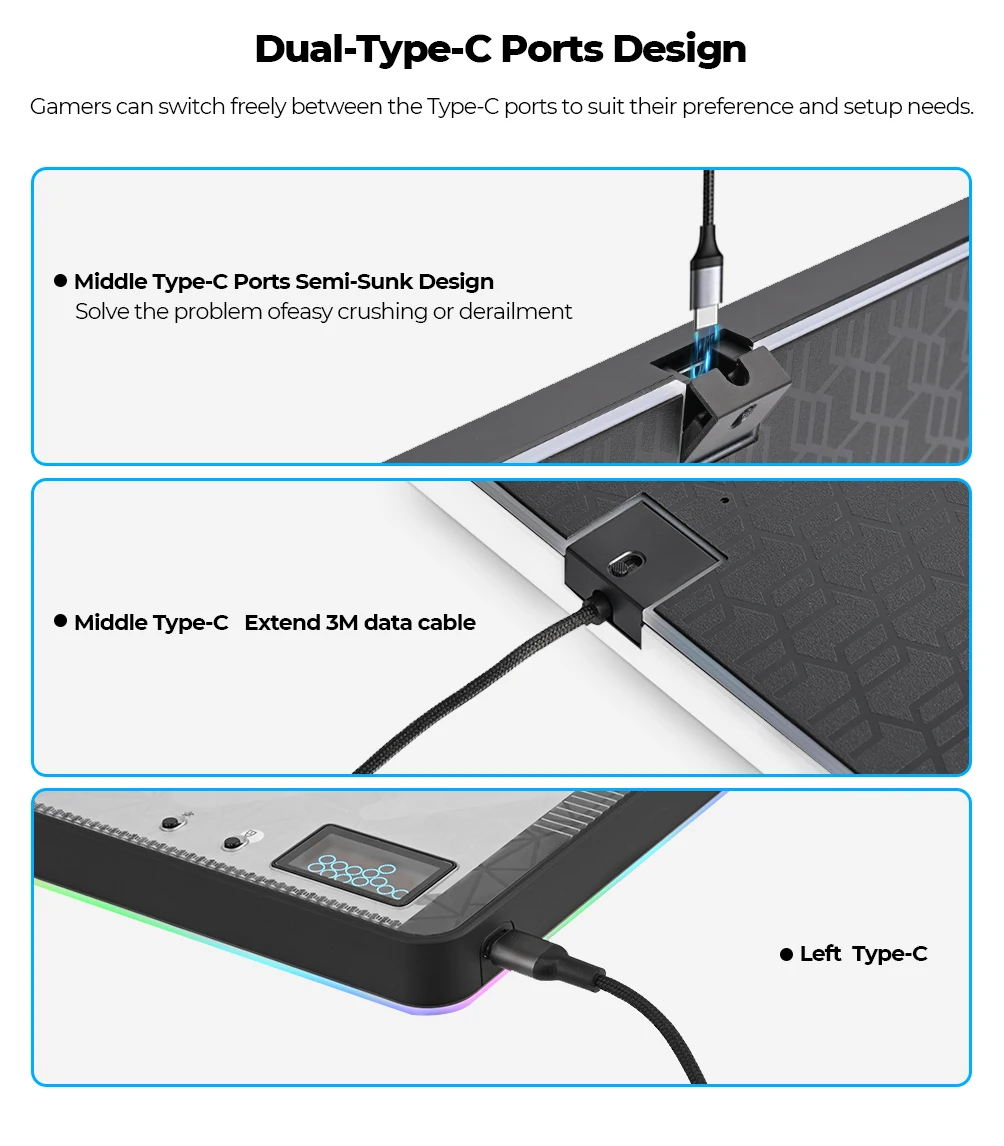
Link method: USB Type-C(Dual Type-C Interface)
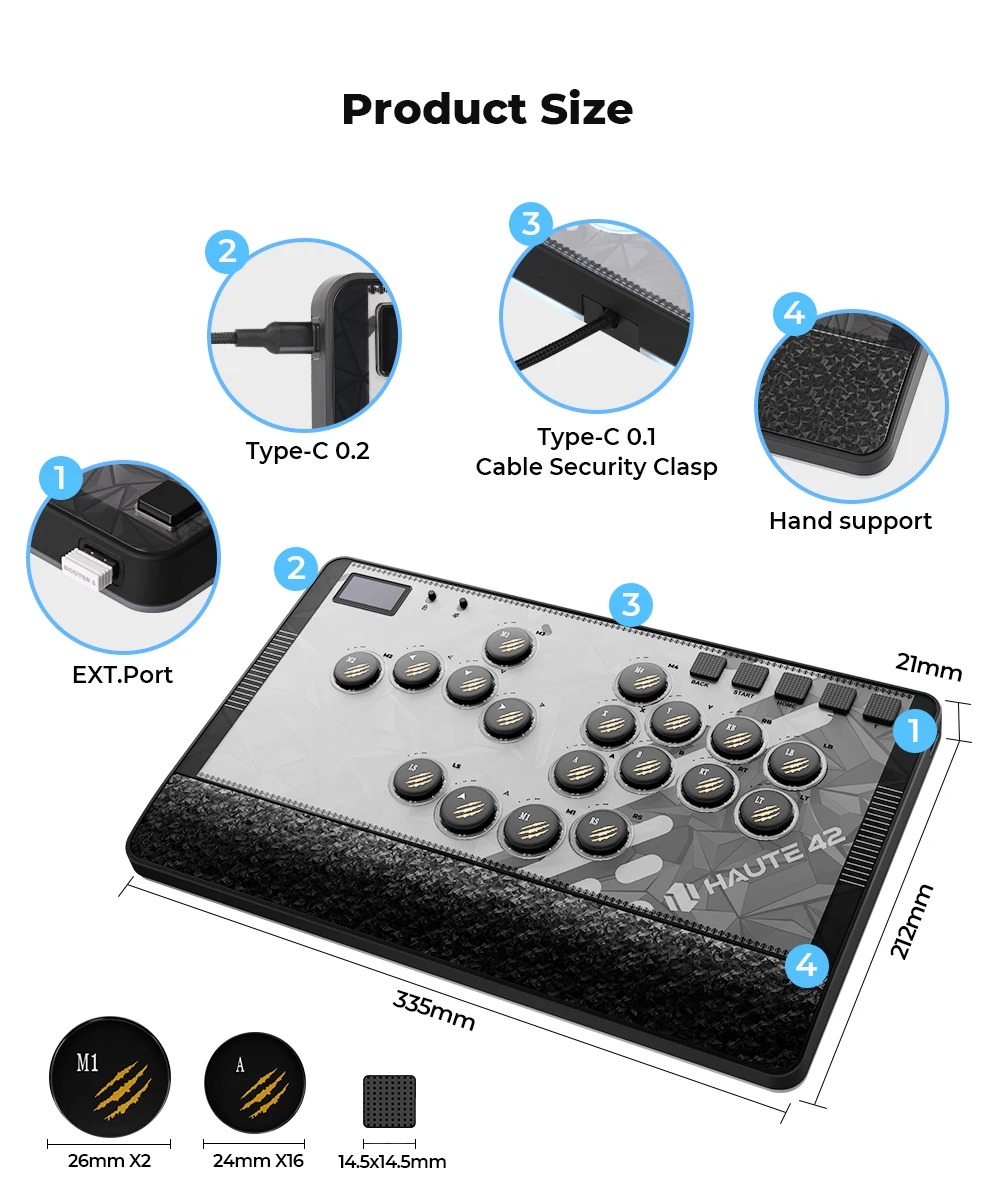
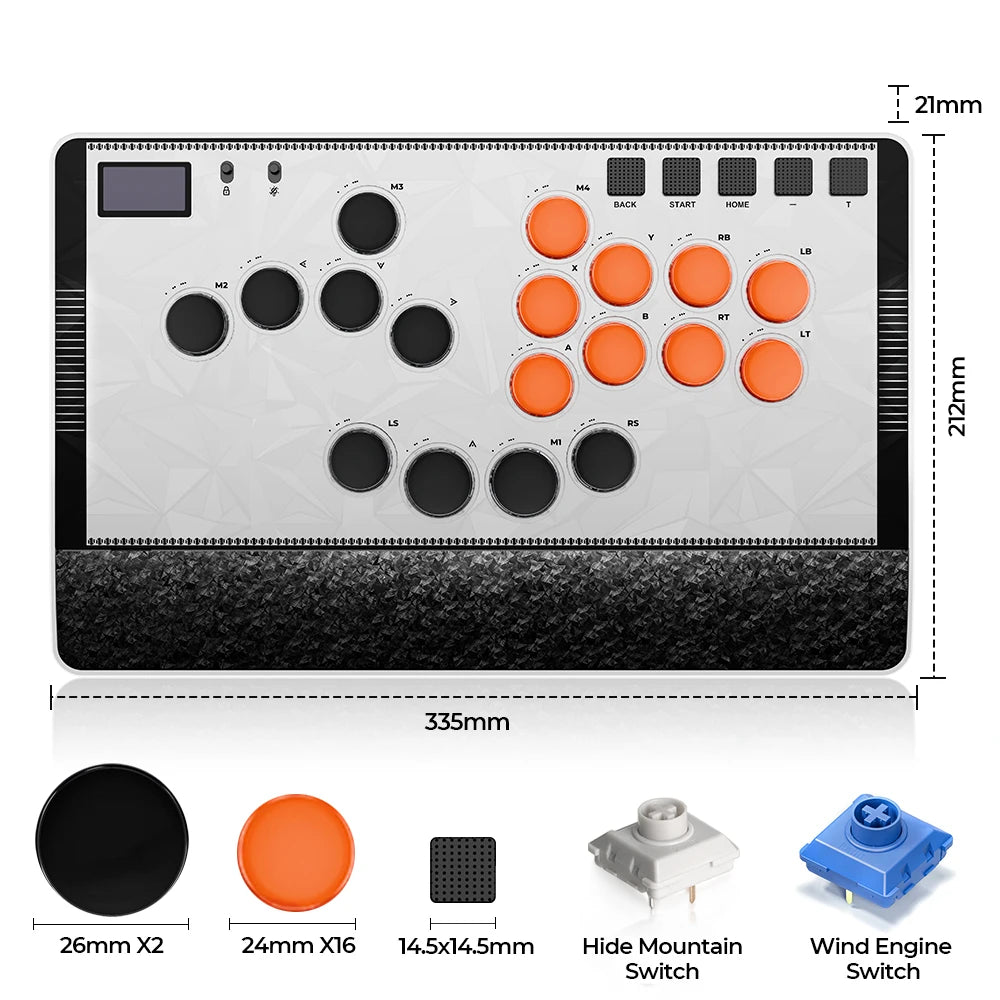
Product size: 335mm * 221mm * 21mm
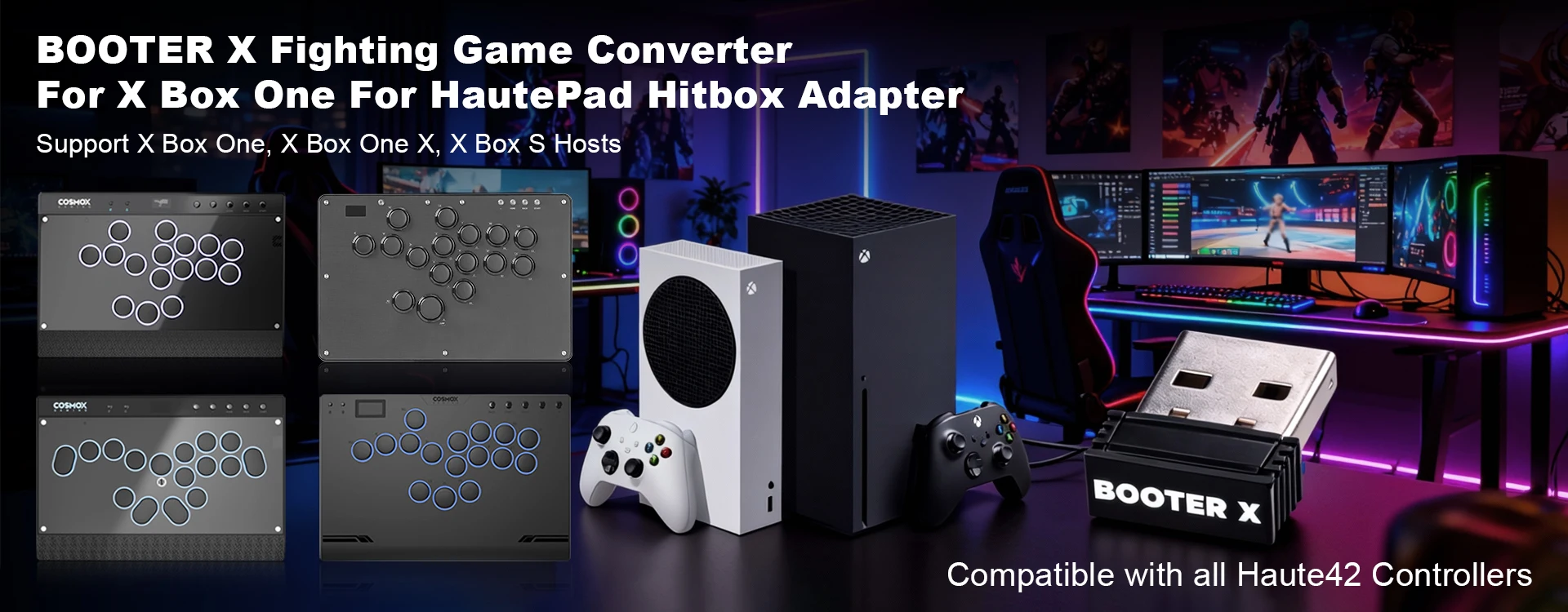
Supported Platforms : pc /ps3/ps4/switch/ Android/Steam/xbox
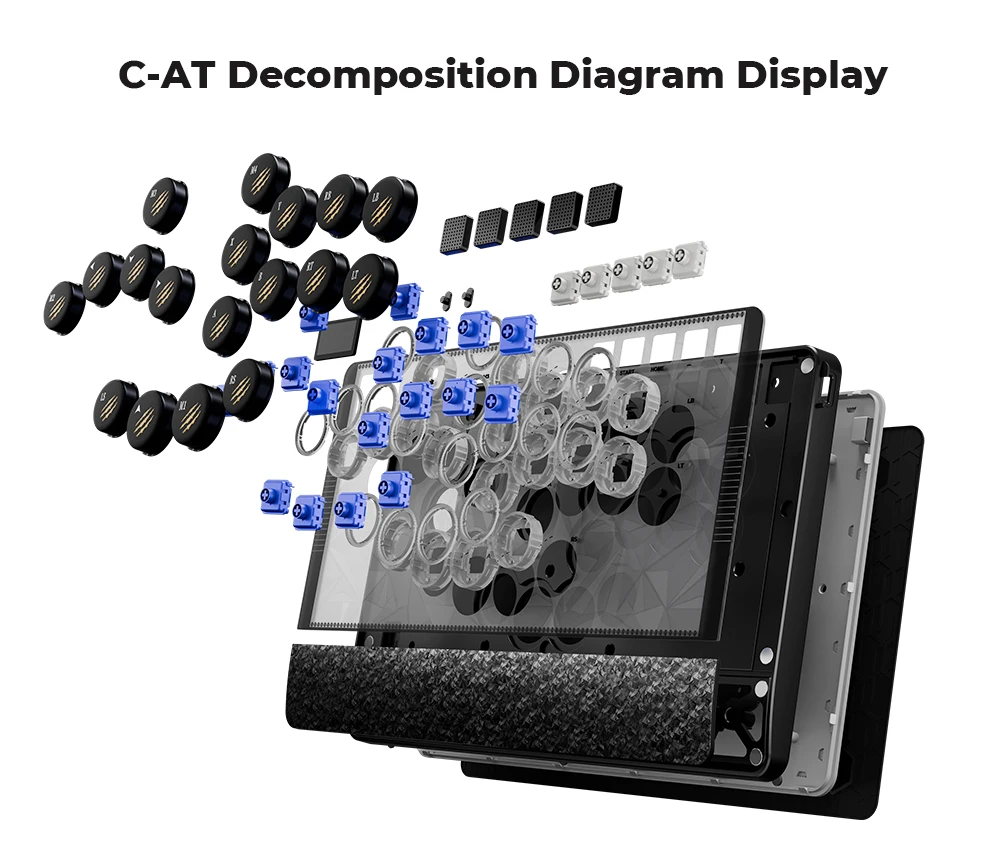
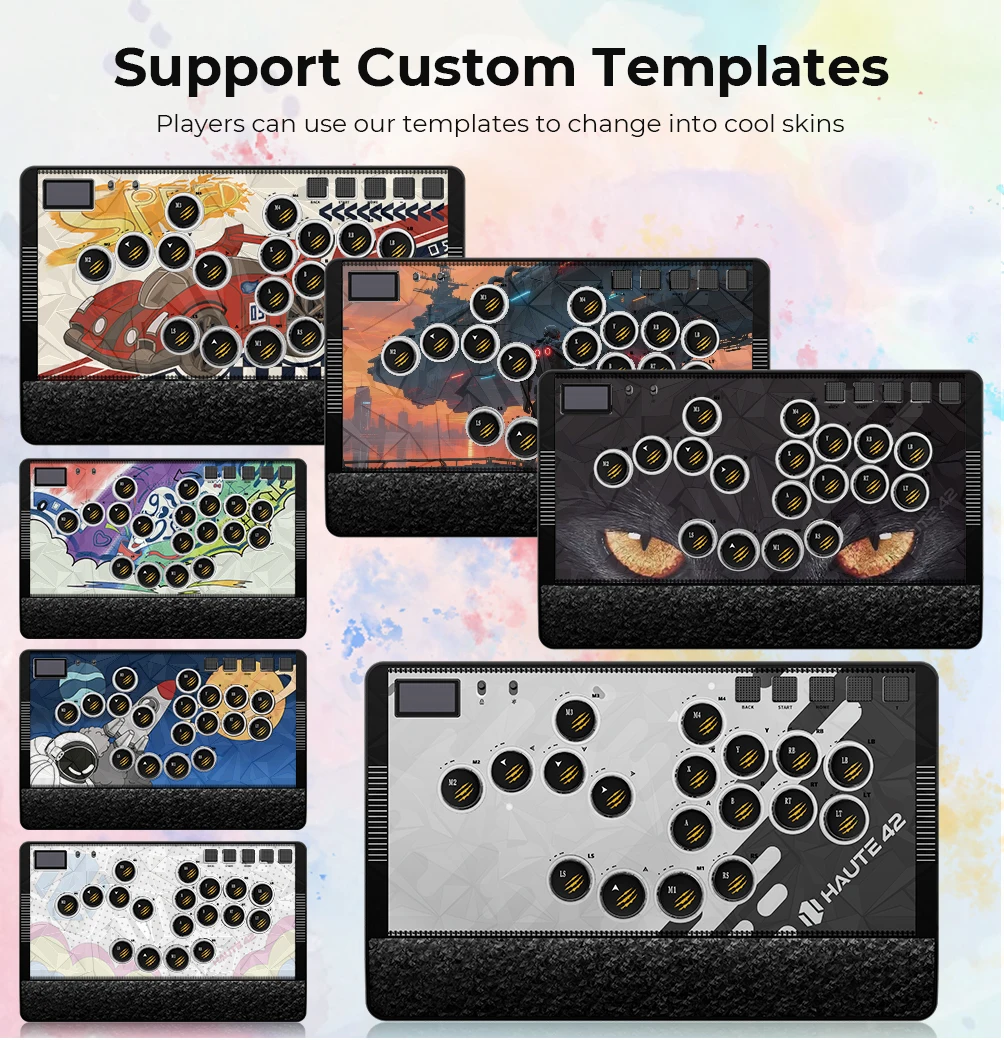
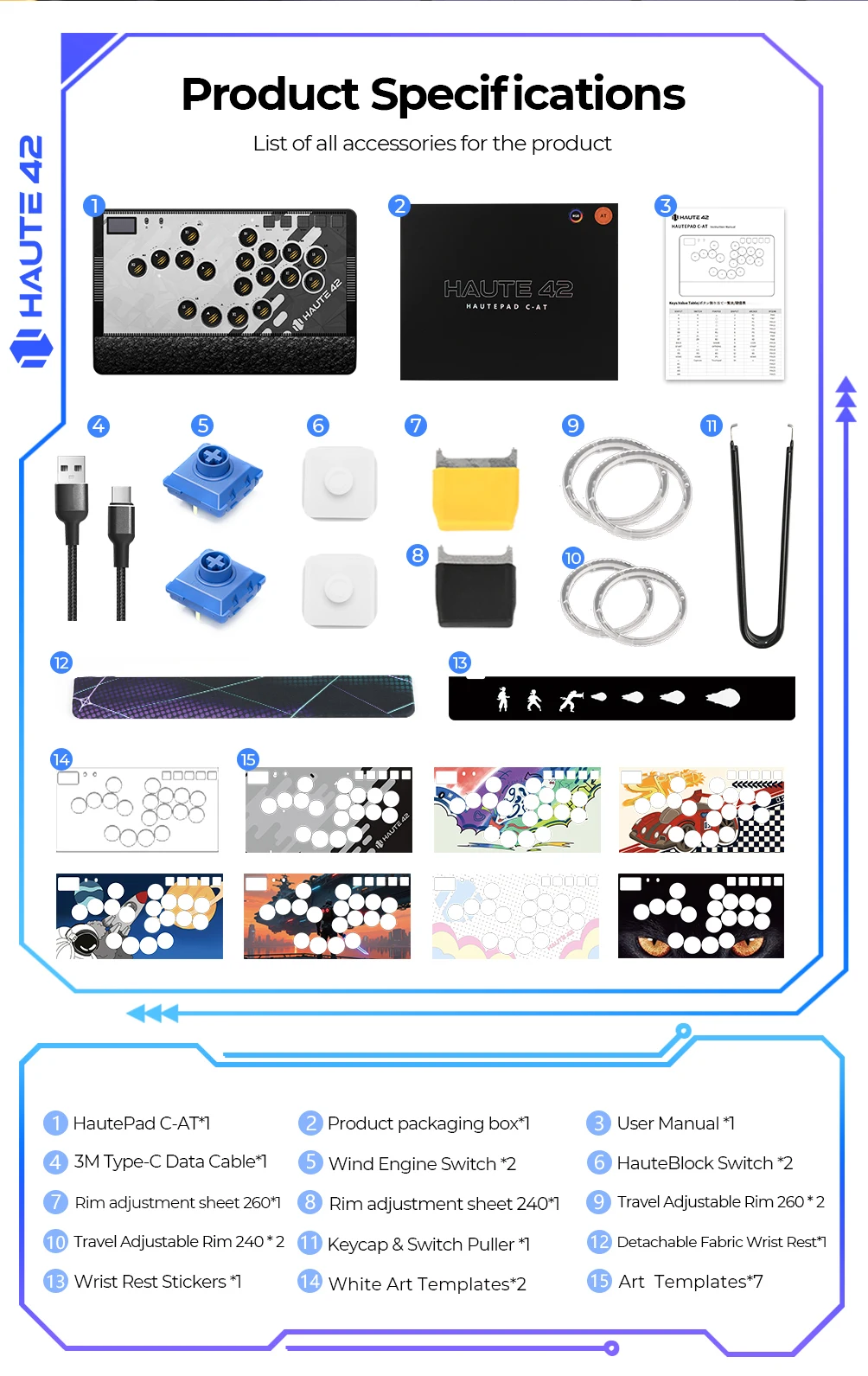
Product Specifications: Keyboard*1 ,Data Cable (3M) *1 Keycap Puller*1, Art Templates*8,Wind Engine Switch*2,Adjustment Plate 260*1,Adjustment Plate 240*1, Spare Retaining Ring 240*2, Adjustment Plate 260*2, Wrist Rest Stickers *1 HauteBlock Switch *2 ,
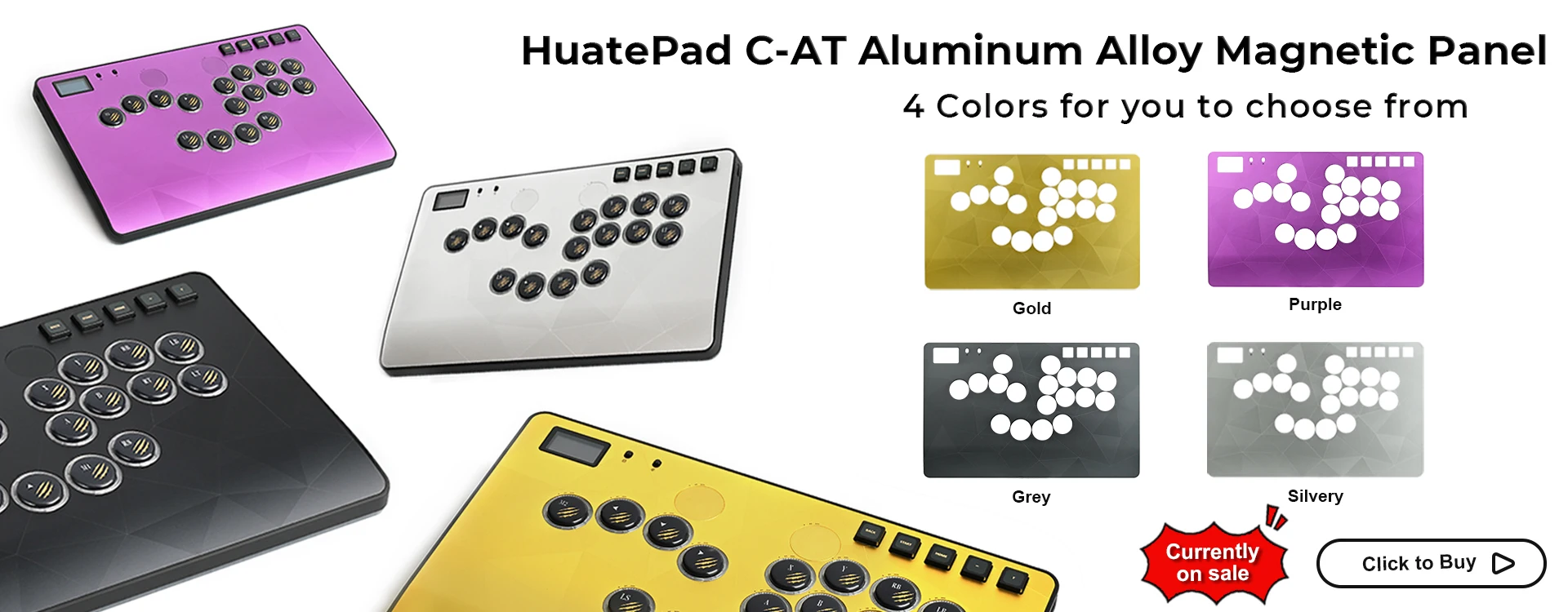
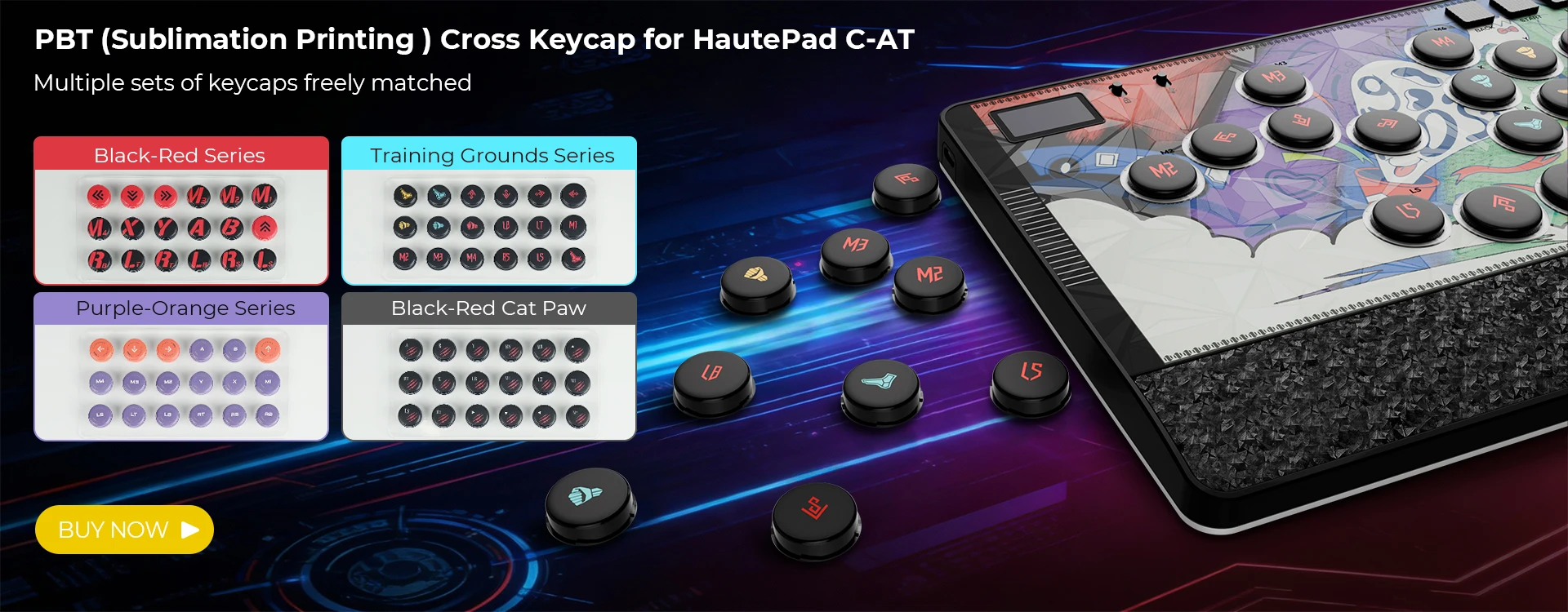
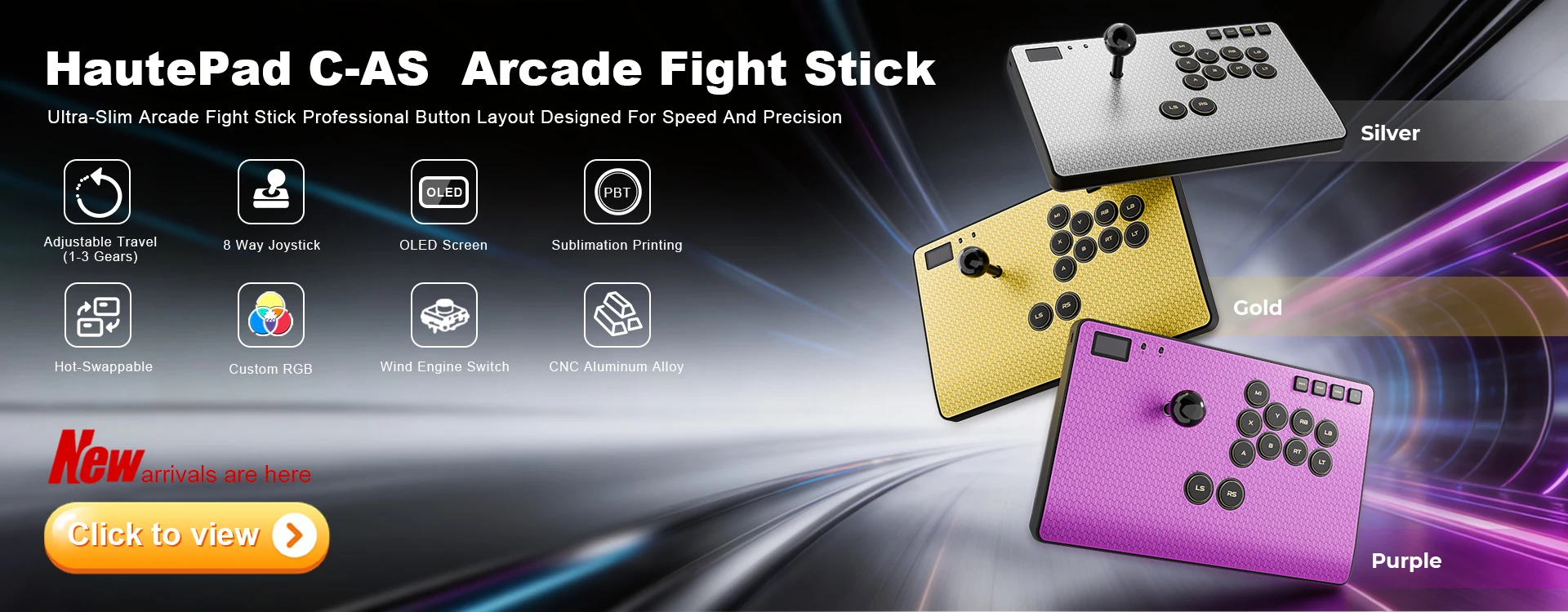
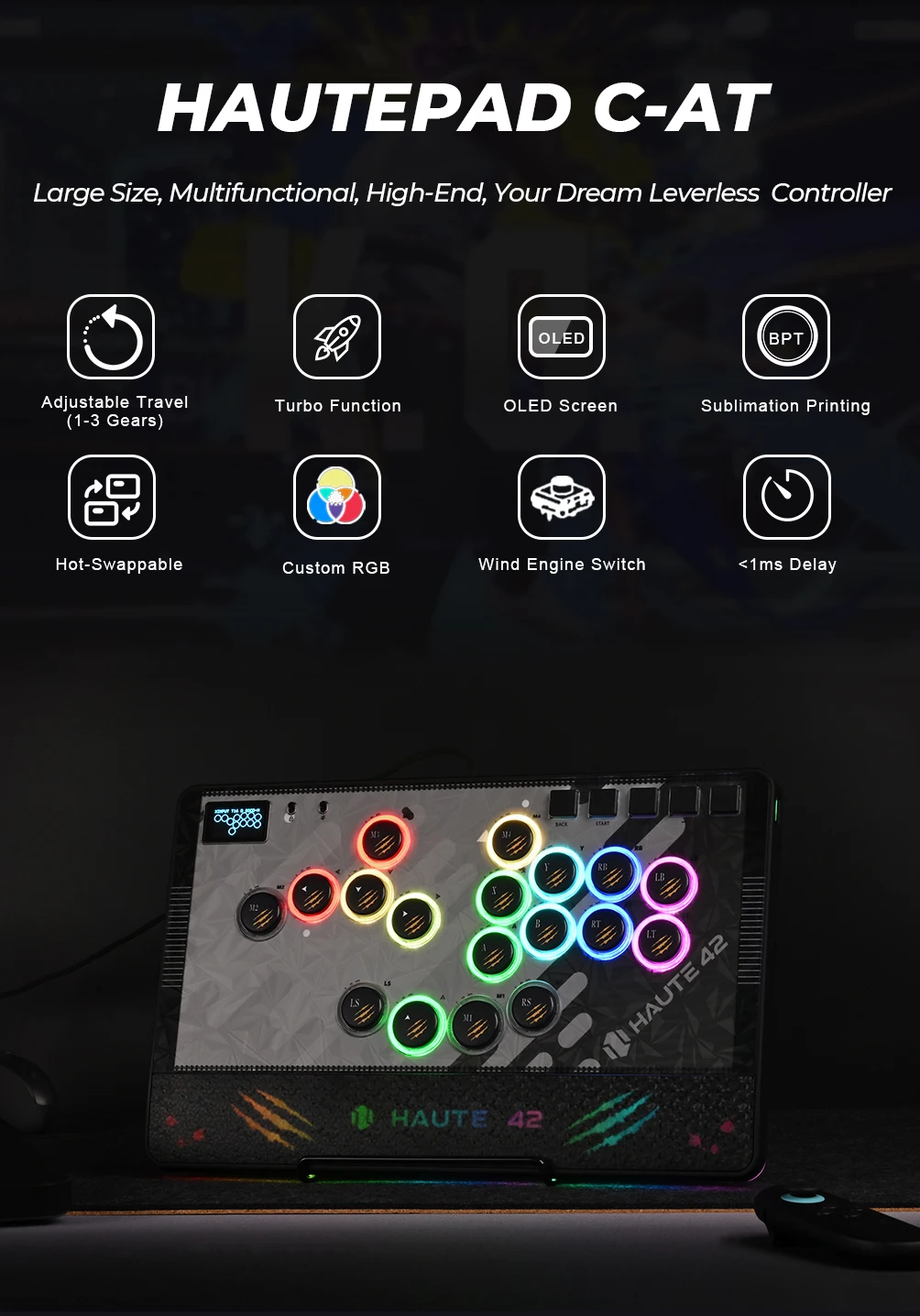
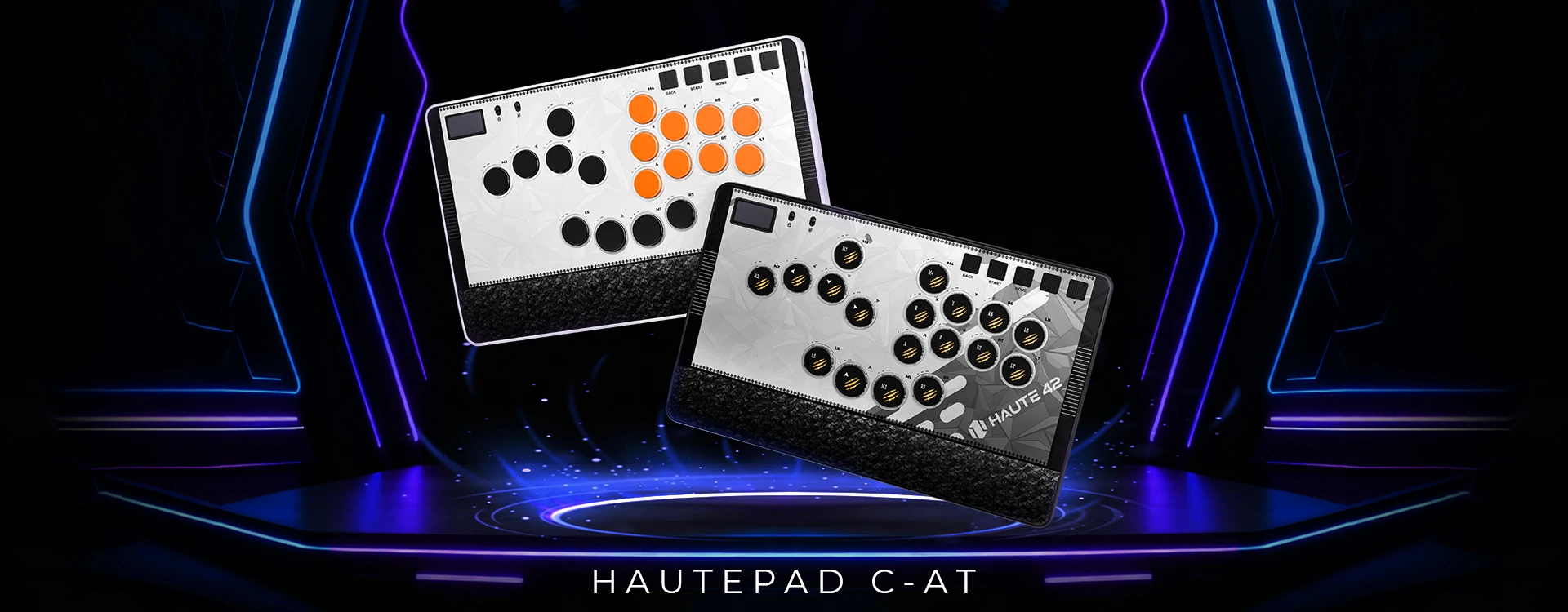
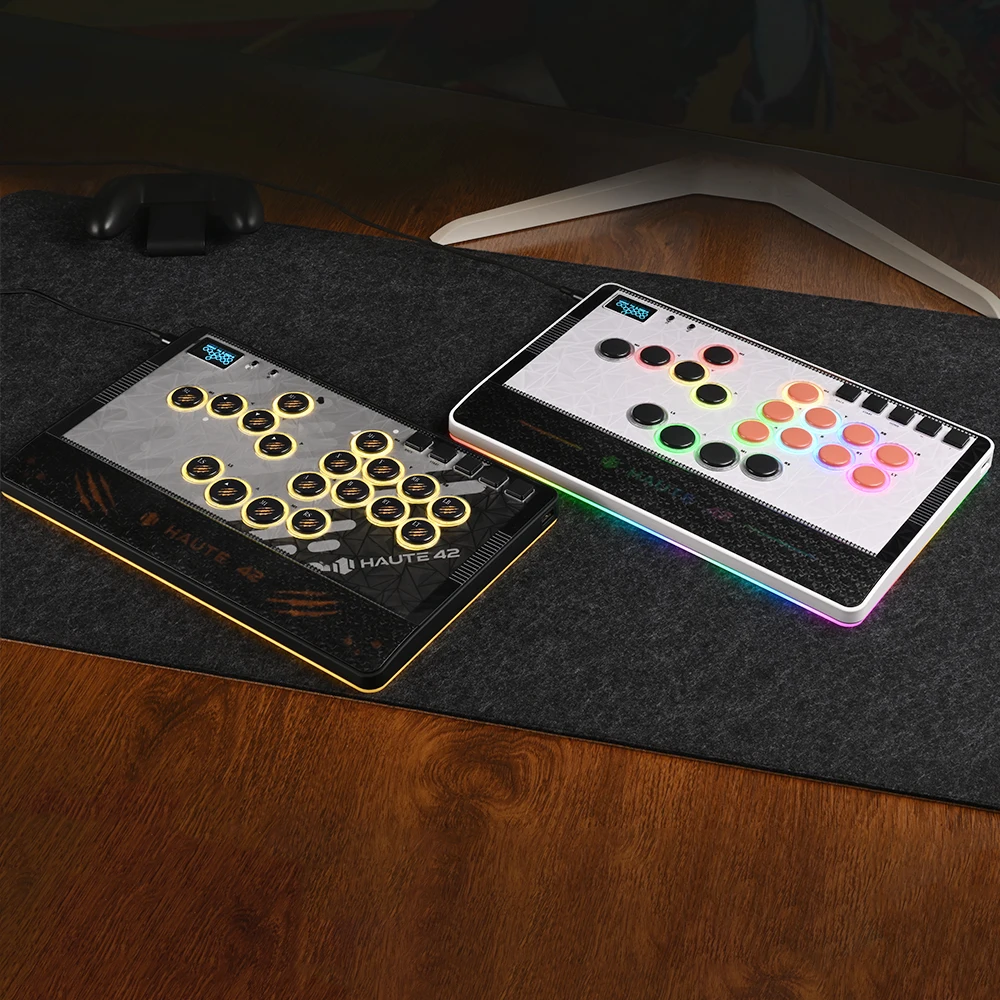
HautePad C-AT
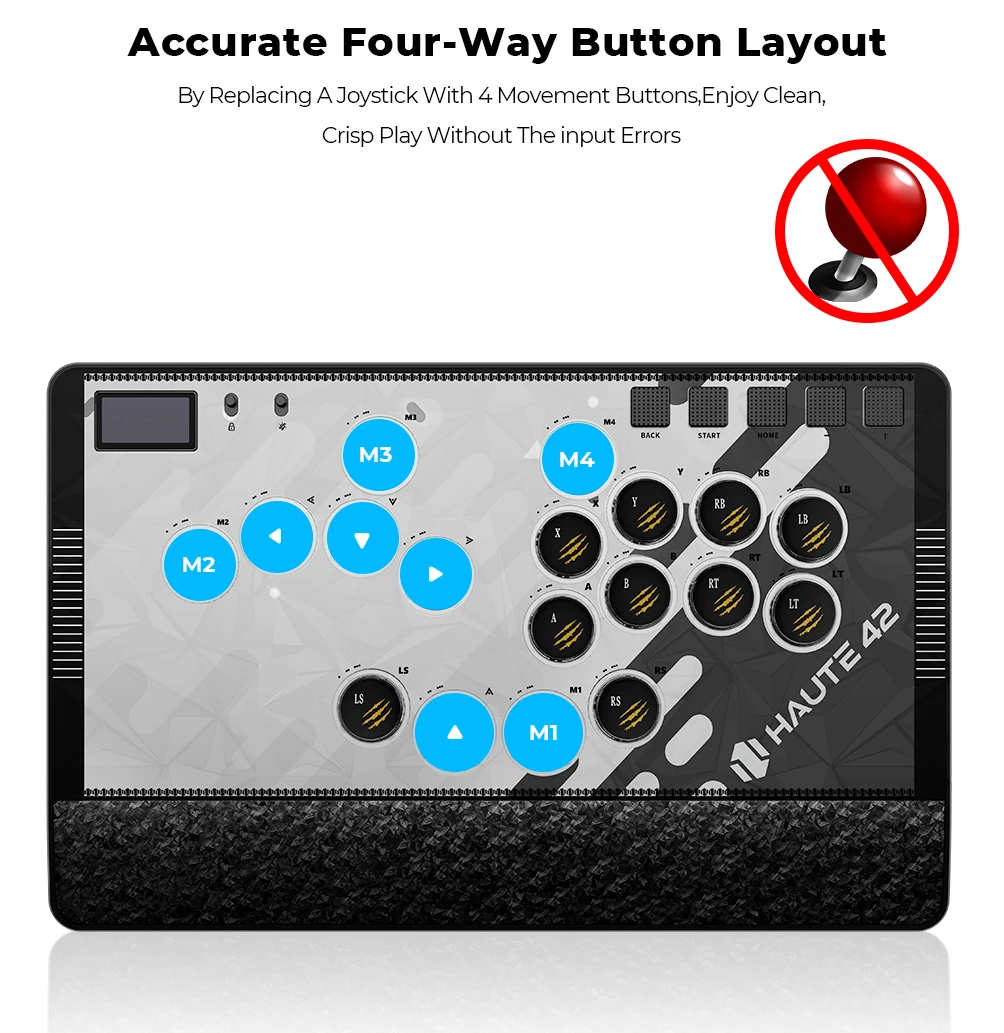
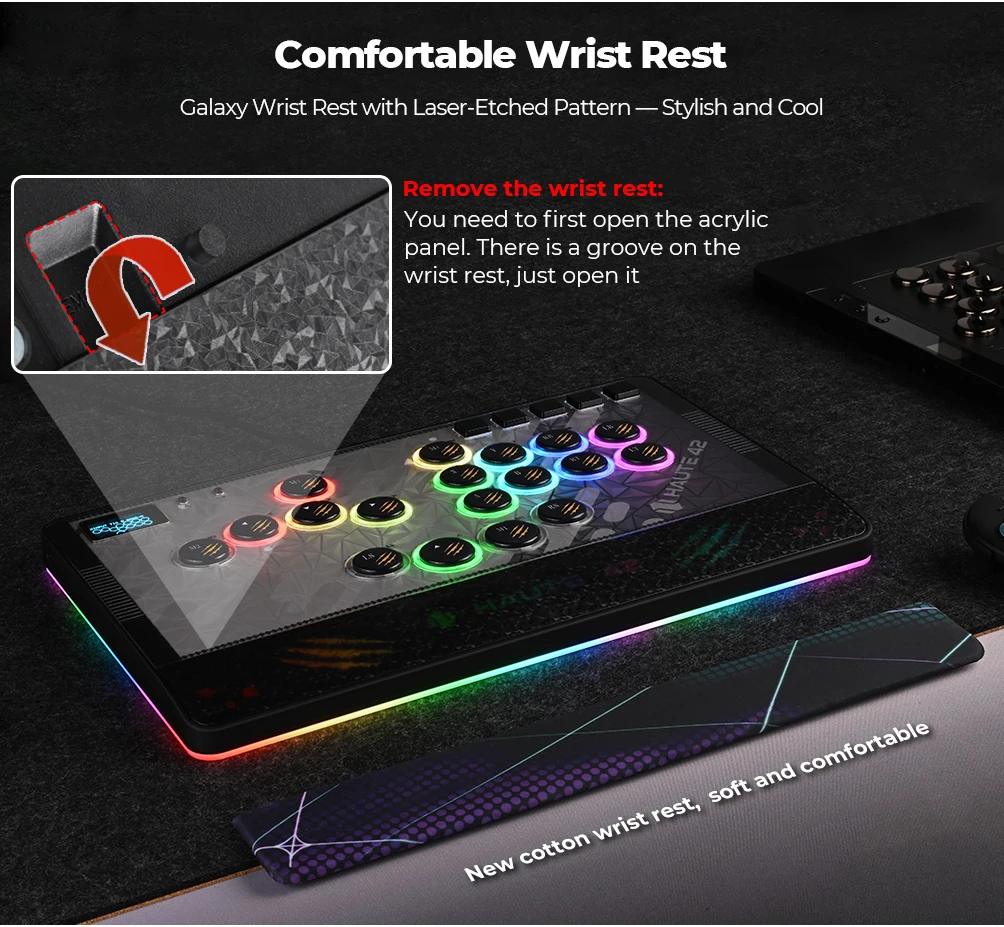
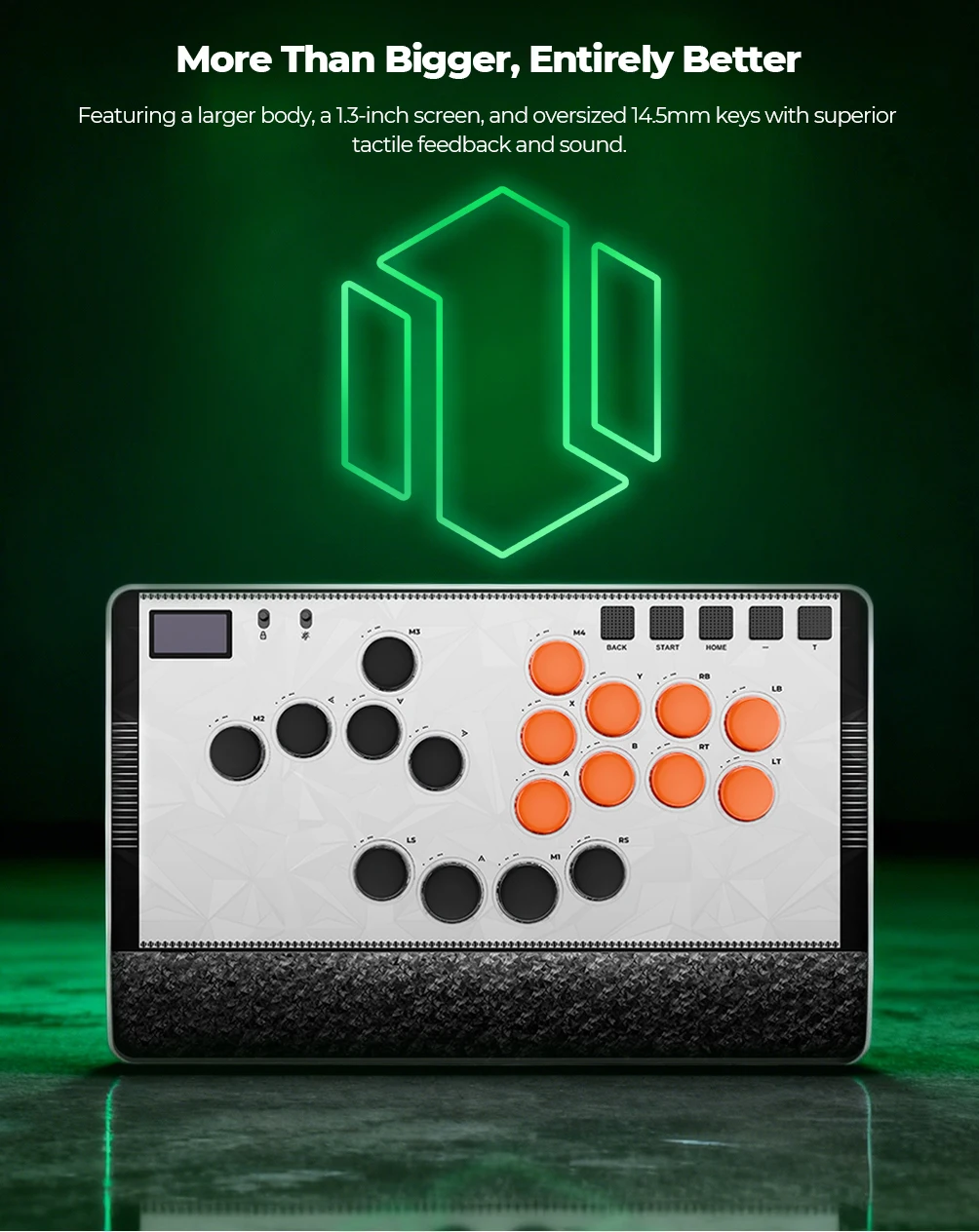
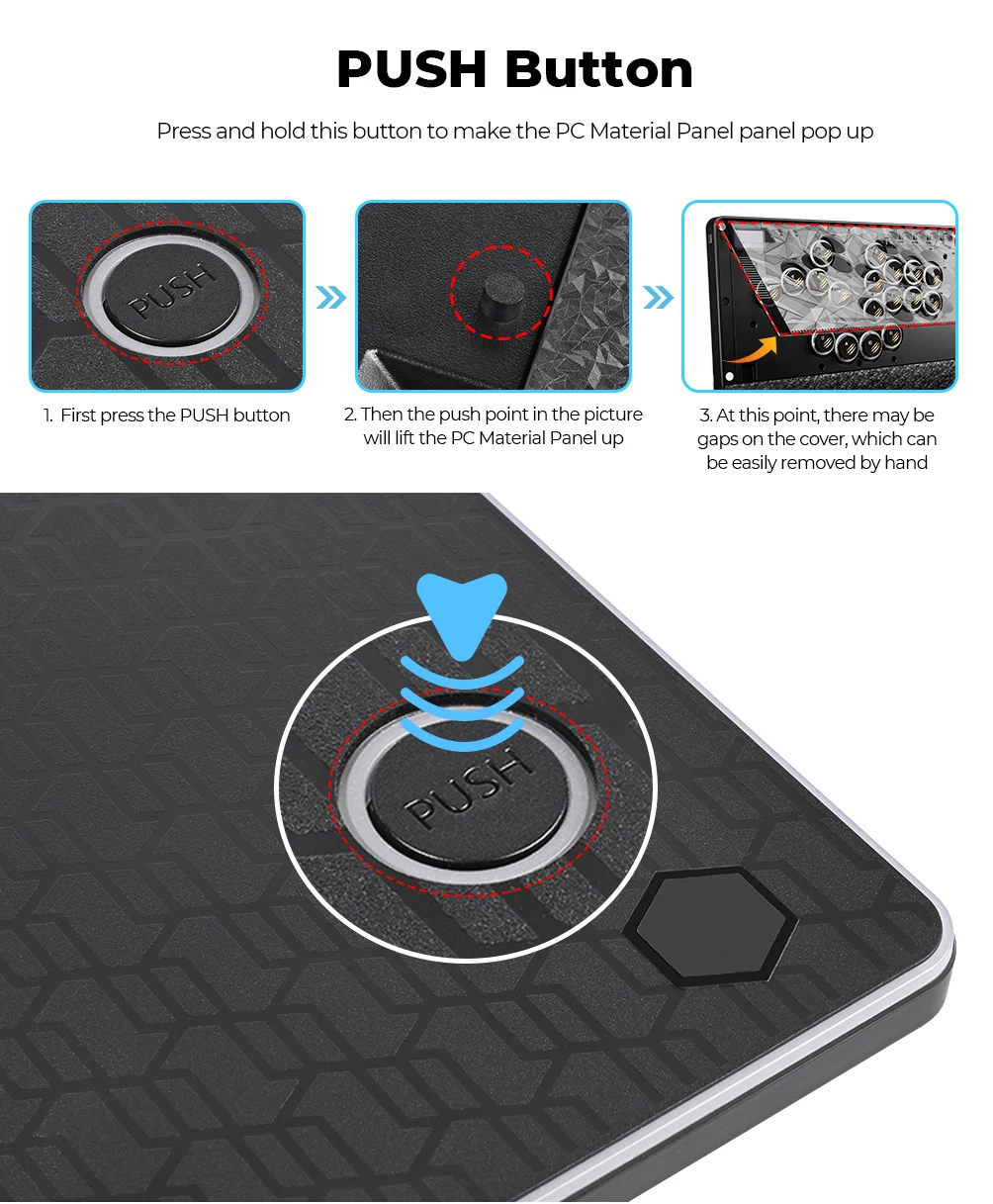
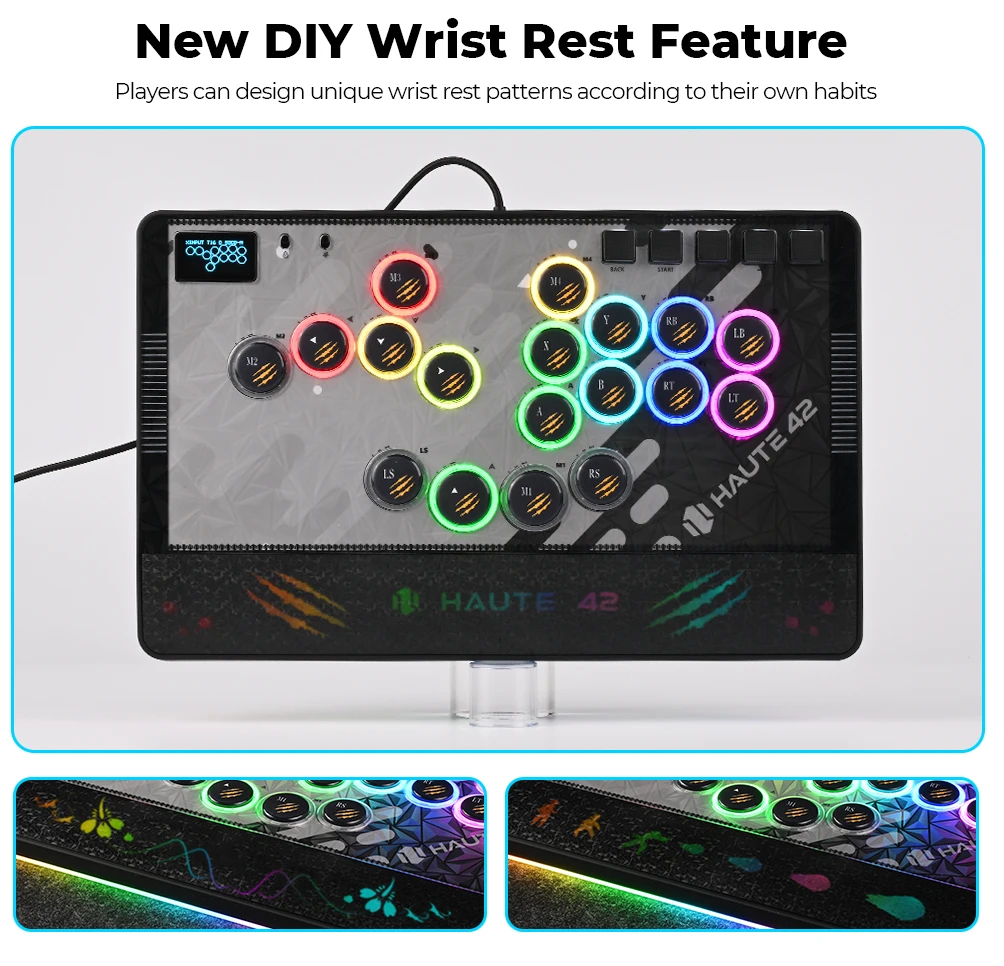
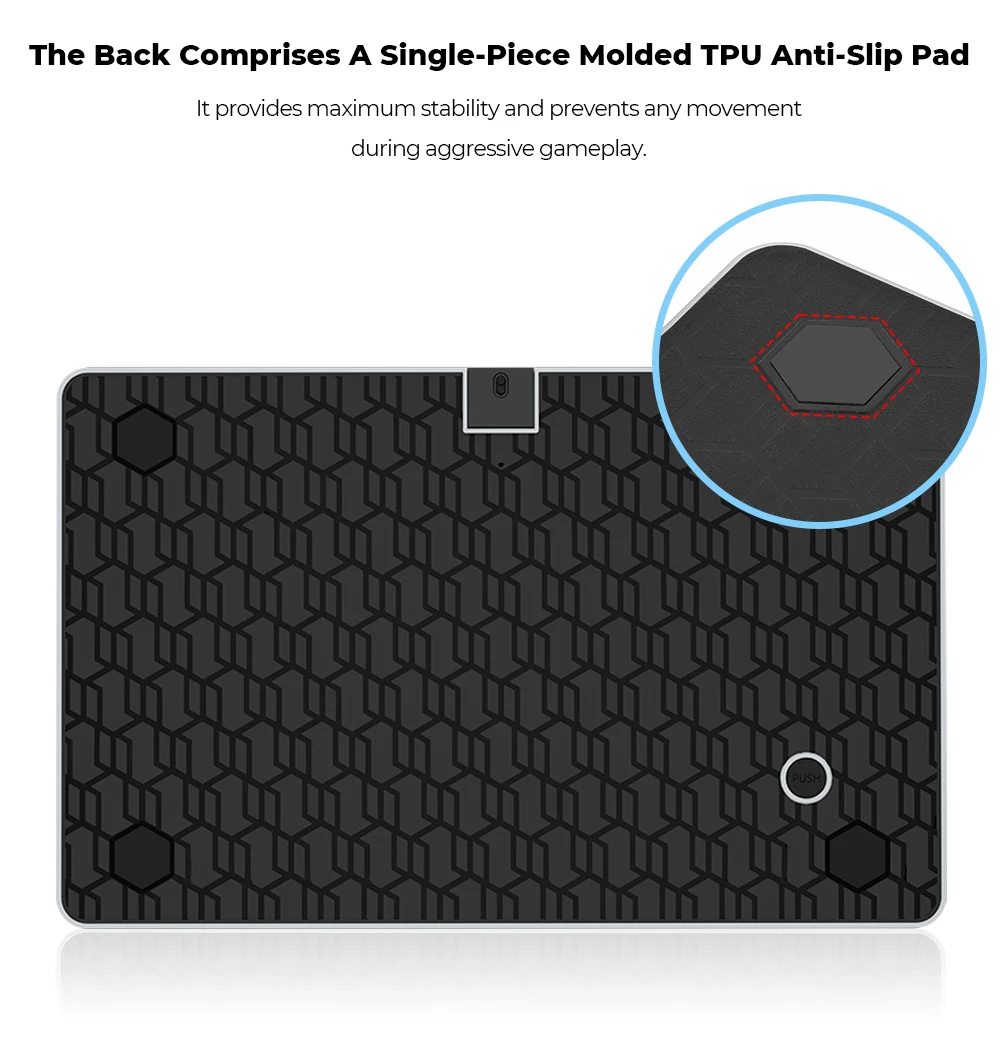
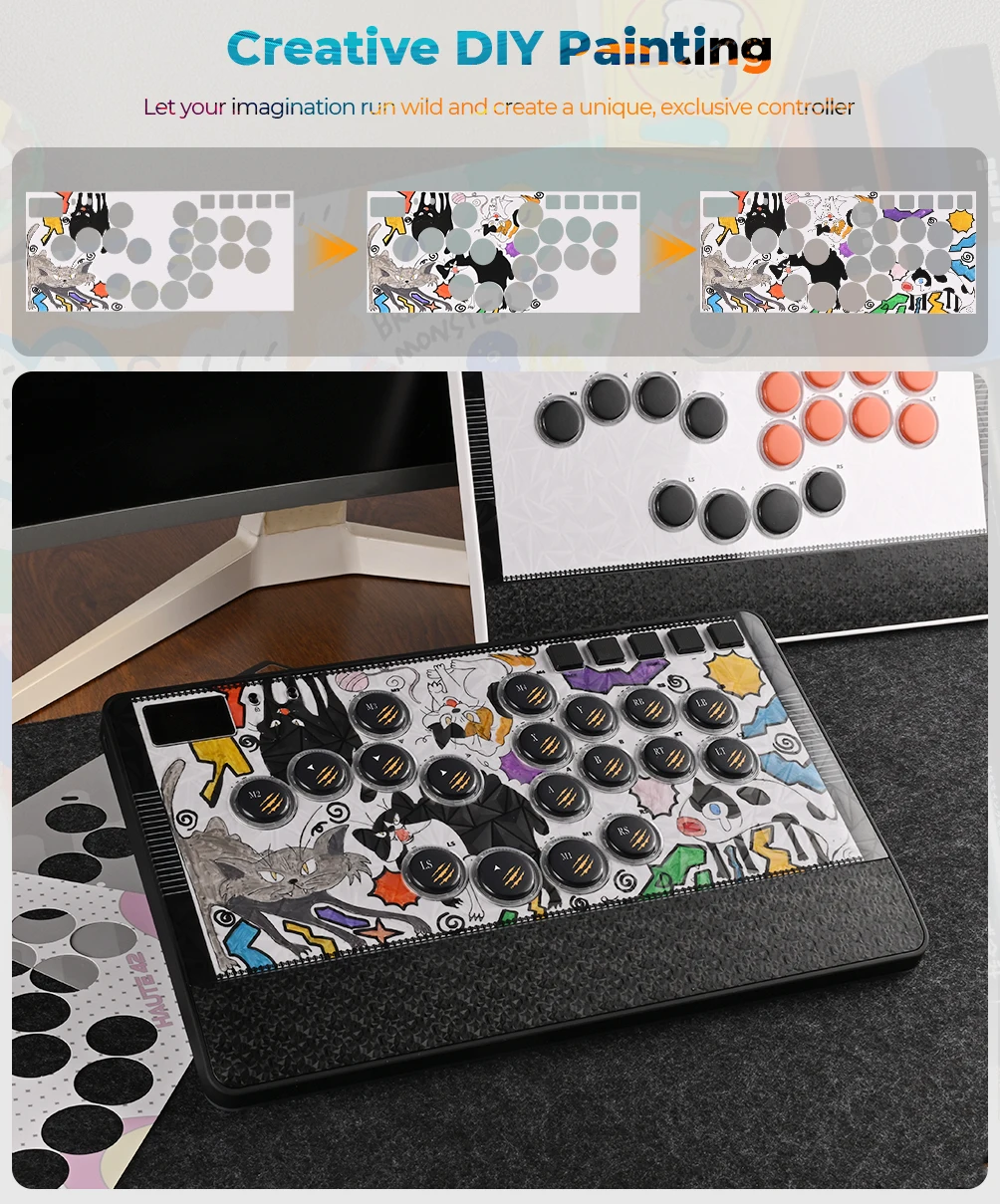
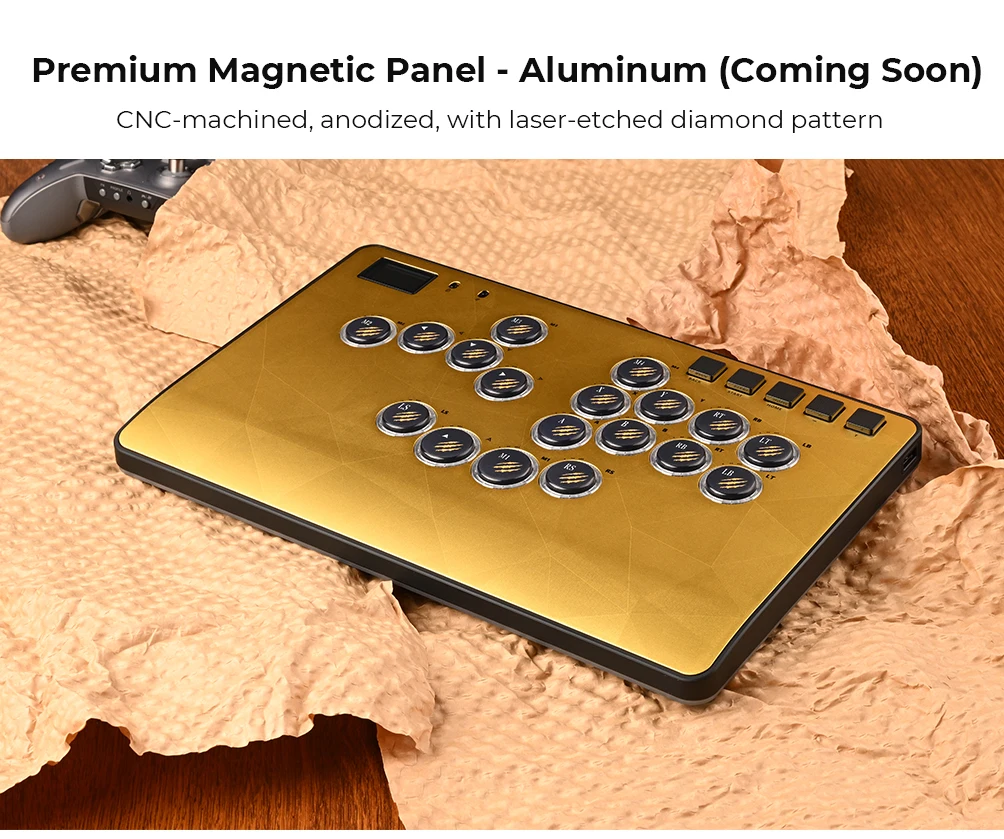
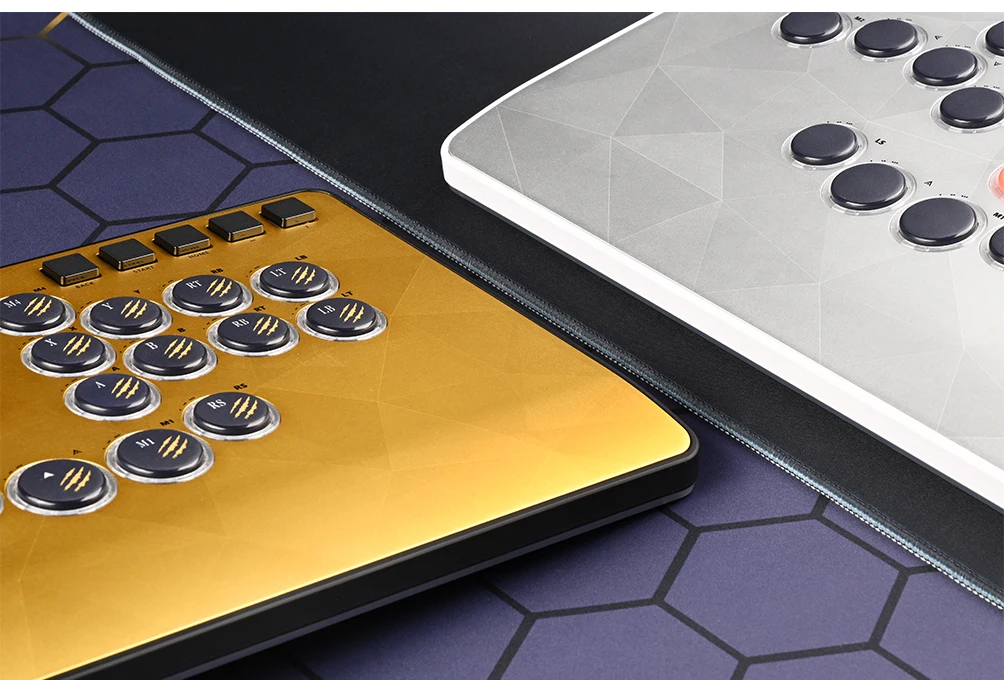
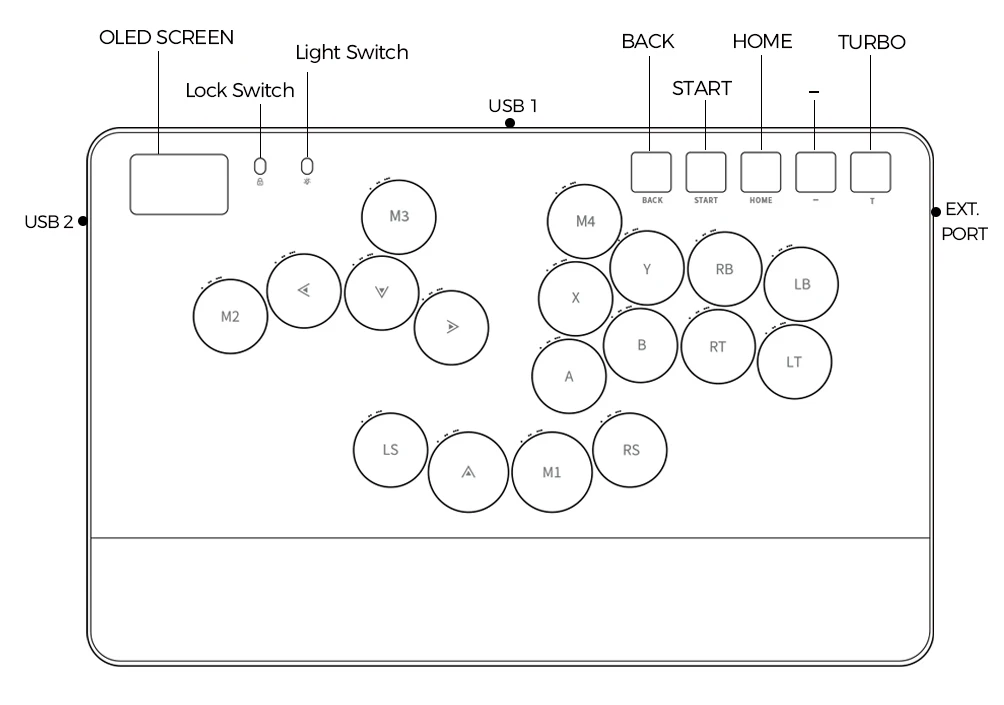
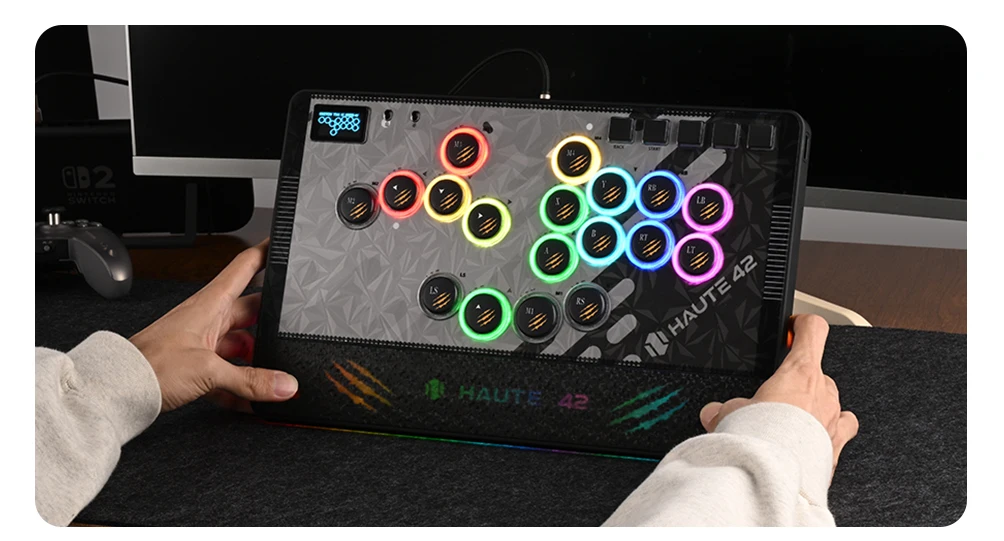
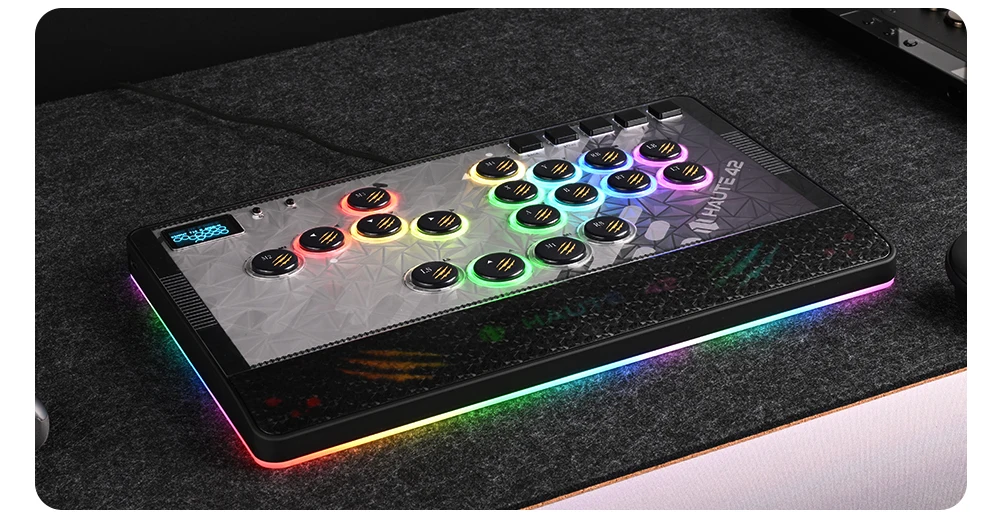
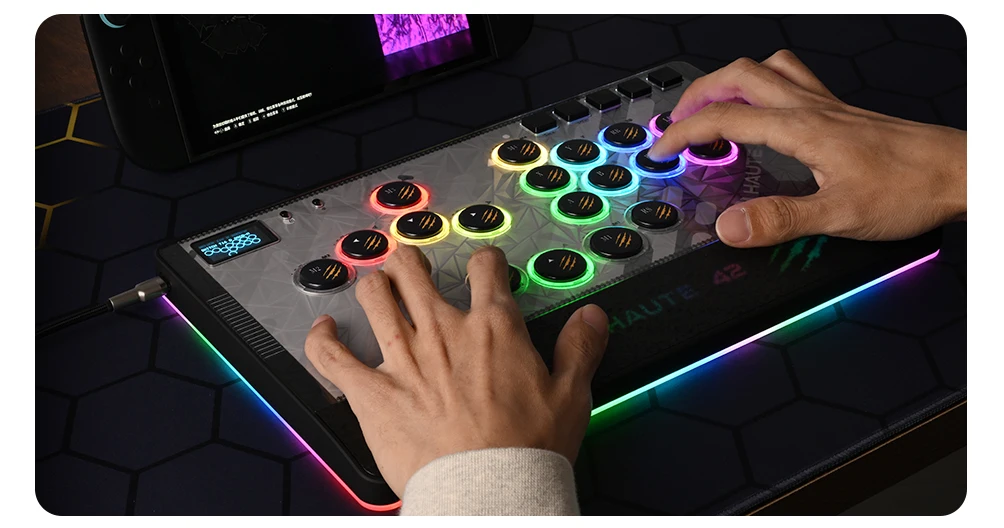
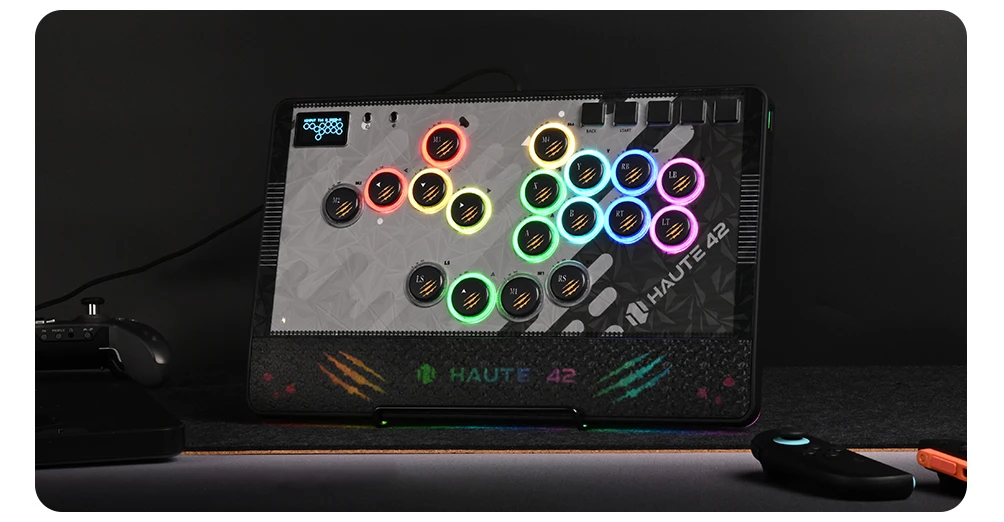
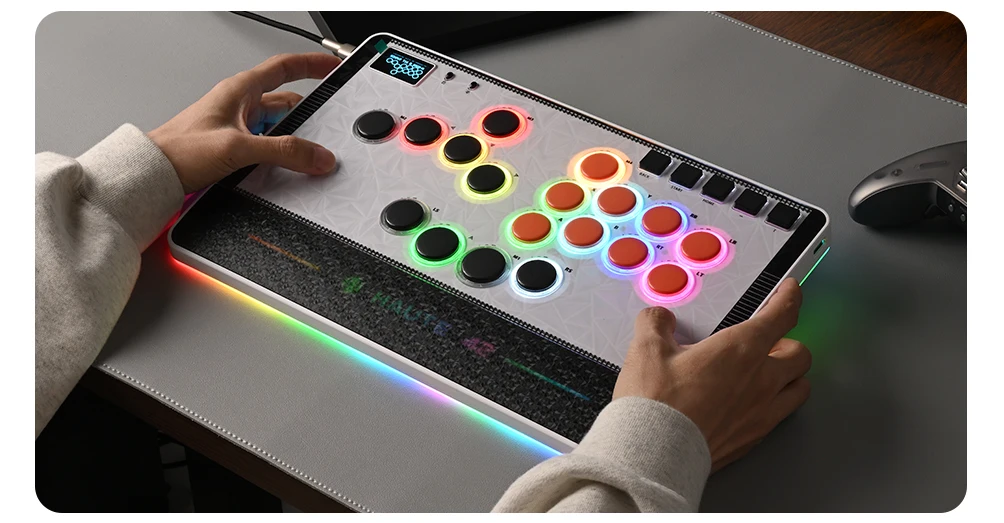
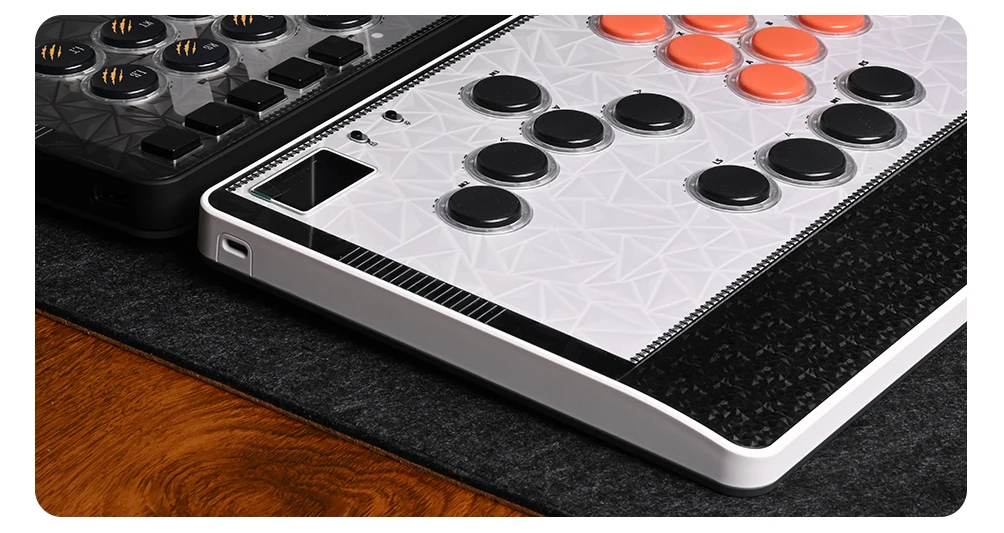
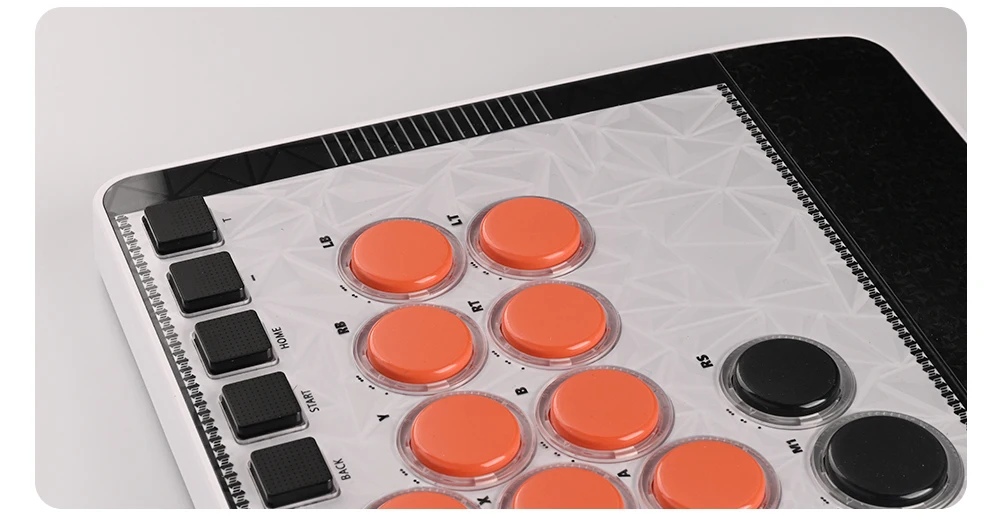
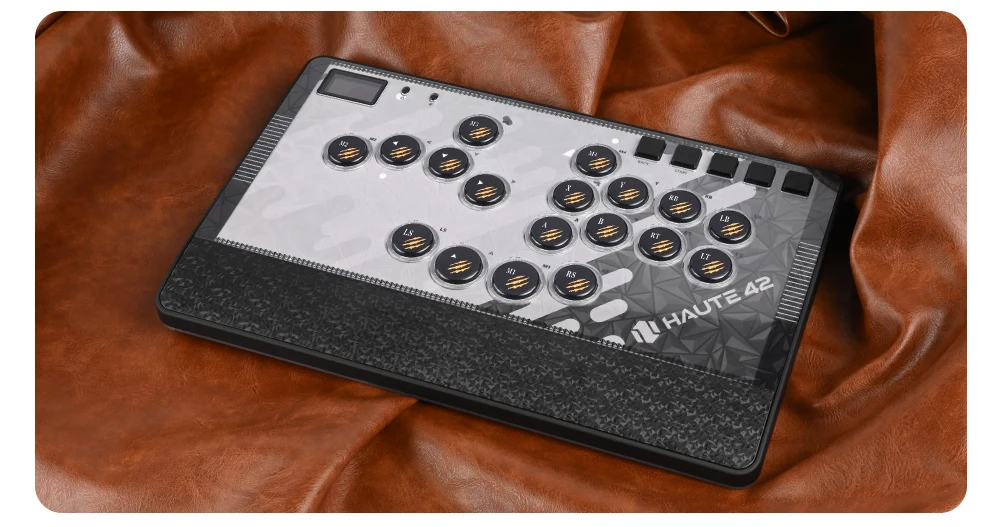
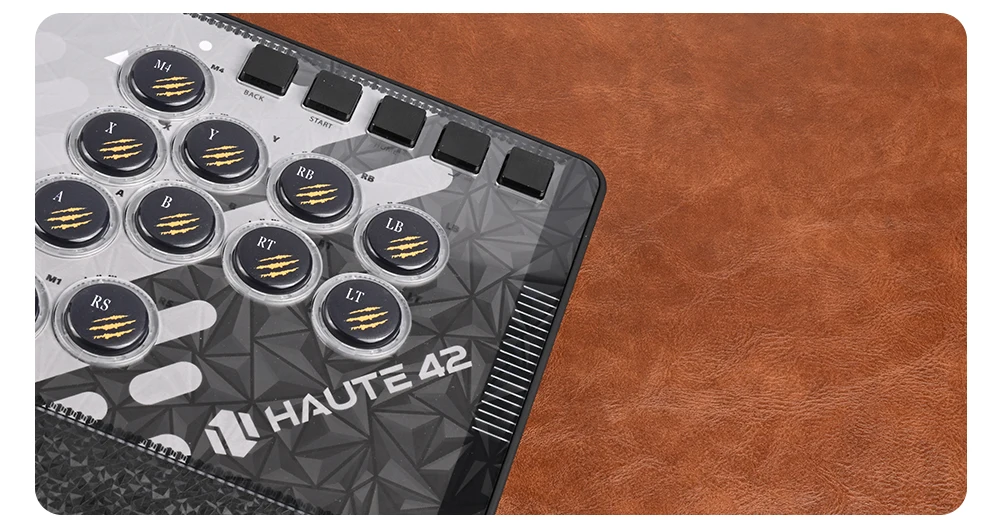
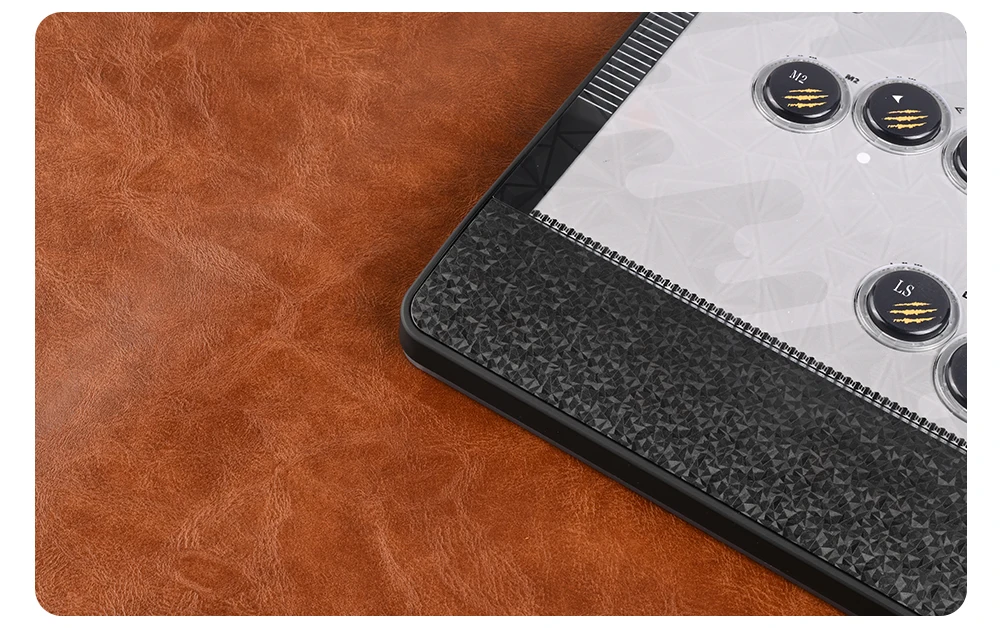
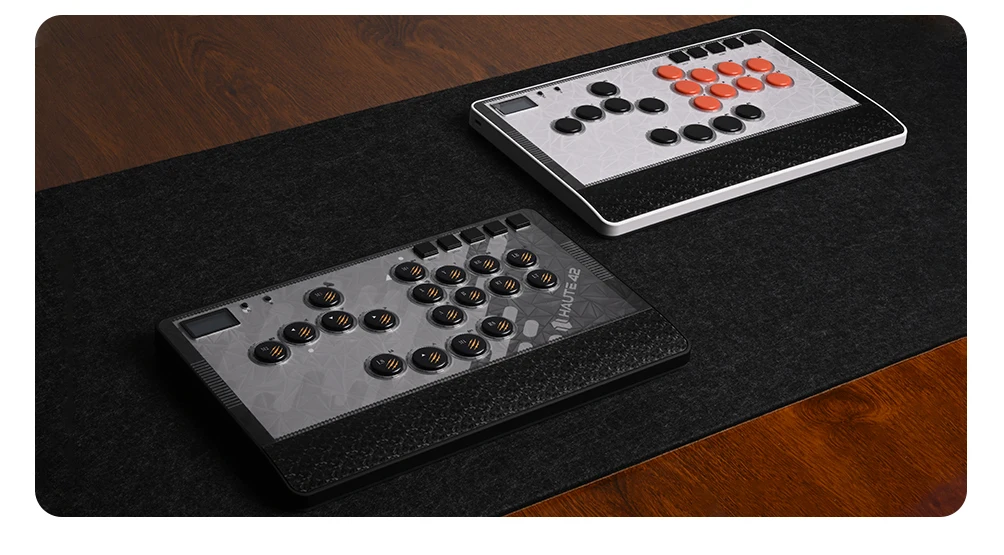
This is a high-value, multi-functional, large-sized Hitbox designed specifically for combat players. It comes with a magnetic panel and a hand rest, which can also have DIY patterns. The buttons are adjustable in 3 levels, and the back is an integrated anti slip pad. We have used PBT material for the keycaps, which are beautiful, oil resistant, and wear-resistant. It is worth having and your dream arcade controller
01 Compatibility
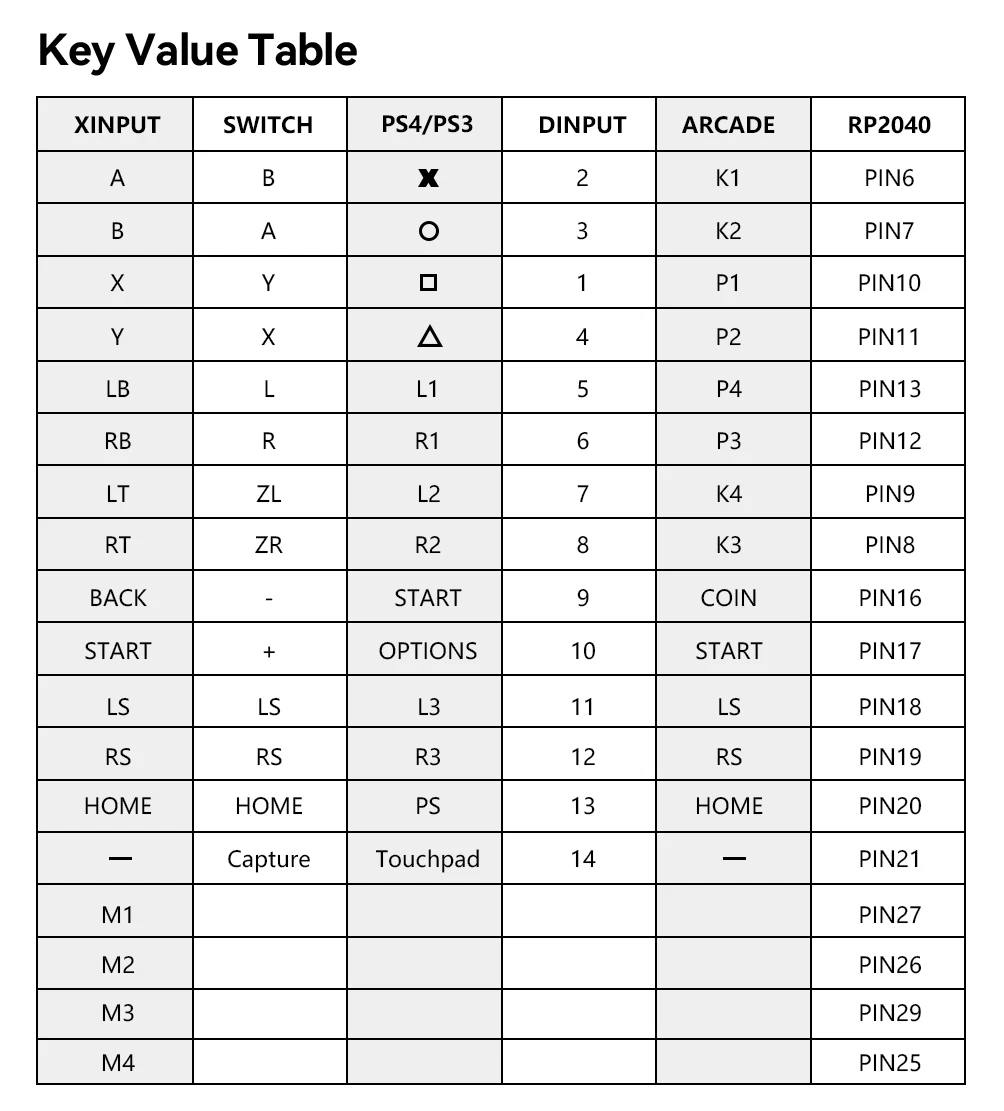
B — Xinput mode (Windows/Steam)
A — SWITCH mode
X — PS3 / Dinput mode (Raspberry Pi / Android)
Y — PS4 mode (Compatible with PS4 games on PS5 console)
RT — KEYBOARD mode
Input Mode
To change the input mode, hold one of the buttons(as shown above) as the controller is plugged in.
Tips:
This product defaults to Xinput mode,Input mode is saved across power cycles.
If there are games that do not compatible the above input modes , you can enter the Web Configurator to modify them for normal use.
PS4 /PS5 Mode
About PS4 /PS5 8 minute disconnection,there are two ways, one is insert a dongle or a officially authorized PS4 wired controller to the EXT.port,We don't have a recommend one,there are too many choices,maybe you can add our discord with other nice players in haute42 group,oficial Website:www.haute42.com
Web Configurator
This product contains a built-in web-based configuration application which can be started up by holding START when plugging your controller into a PC. Then access http://192.168.7.1 in a web browser to begin configuration.
TURBO
Hold TURBO,then press the button which you need to be set for turbo function,then this button will be continuous sending while you press it,to cancel this turbo key,just repeat the privious step.
The turbo key that set will be cleard when power off.
These keys can be set as a Turbo key: A / B / X / Y / LB / RB / LT / RT
04 RGB LED Setting
●BACK + START + X Next Animation
●BACK + START + A Previous Animation
●BACK + START + Y Brightness Up
●BACK + START + B Brightness Down
●BACK + START + RB LED Parameter Up
●BACK + START + RT LED Parameter Down
●BACK + START + LB Pressed Parameter Up
●BACK + START + LT Pressed Parameter Down