No Limit Super Store
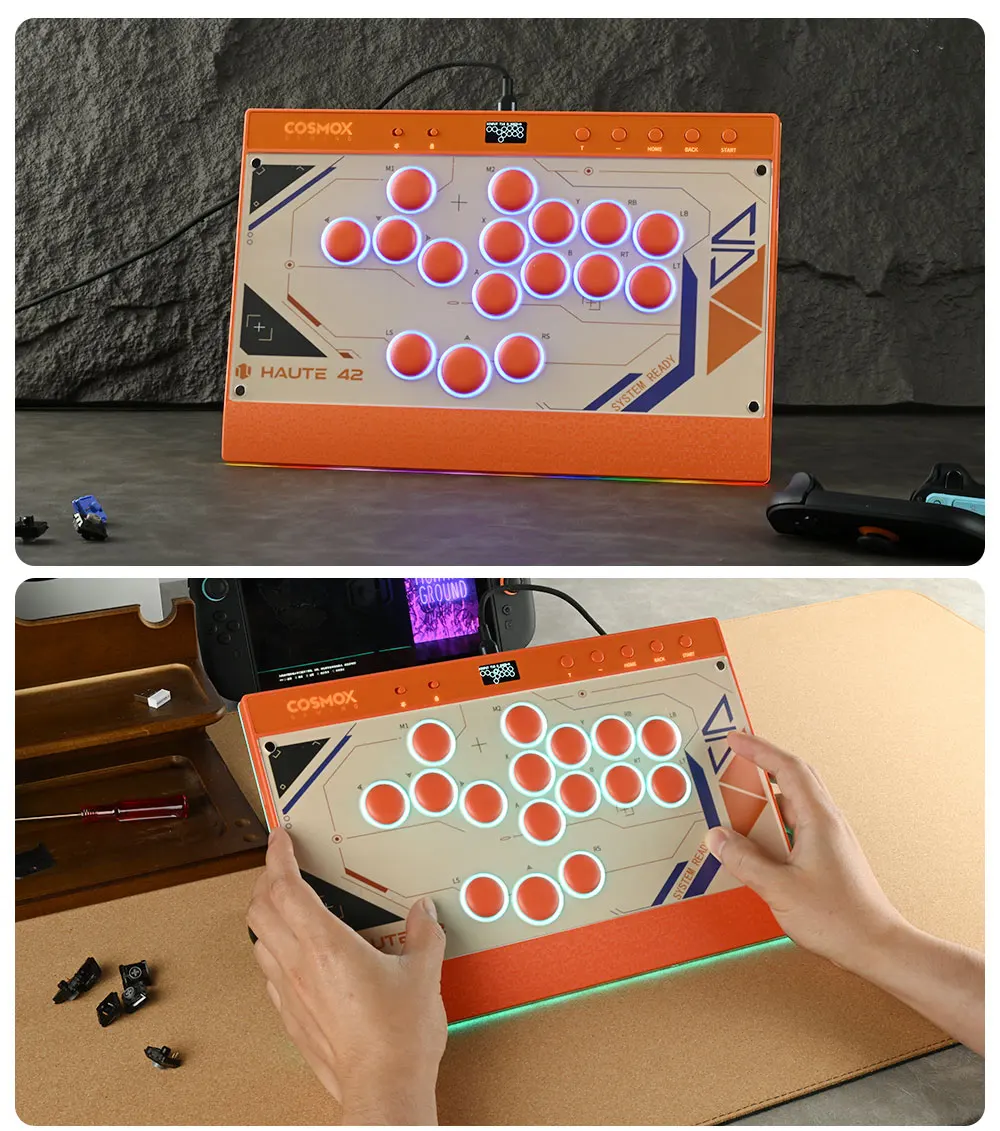
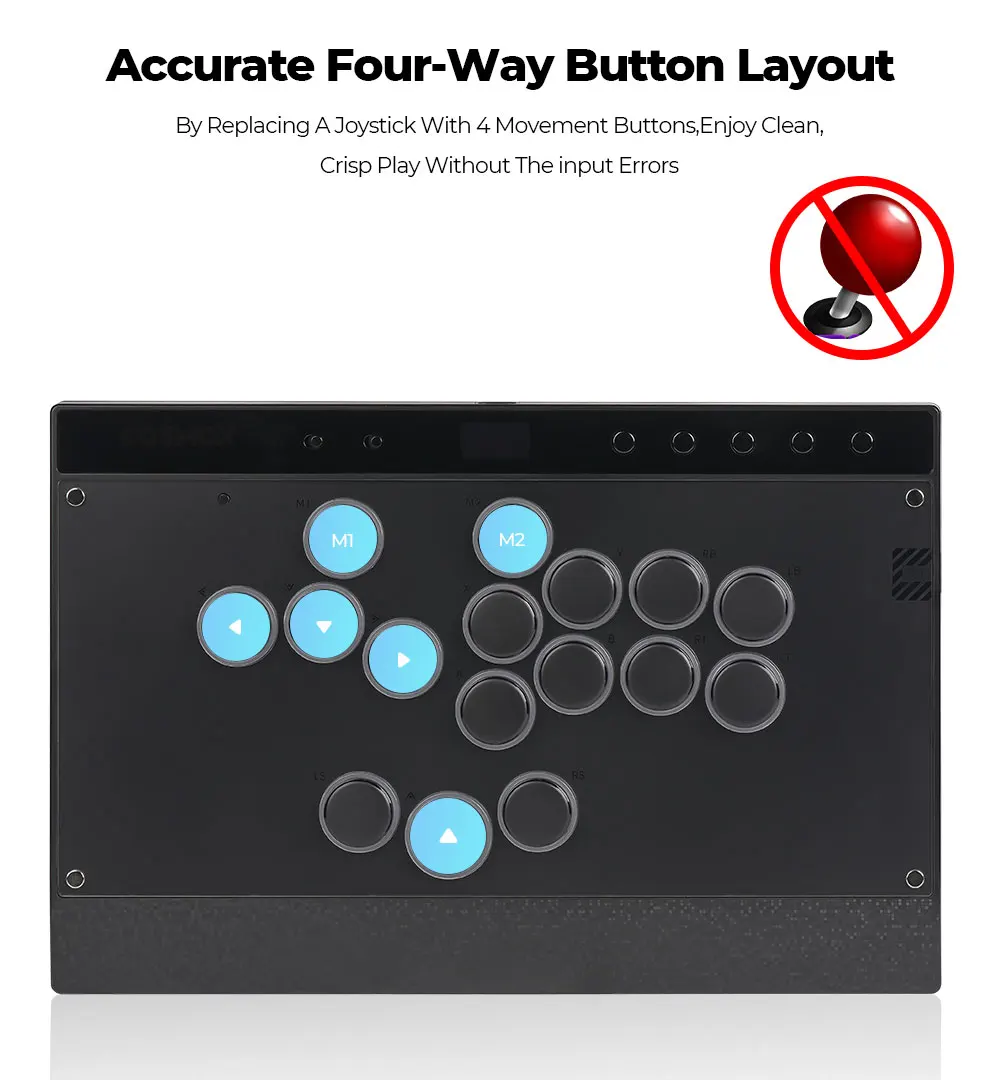
New C16 Orange Magnetic Stickless Arcade Stick Leverless Hitbox Controller for For PC/PS4/PS5/Switch Leverless Stick
New C16 Orange Magnetic Stickless Arcade Stick Leverless Hitbox Controller for For PC/PS4/PS5/Switch Leverless Stick
Couldn't load pickup availability
SPECIFICATIONS
Accessories Type: Leverless Controller,Hitbox Leverless Controller
Compatible Brand/Model: PC
Electric: No
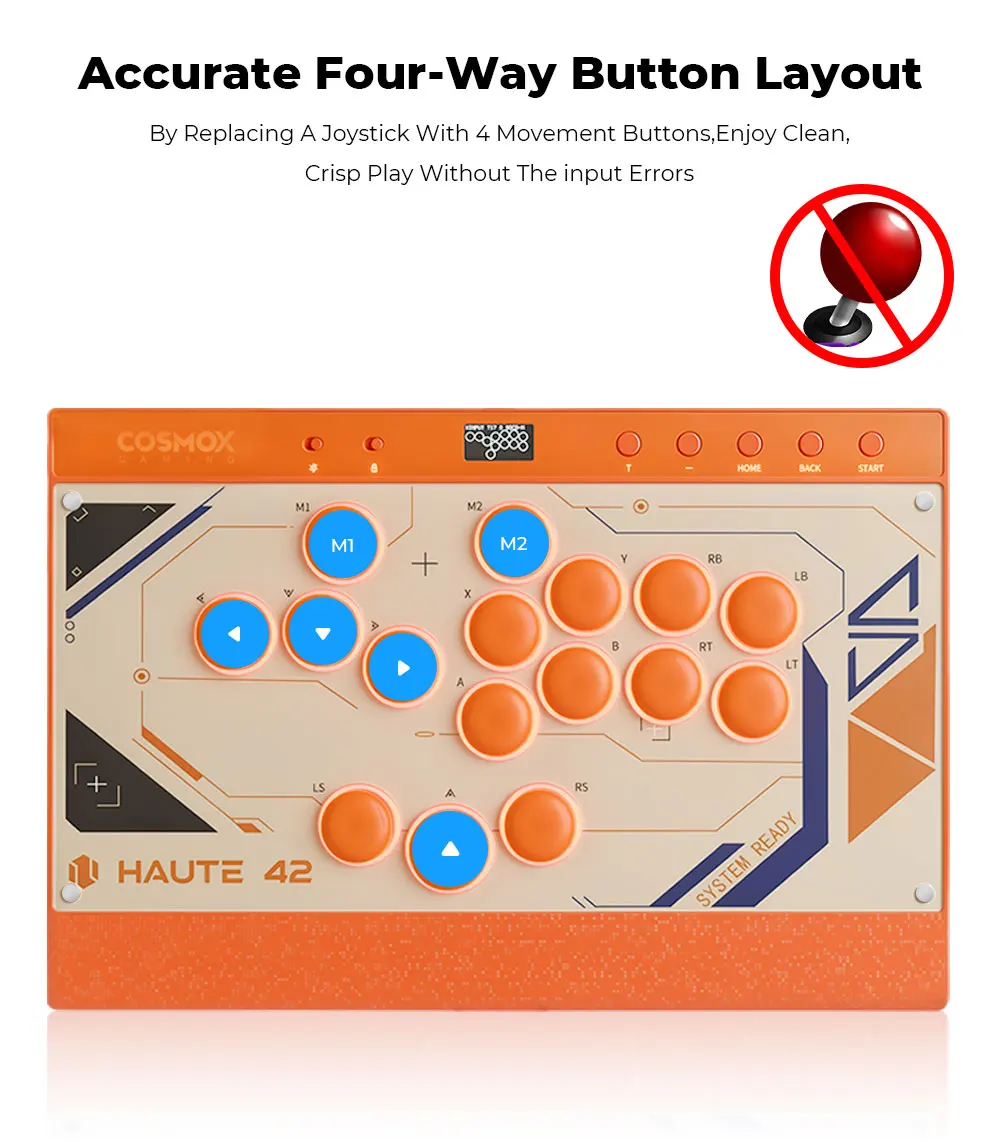
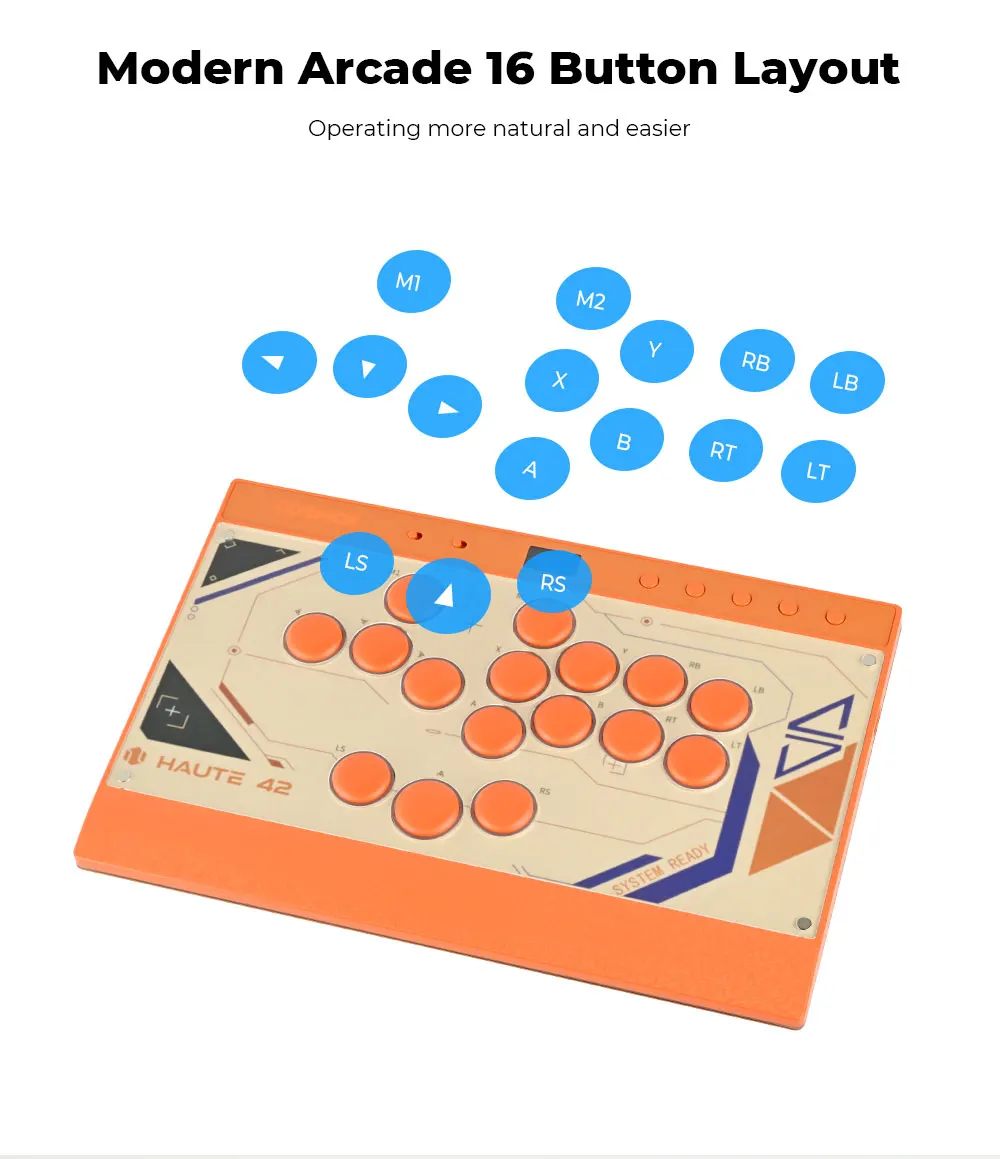
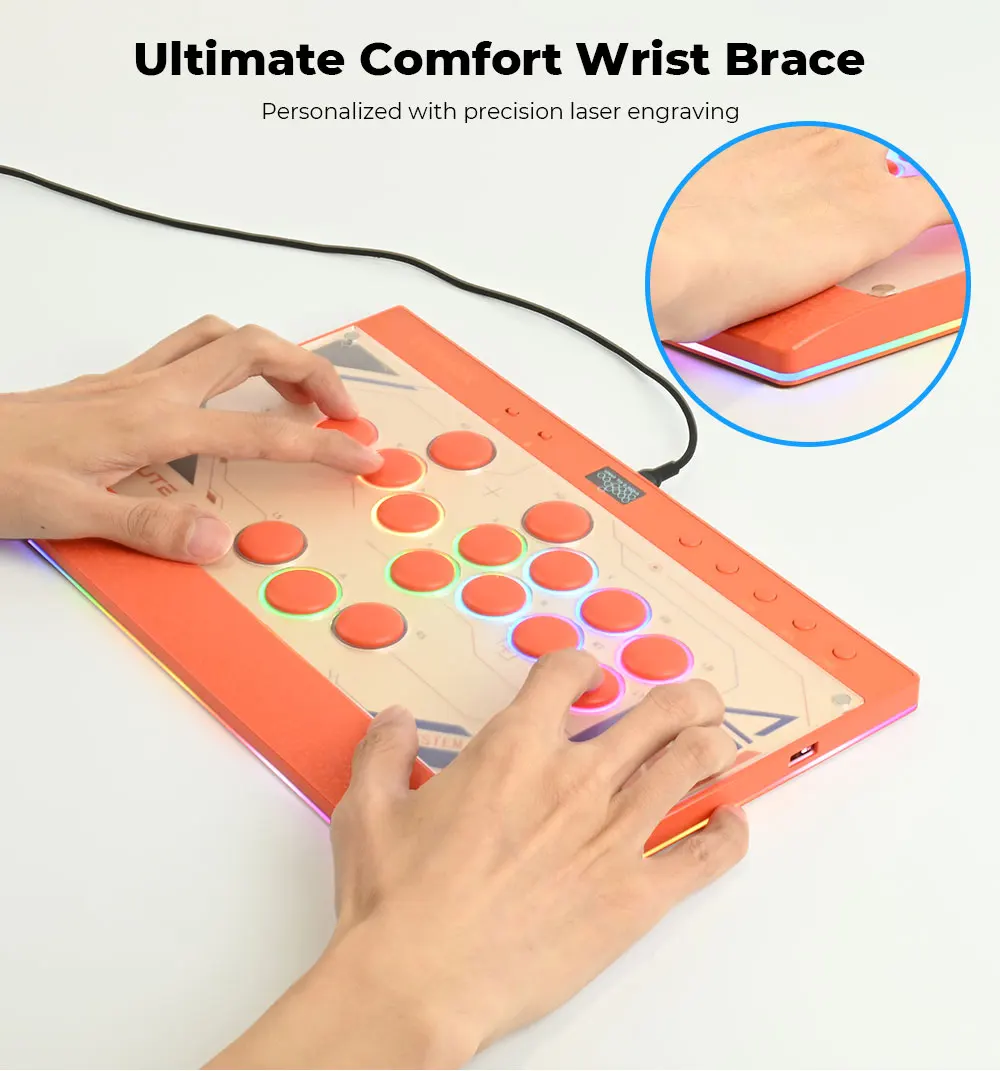
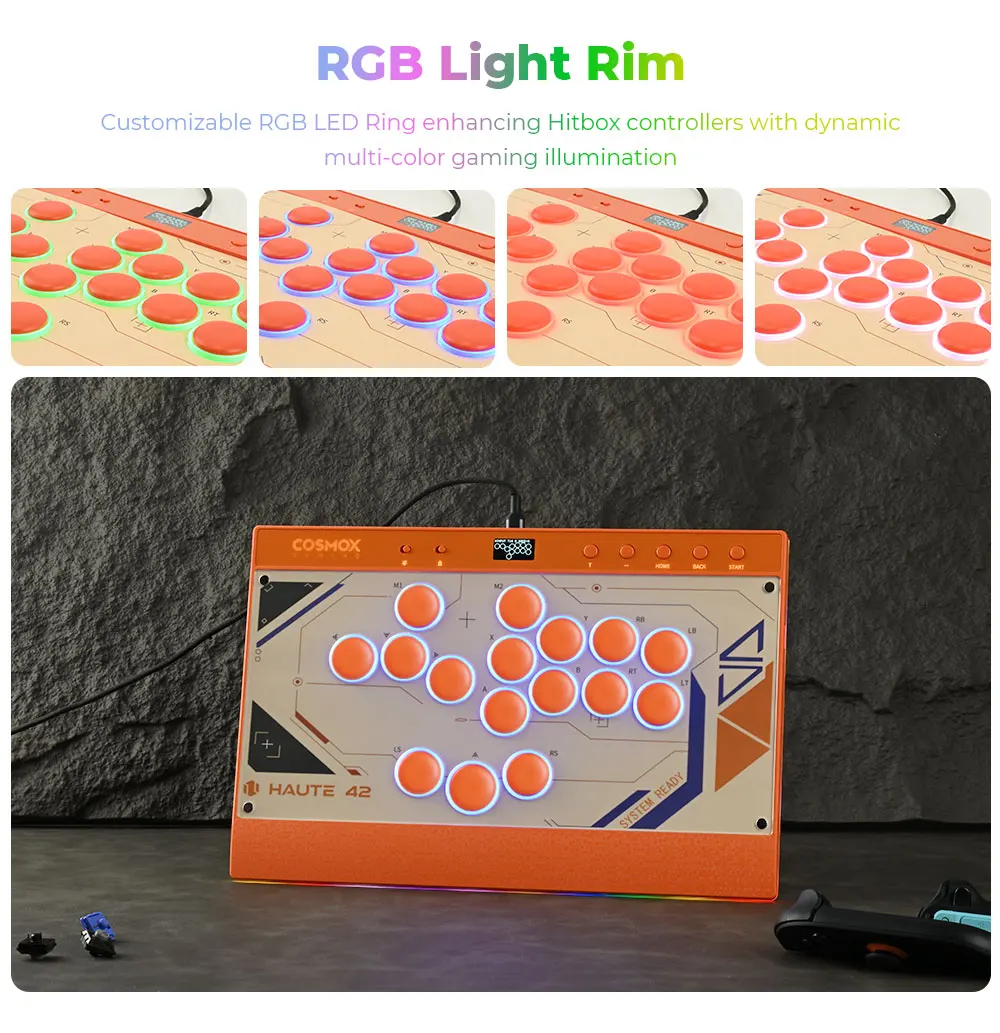
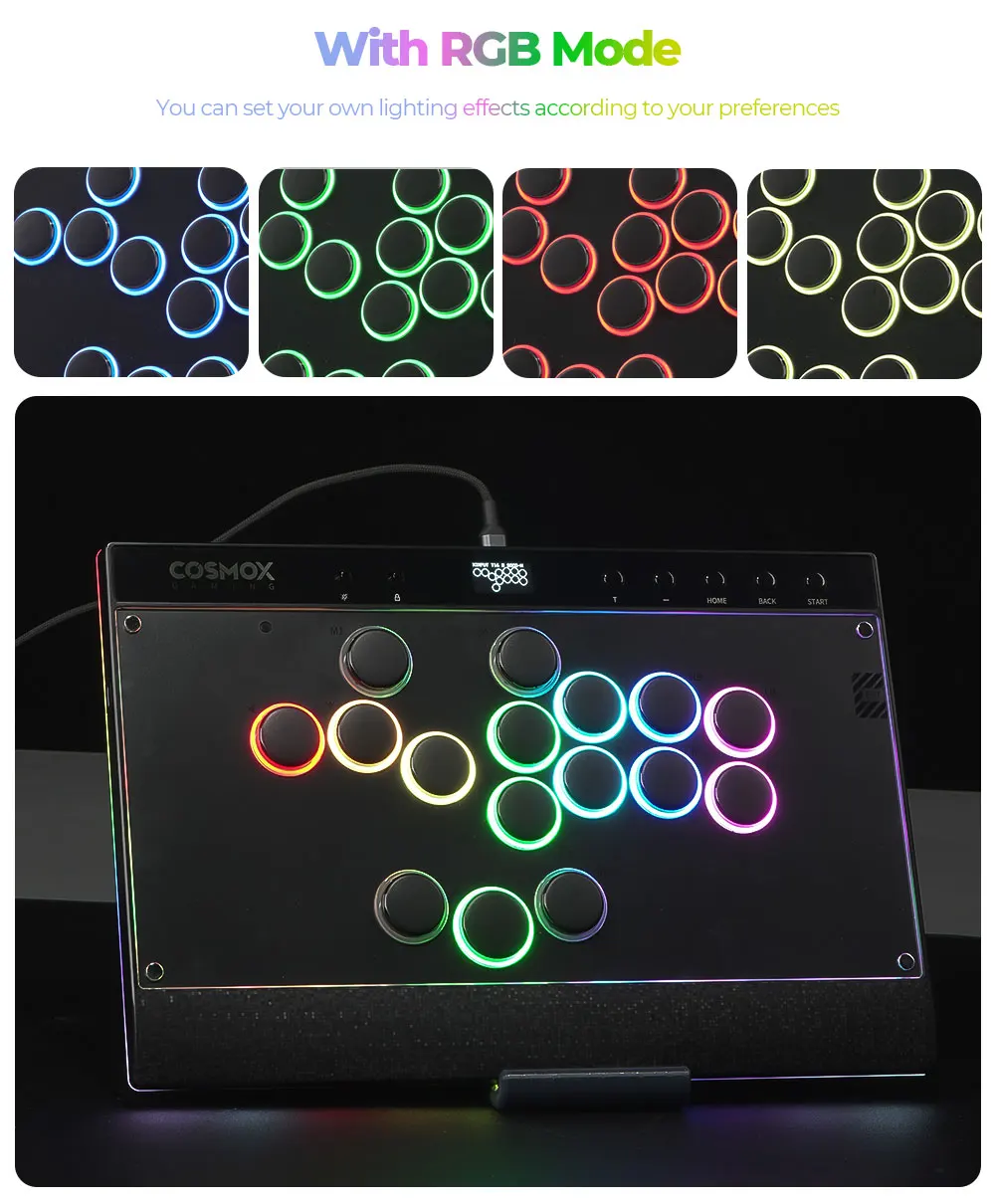
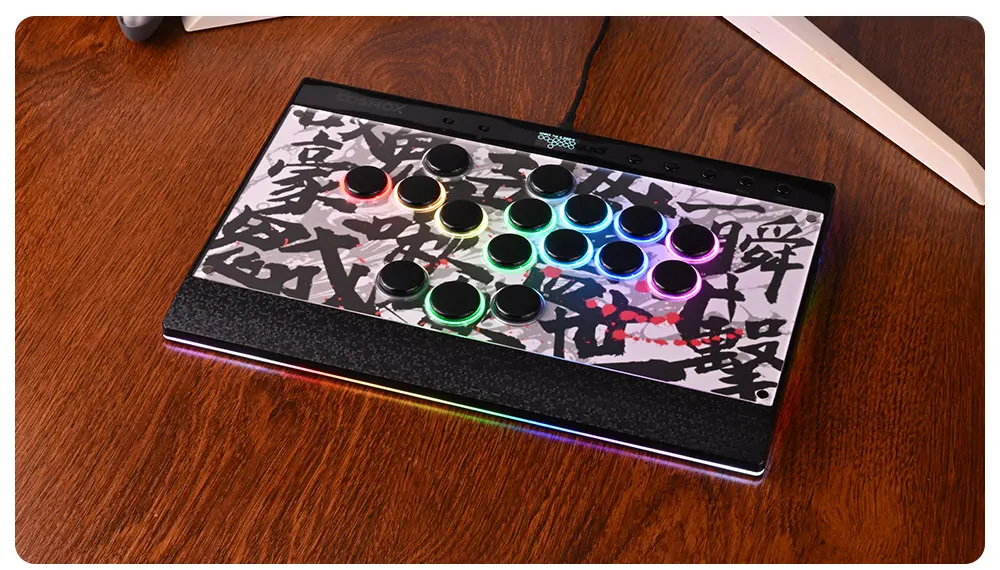
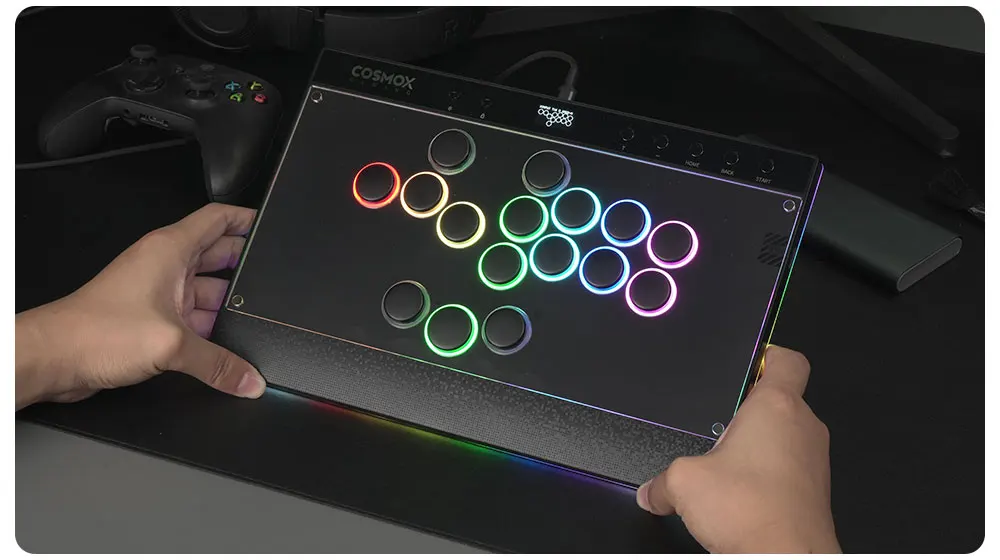
Feature: 16 button with RGB mode
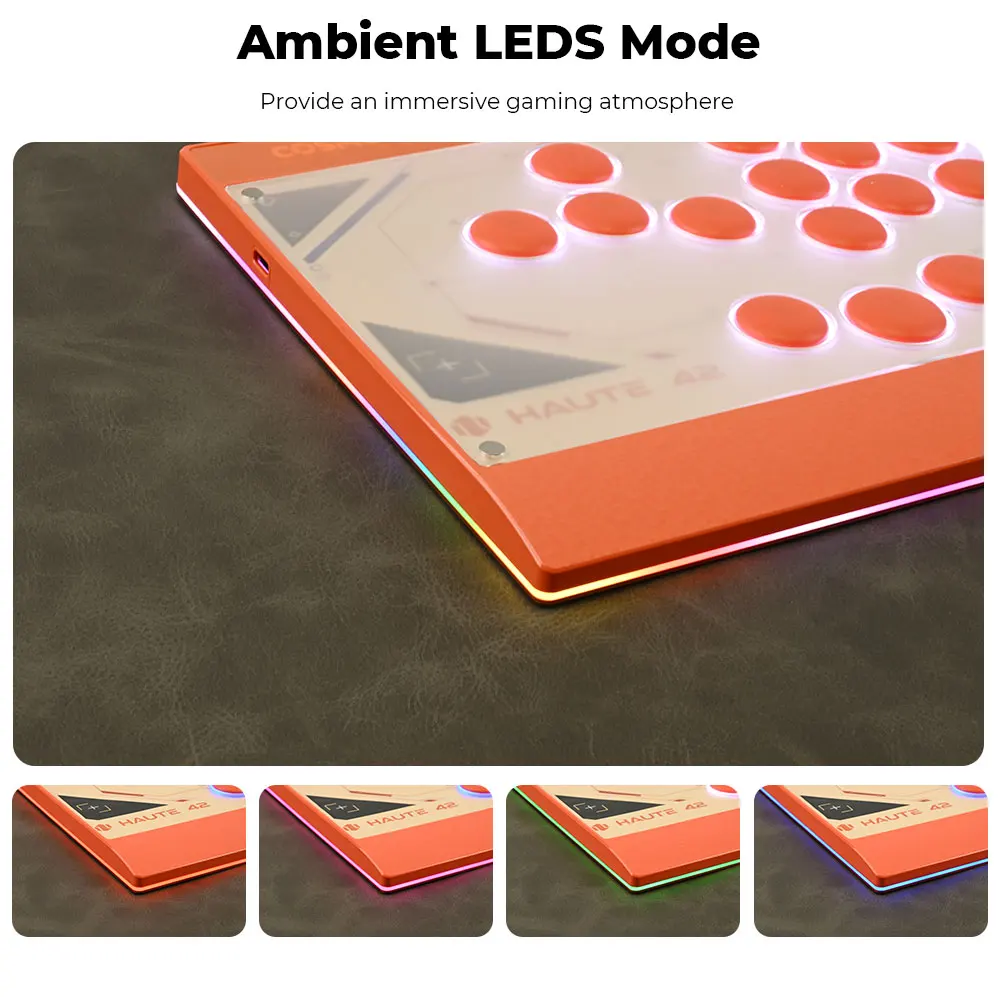
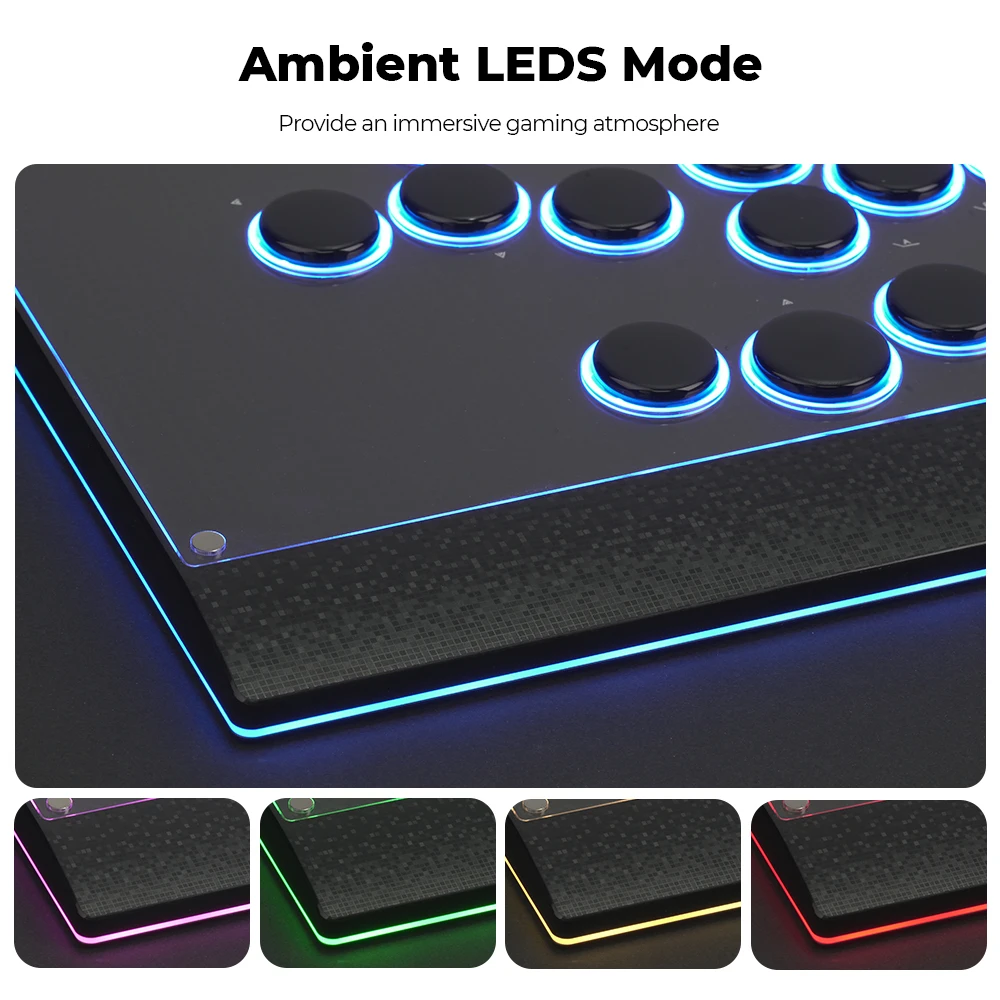
Function: with Button Rim/Ambient Light
High-concerned chemical: None
Hitbox Controller: Leverless Controller
Hitbox Leverless: Leverless Hitbox
Item: C16 Orange Version
Leverless Fightstick: Stickless Arcade Stick
Model Number: C16 Orange
PC System: Windows 10
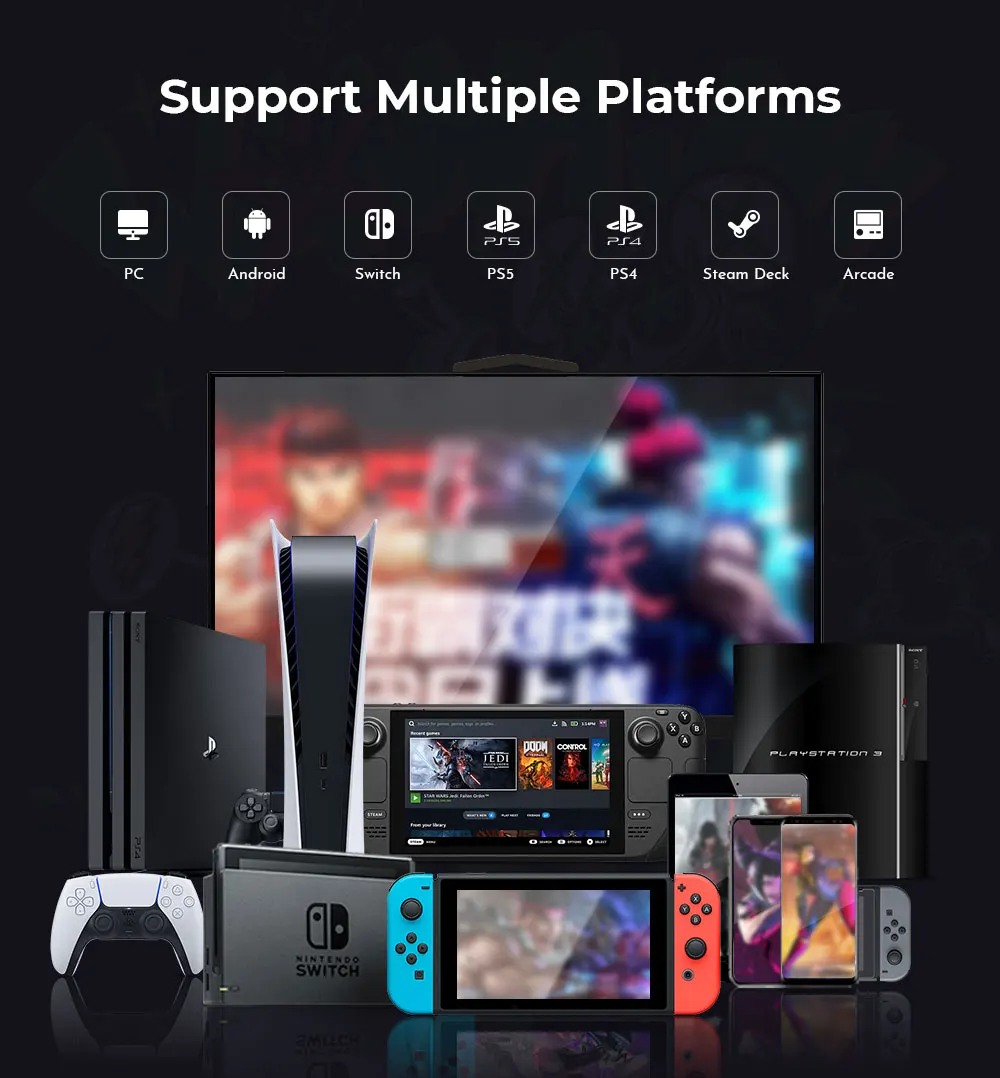
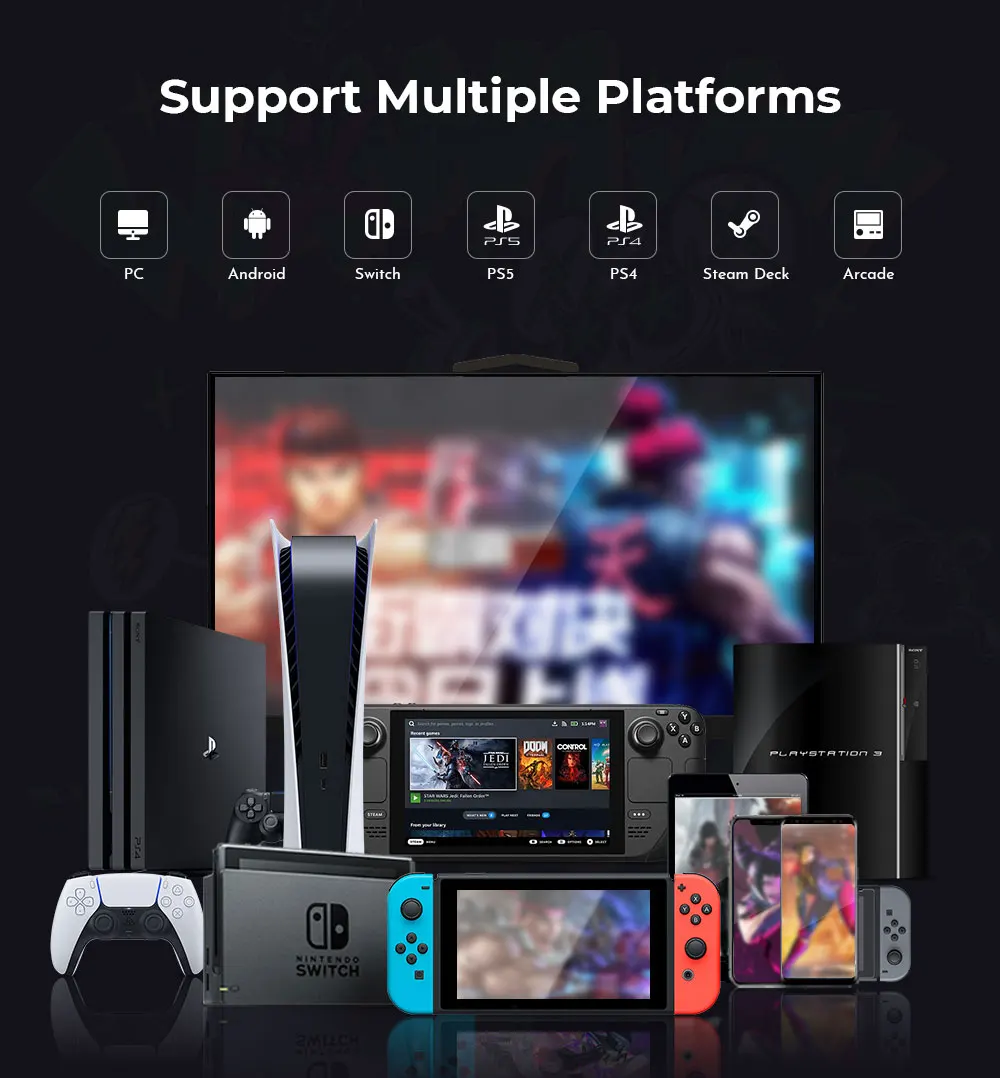
Supported platforms: For PC/PS4/PS5/XBOX /Switch/Steam
With USB: YES
is_customized: NO
Haute42 New C16 Orange Magnetic Stickless Arcade Stick Leverless Hitbox Controller for For PC/PS4/PS5/Switch Leverless Stick
Product Description
Working voltage: 5V
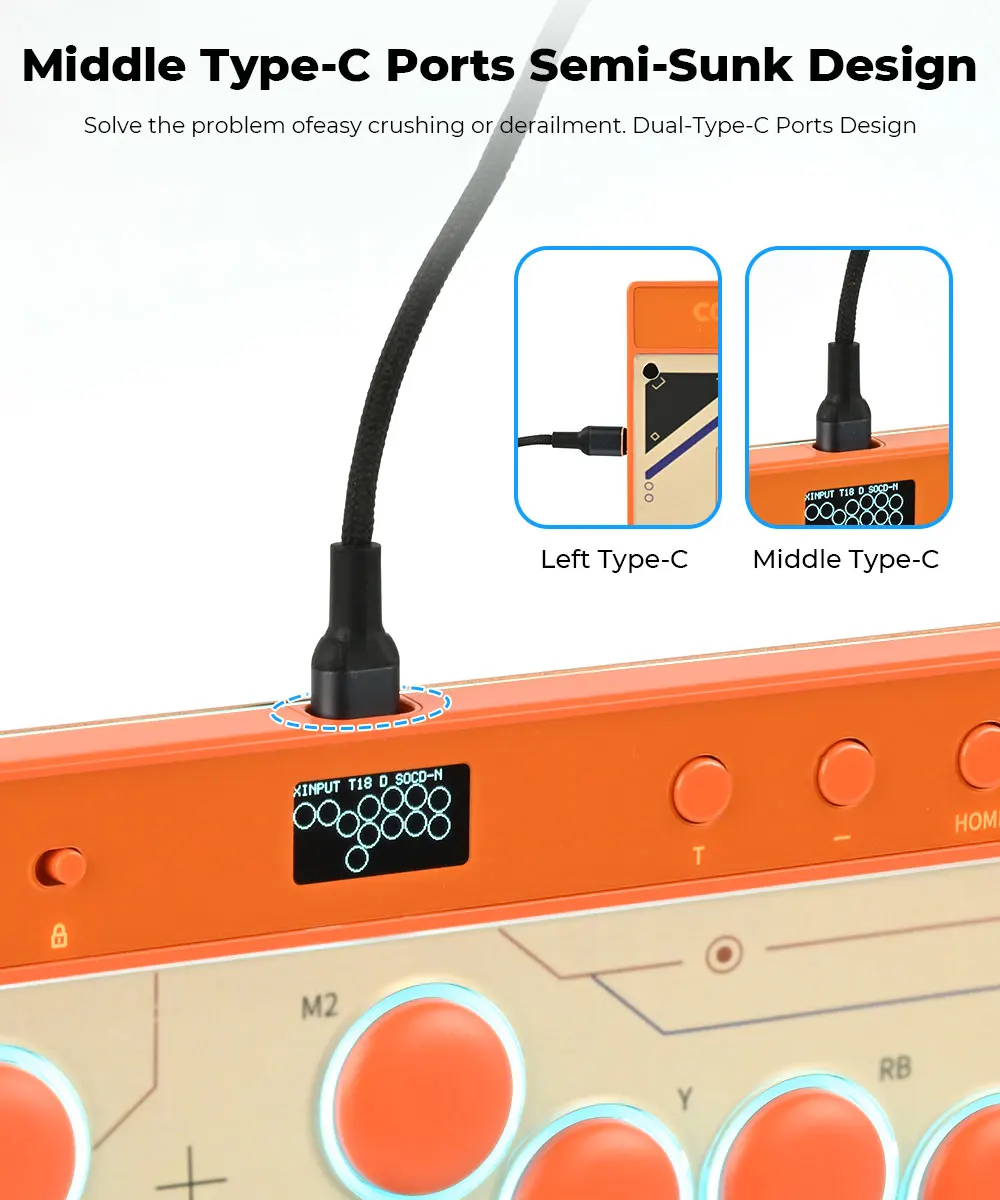
Link method: USB Type-C
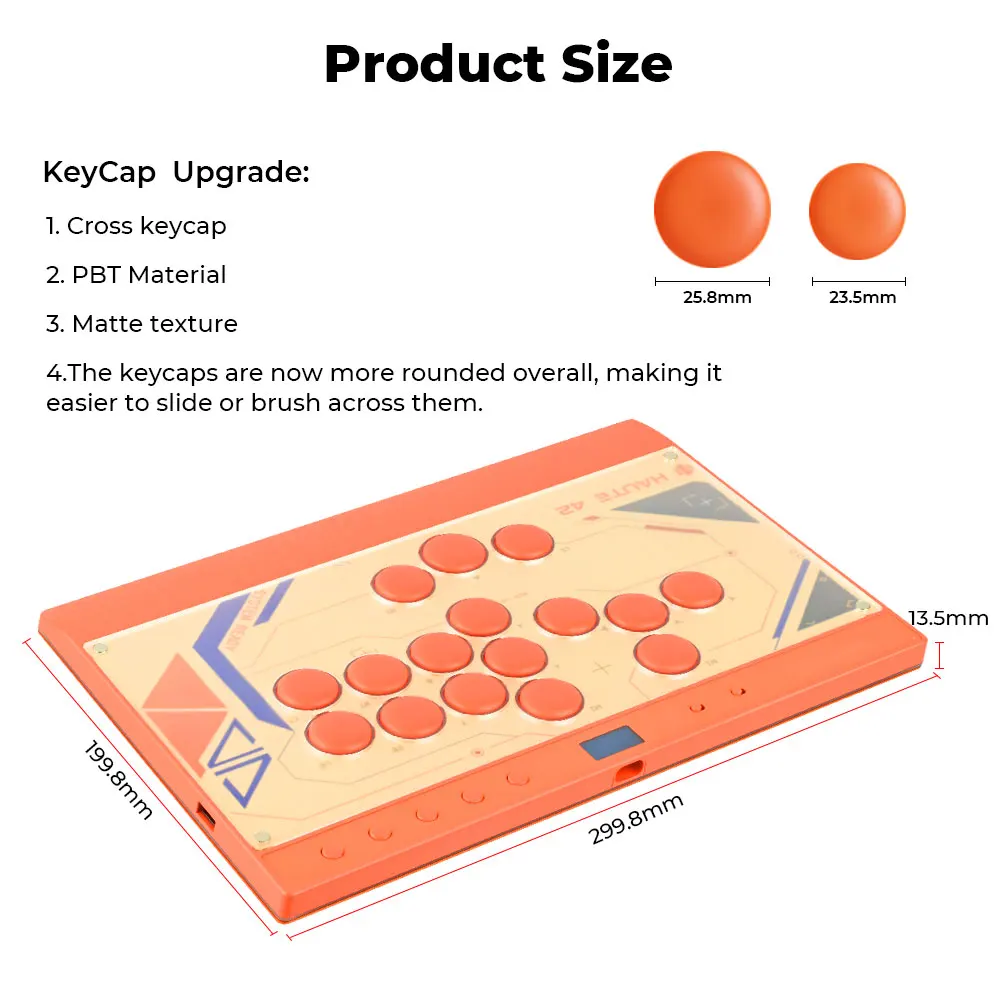
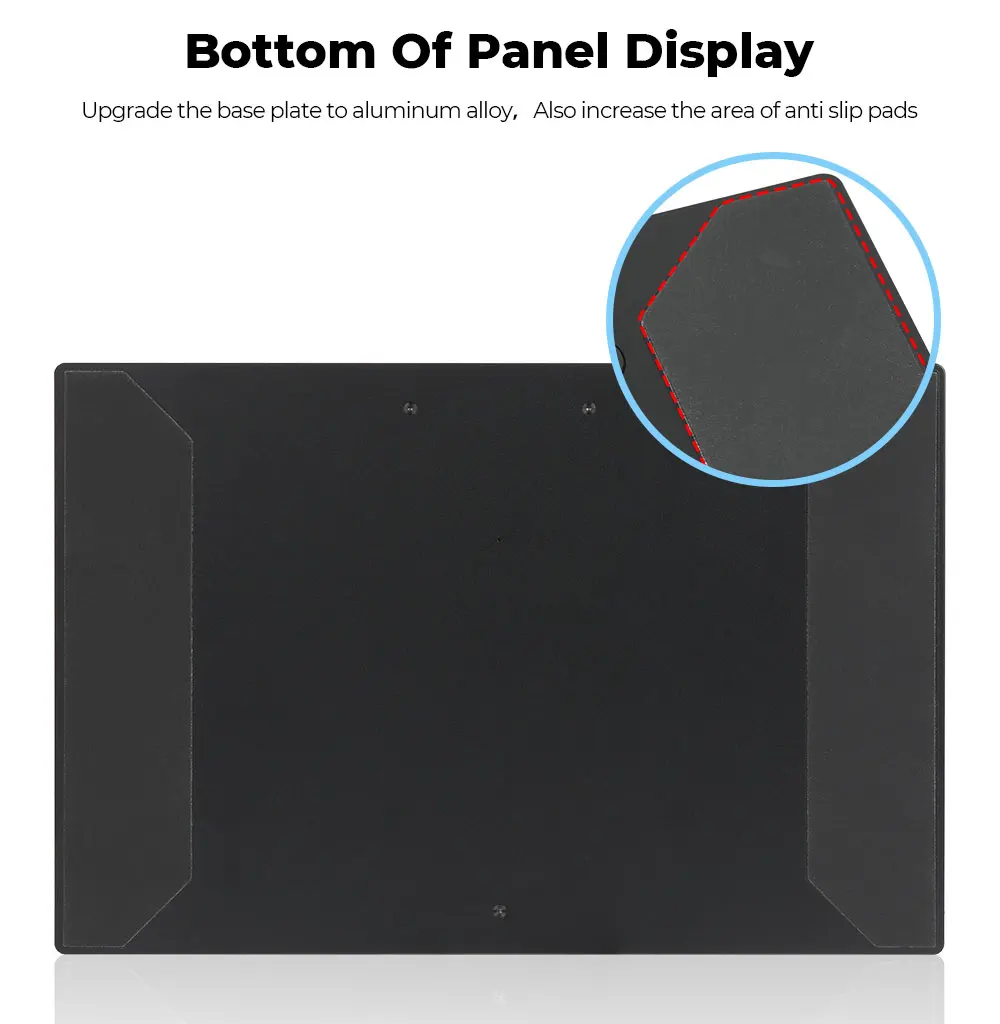
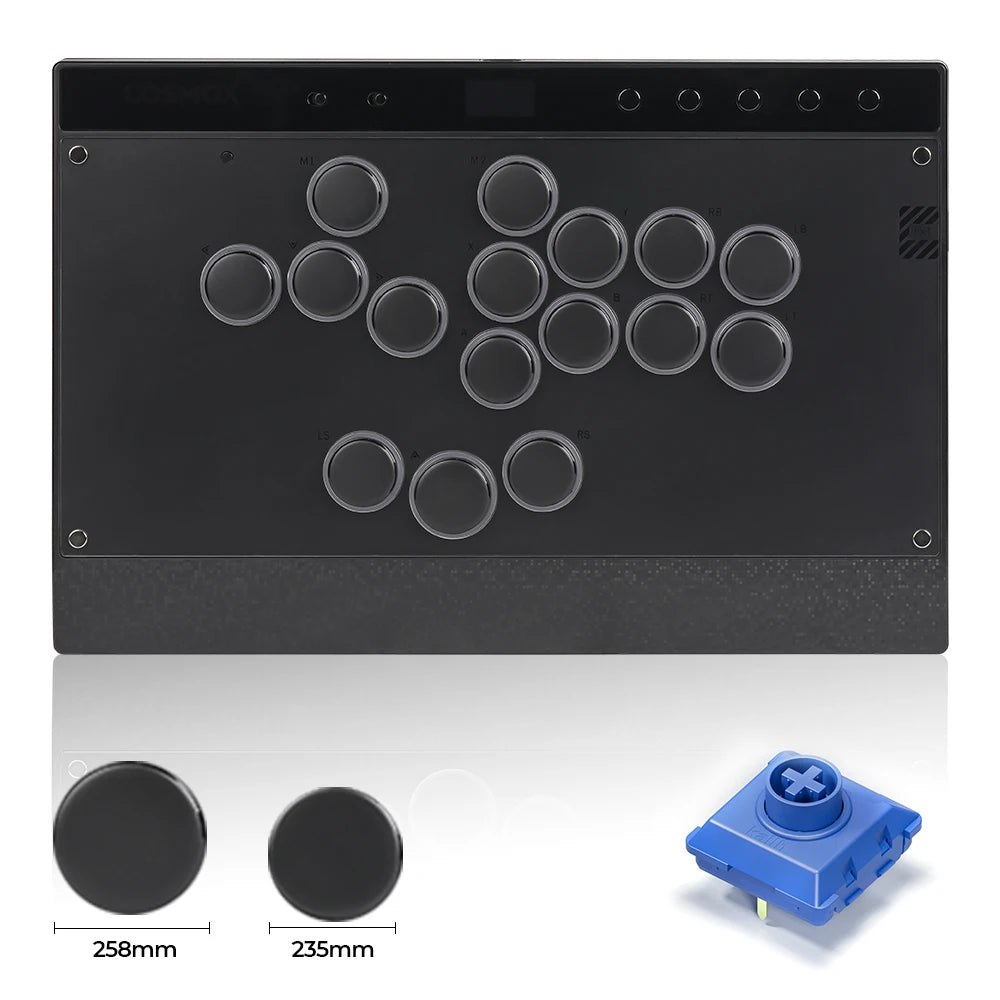
Product size: 299.8mm * 199.8mm * 13.5mm
Supported Platforms : pc /ps3/ps4/switch/ Android/Steam
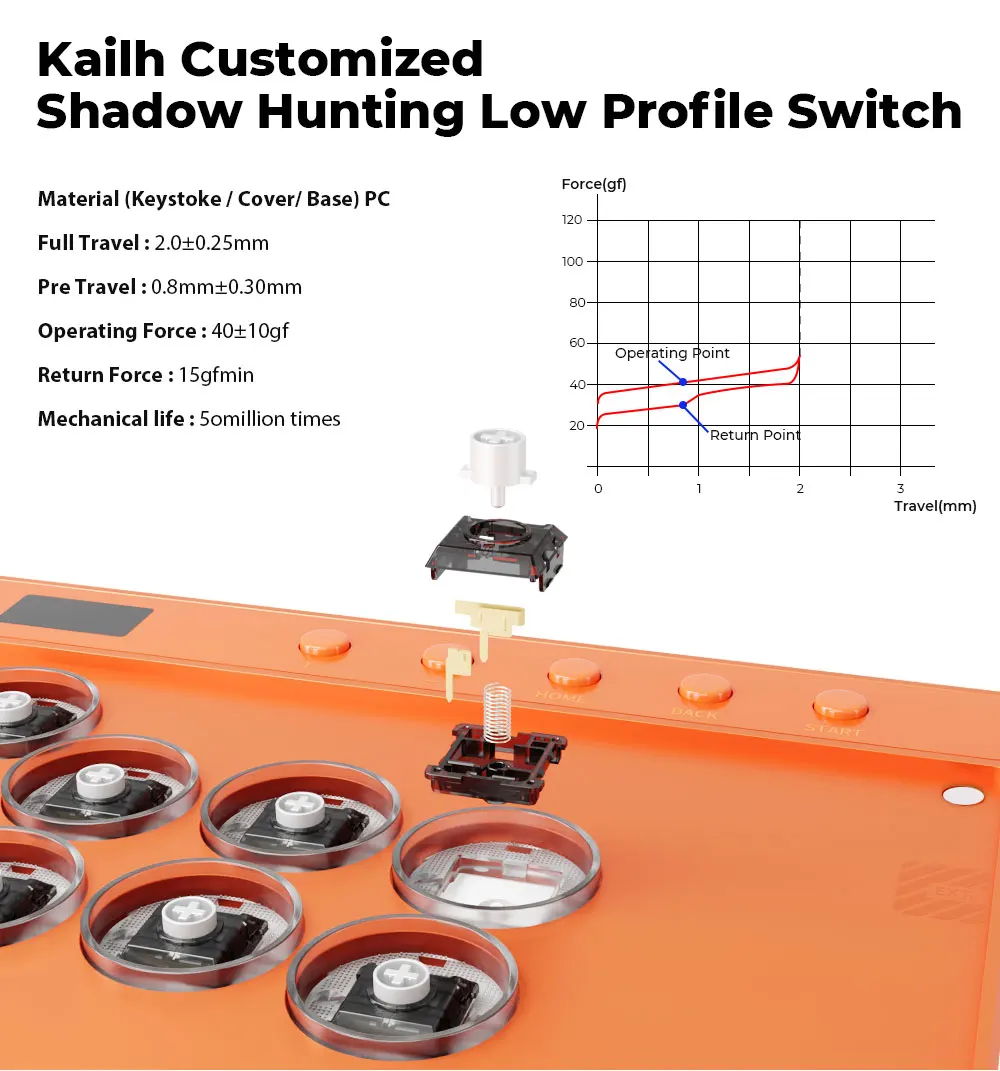
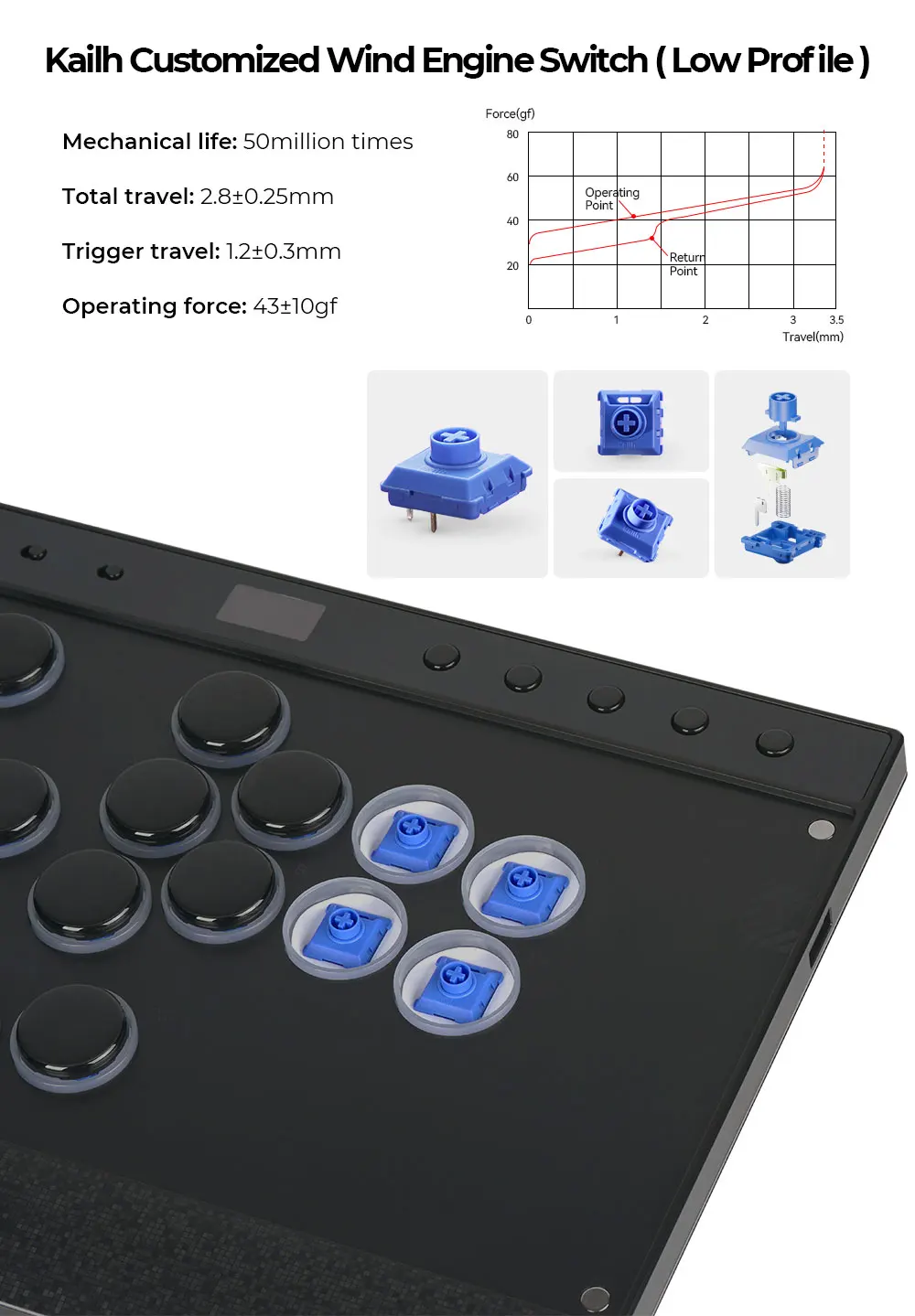
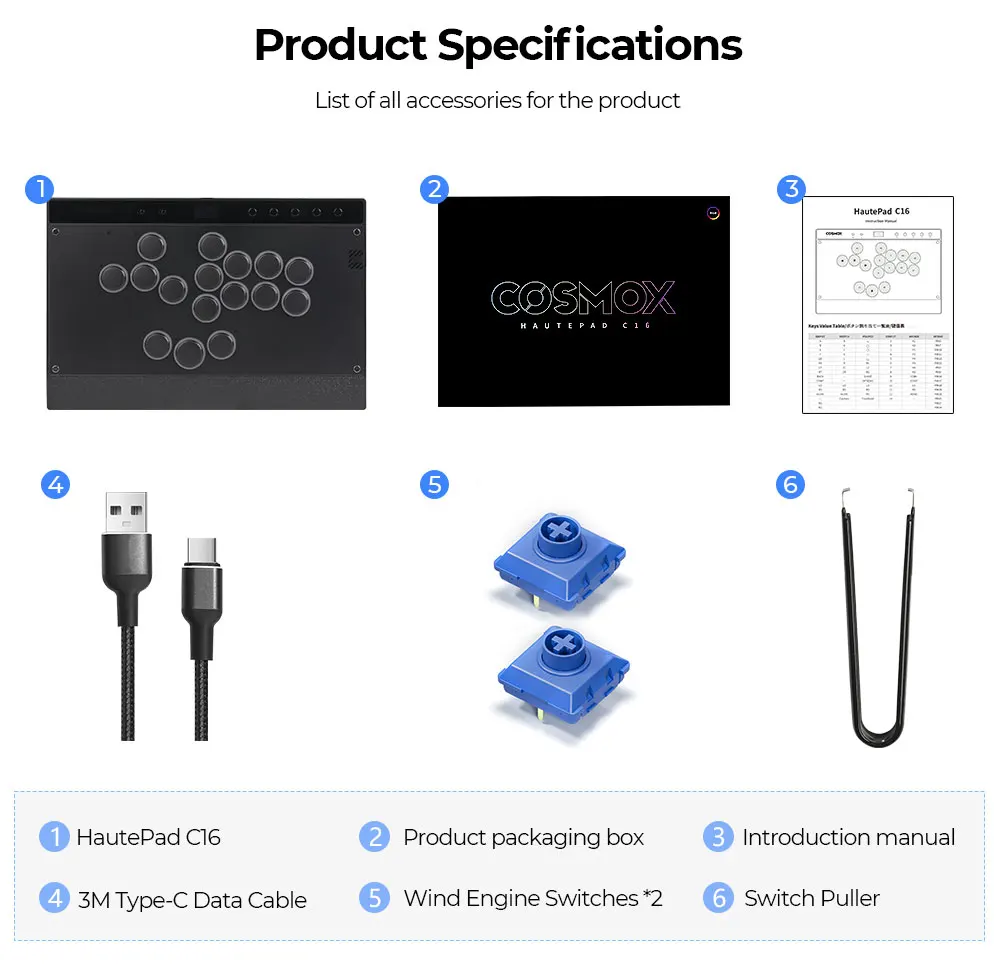
Product Specifications: Keyboard*1 ,Data Cable (3M) *1 Keycap Puller*1, Art Templates*7, Hadow Hunting Switch*2
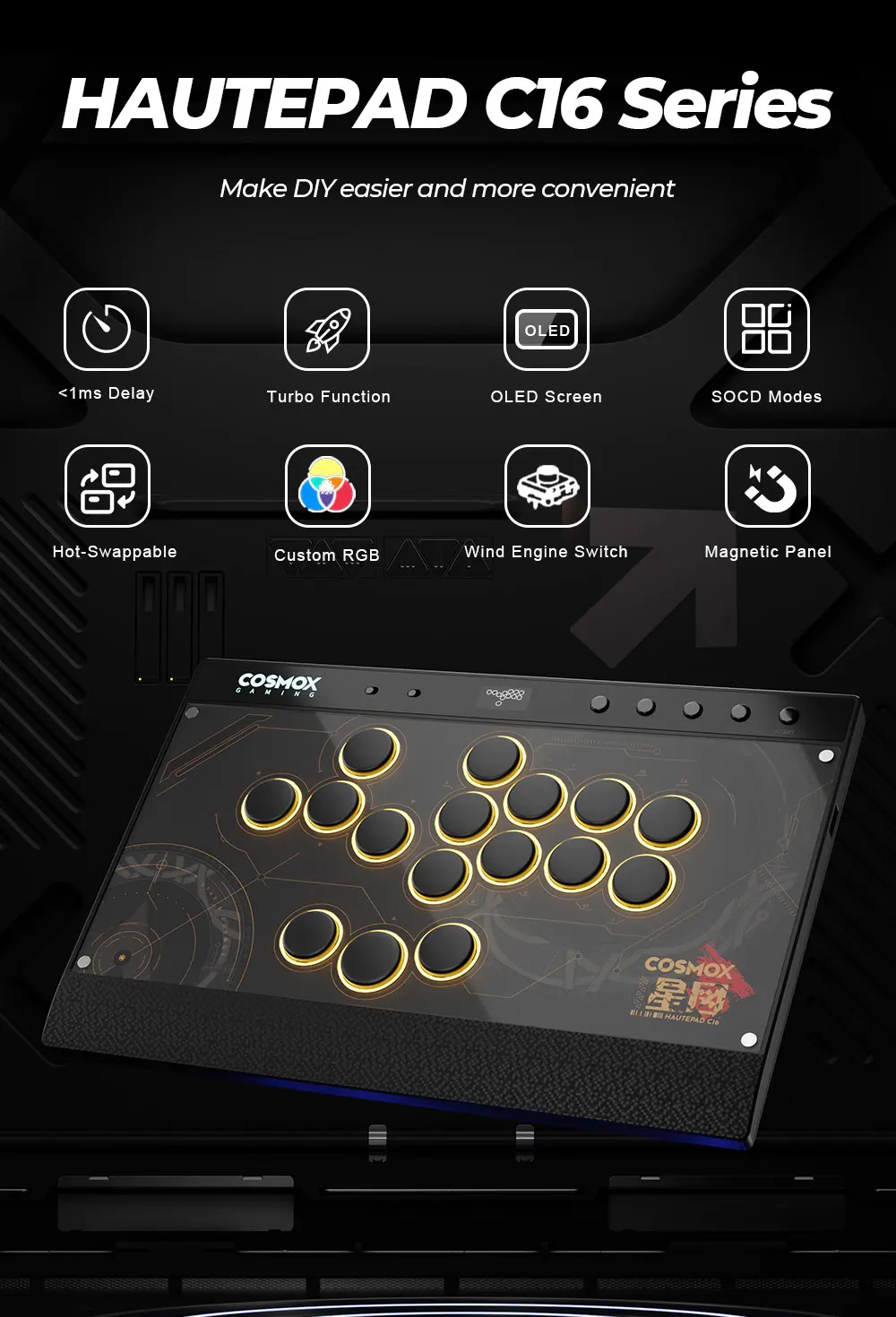
HautePad C16 Series
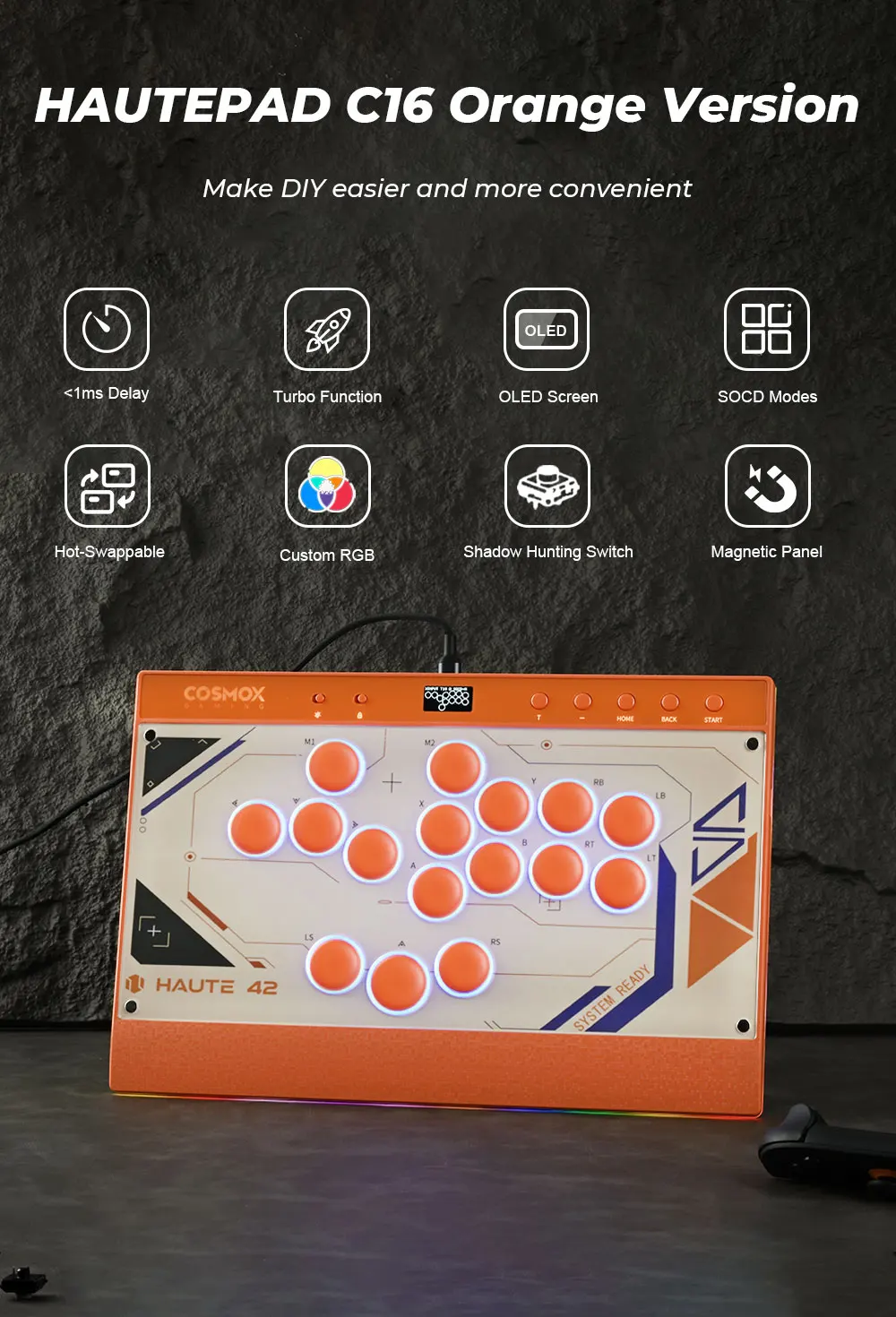
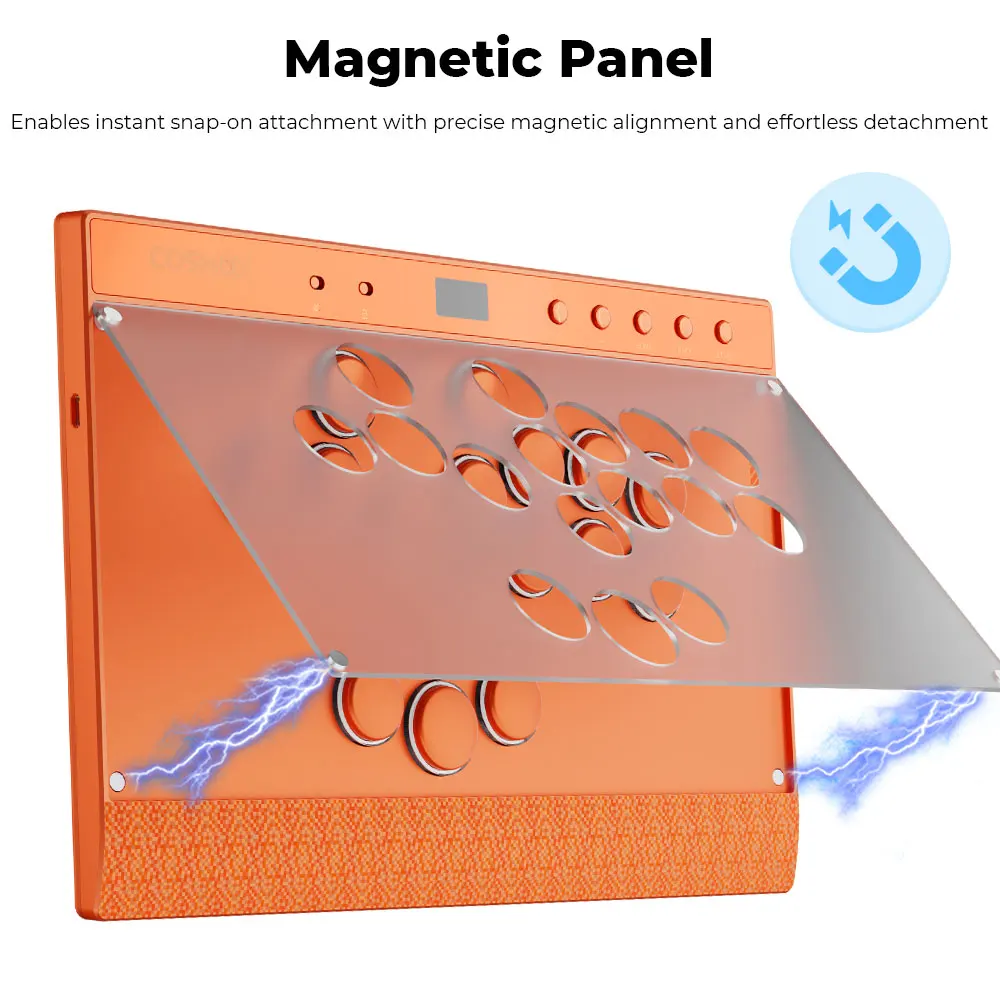
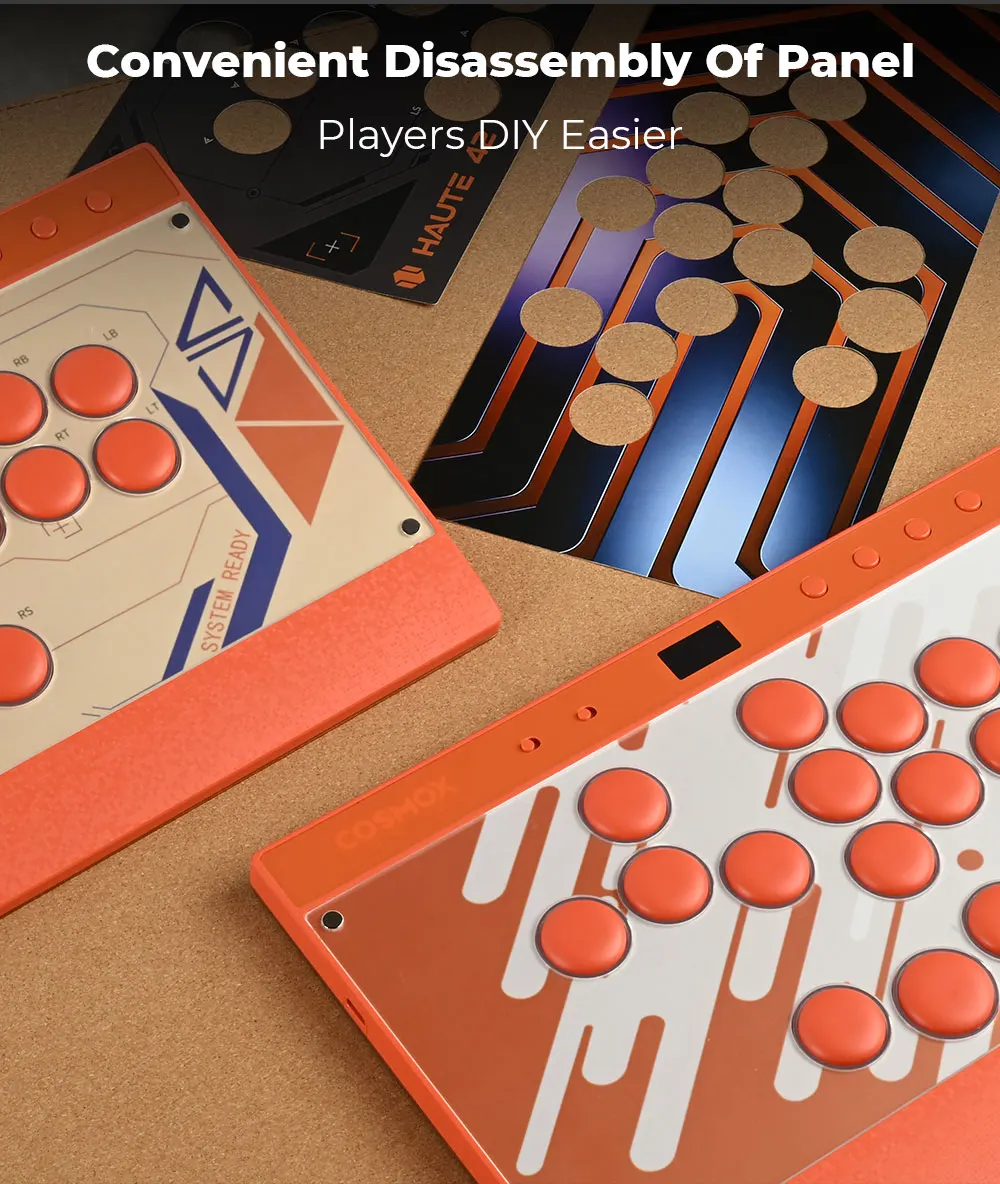
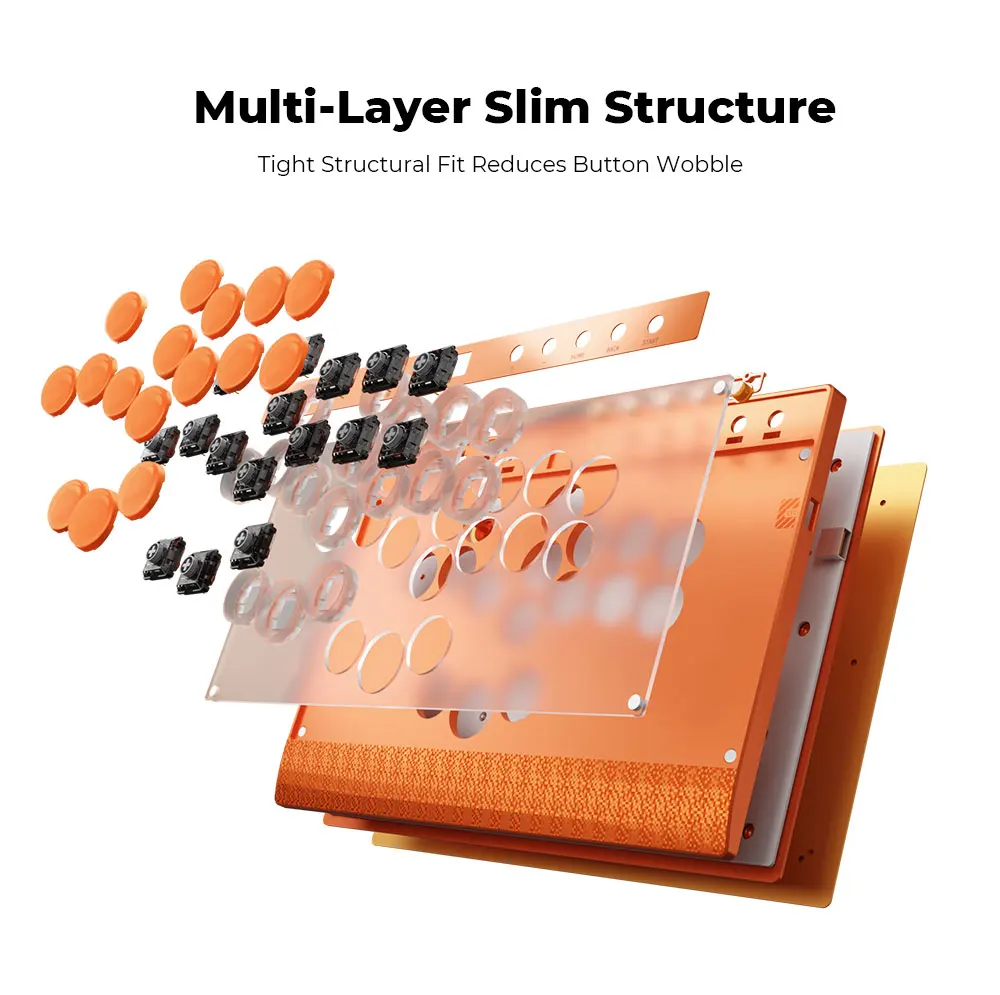
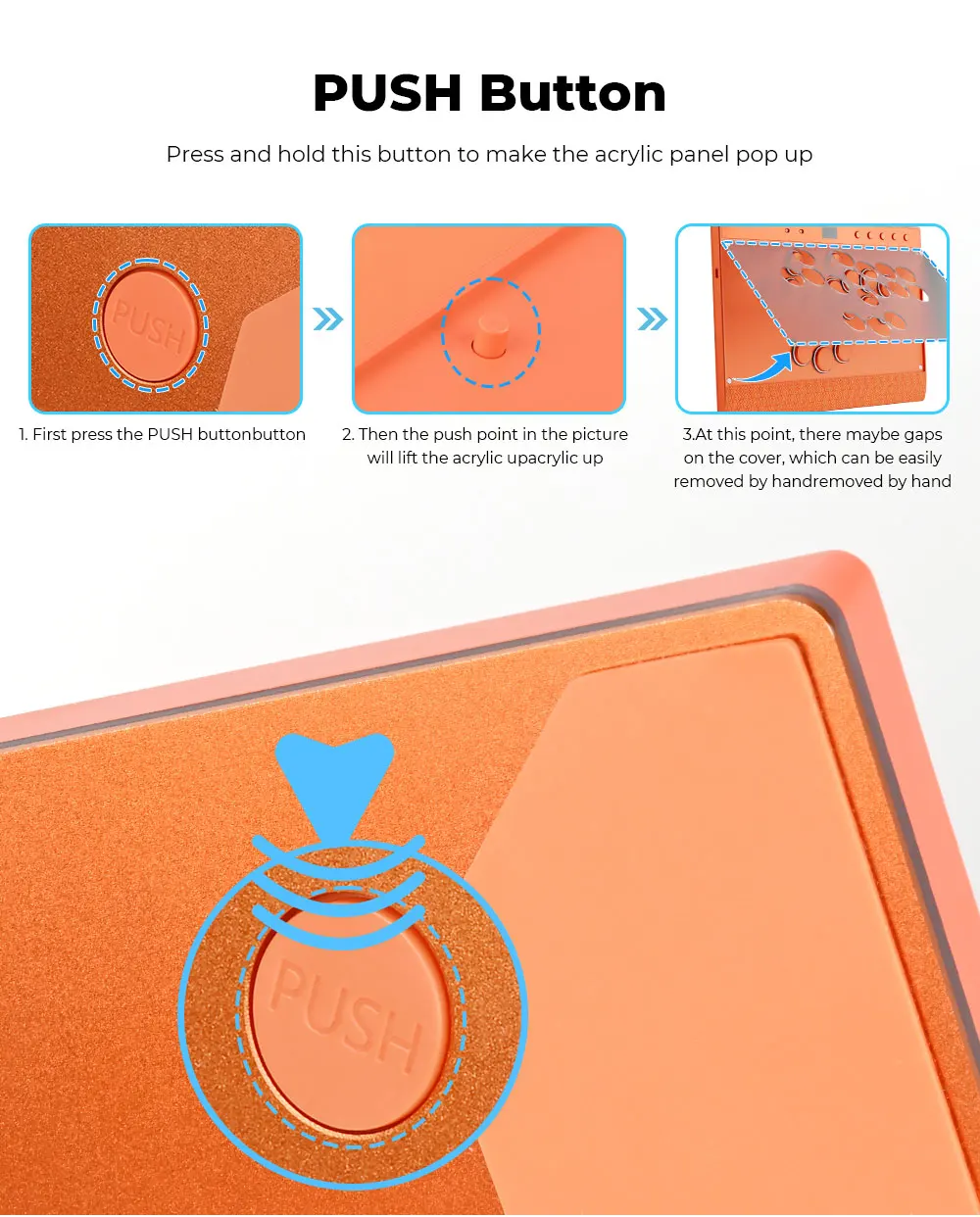
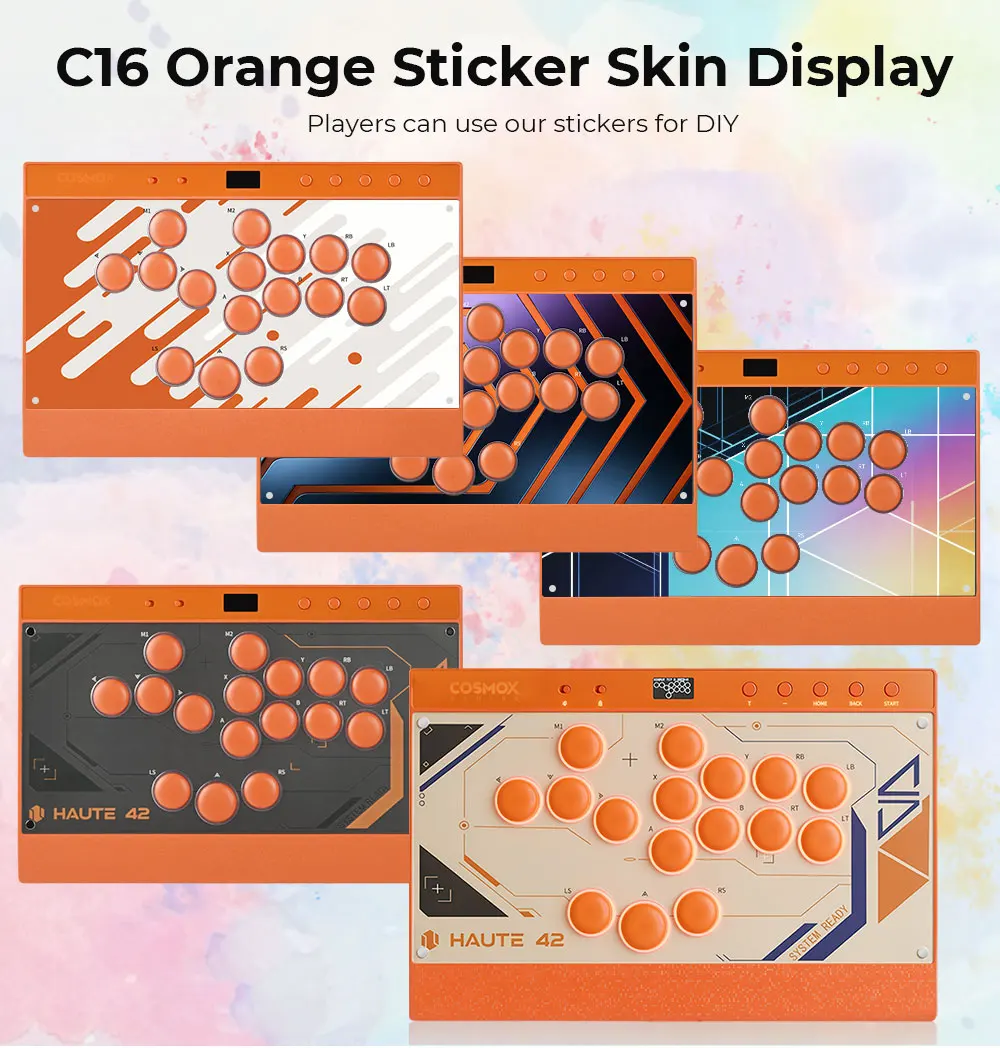
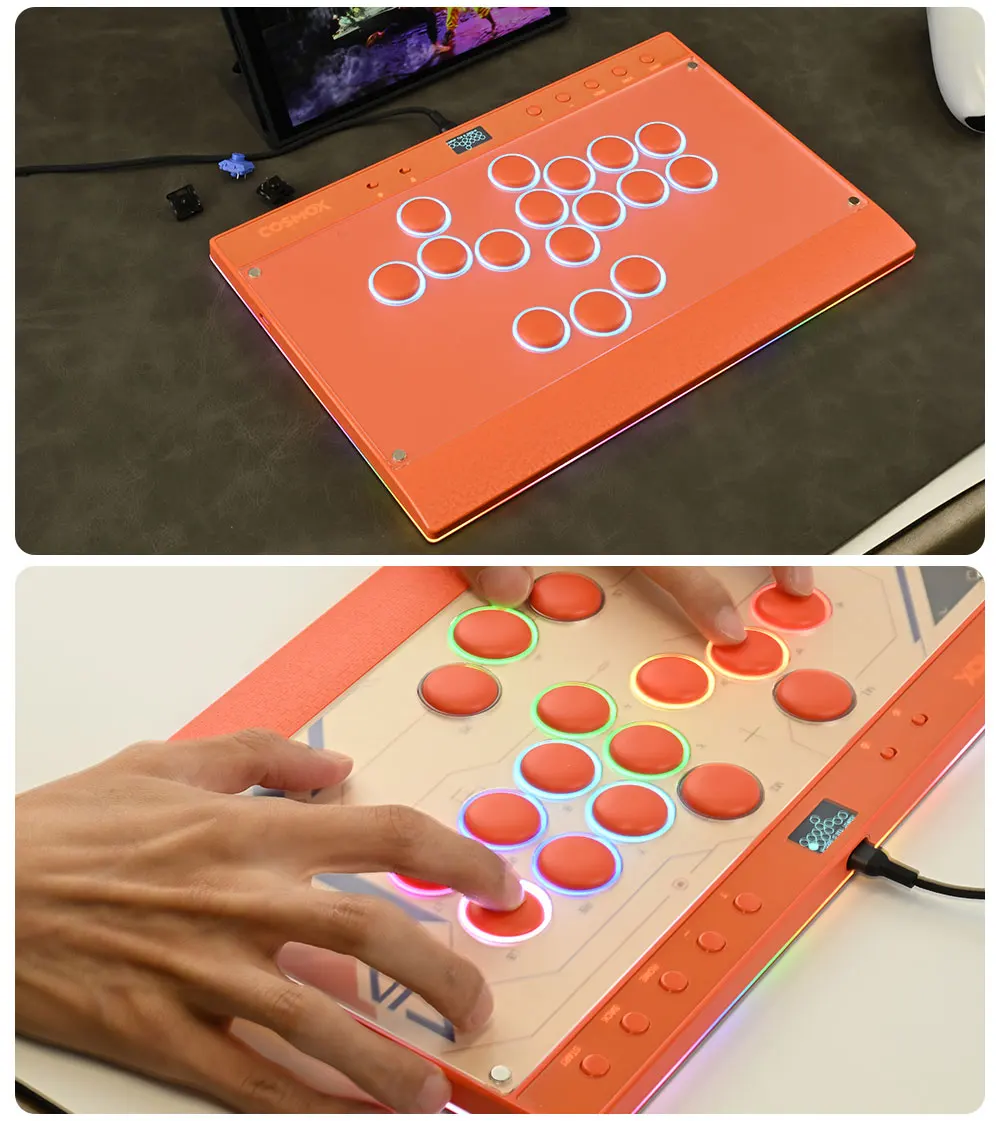
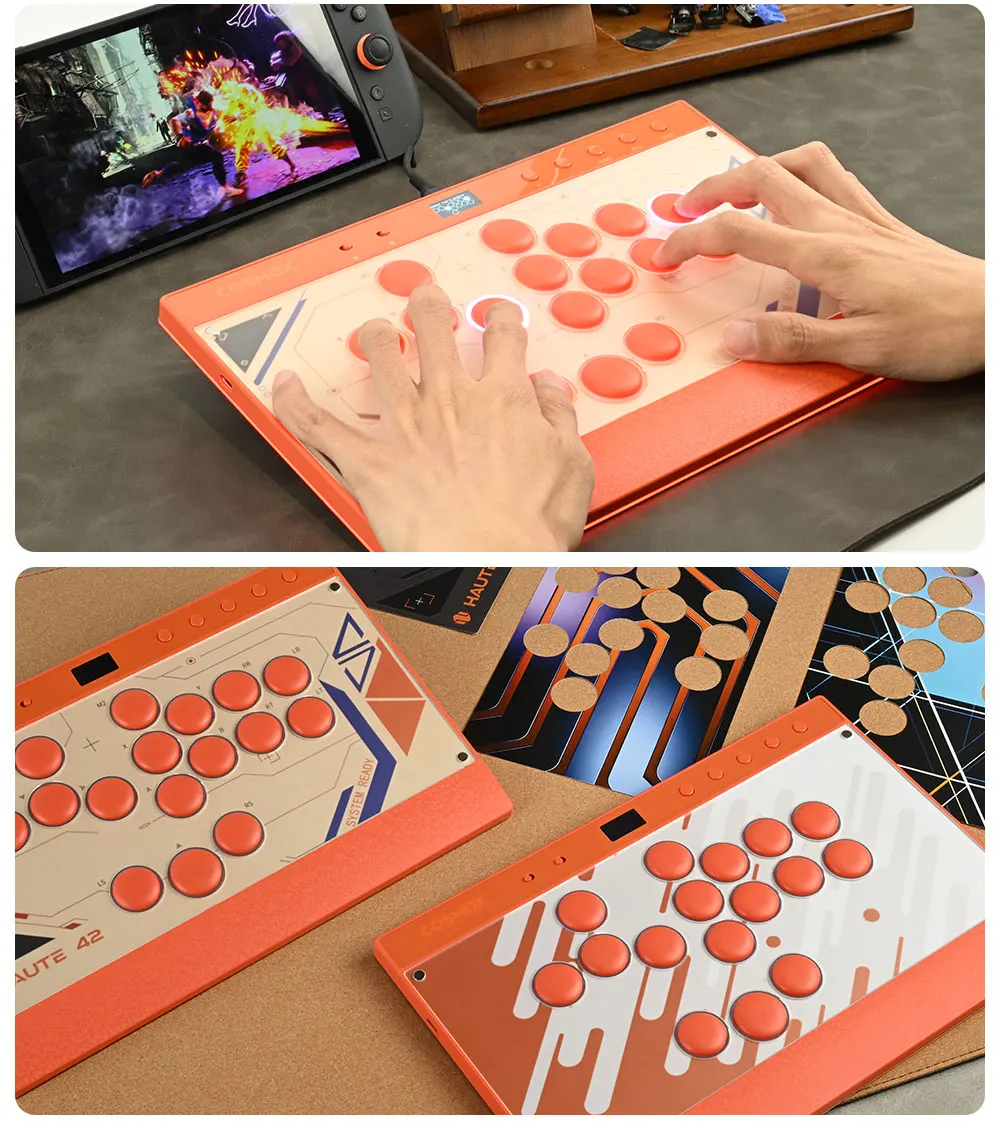
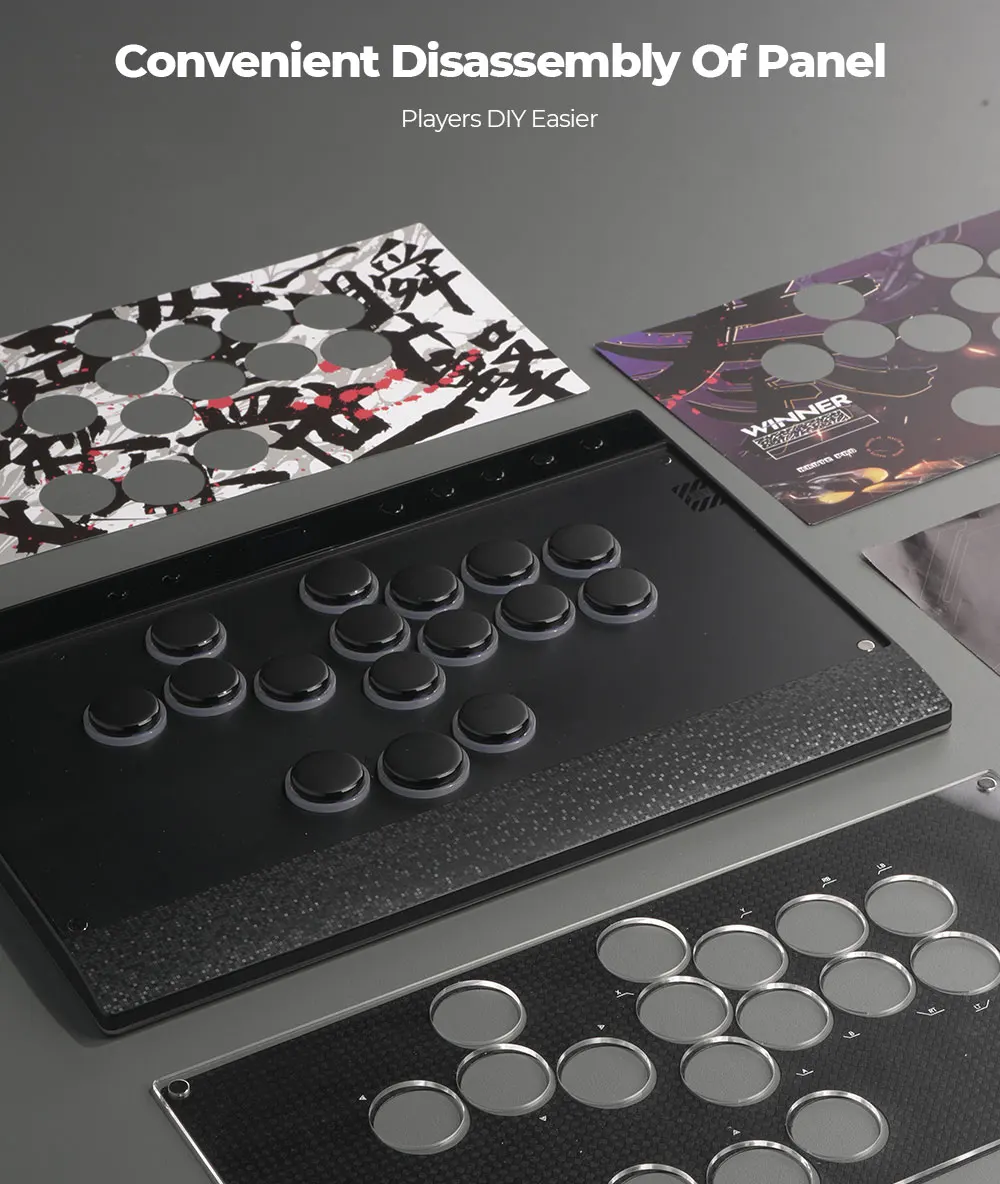
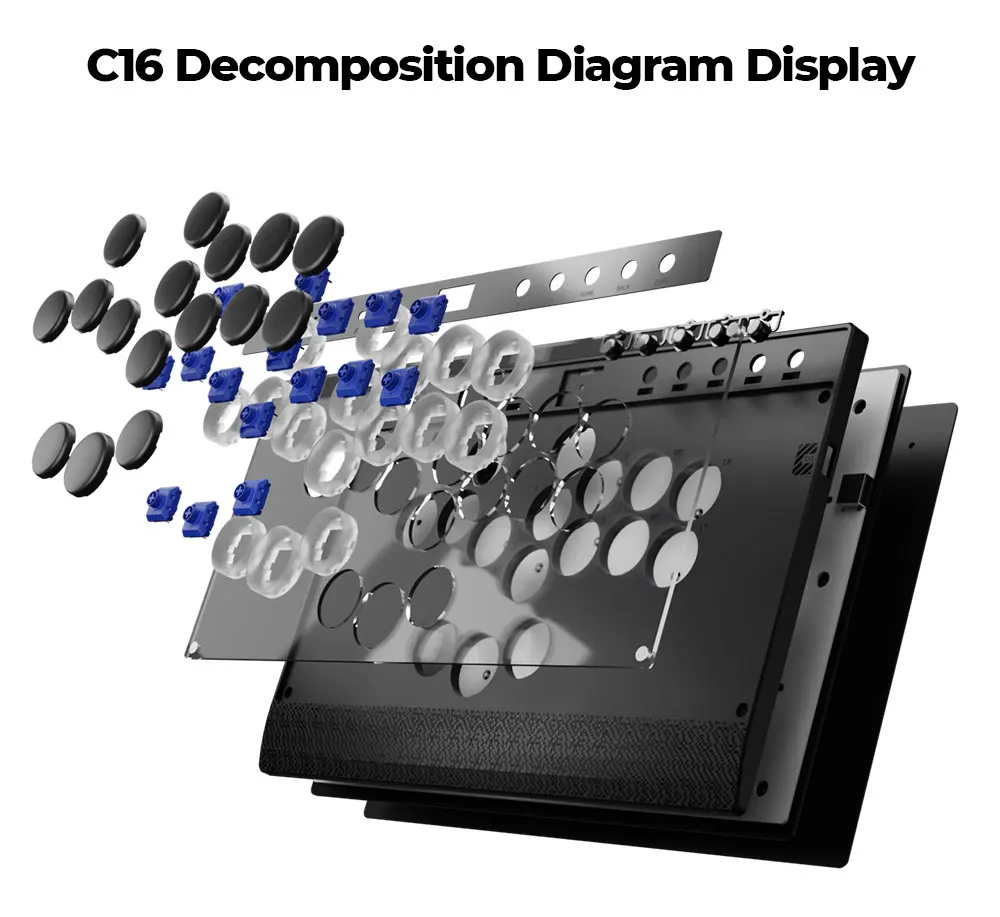
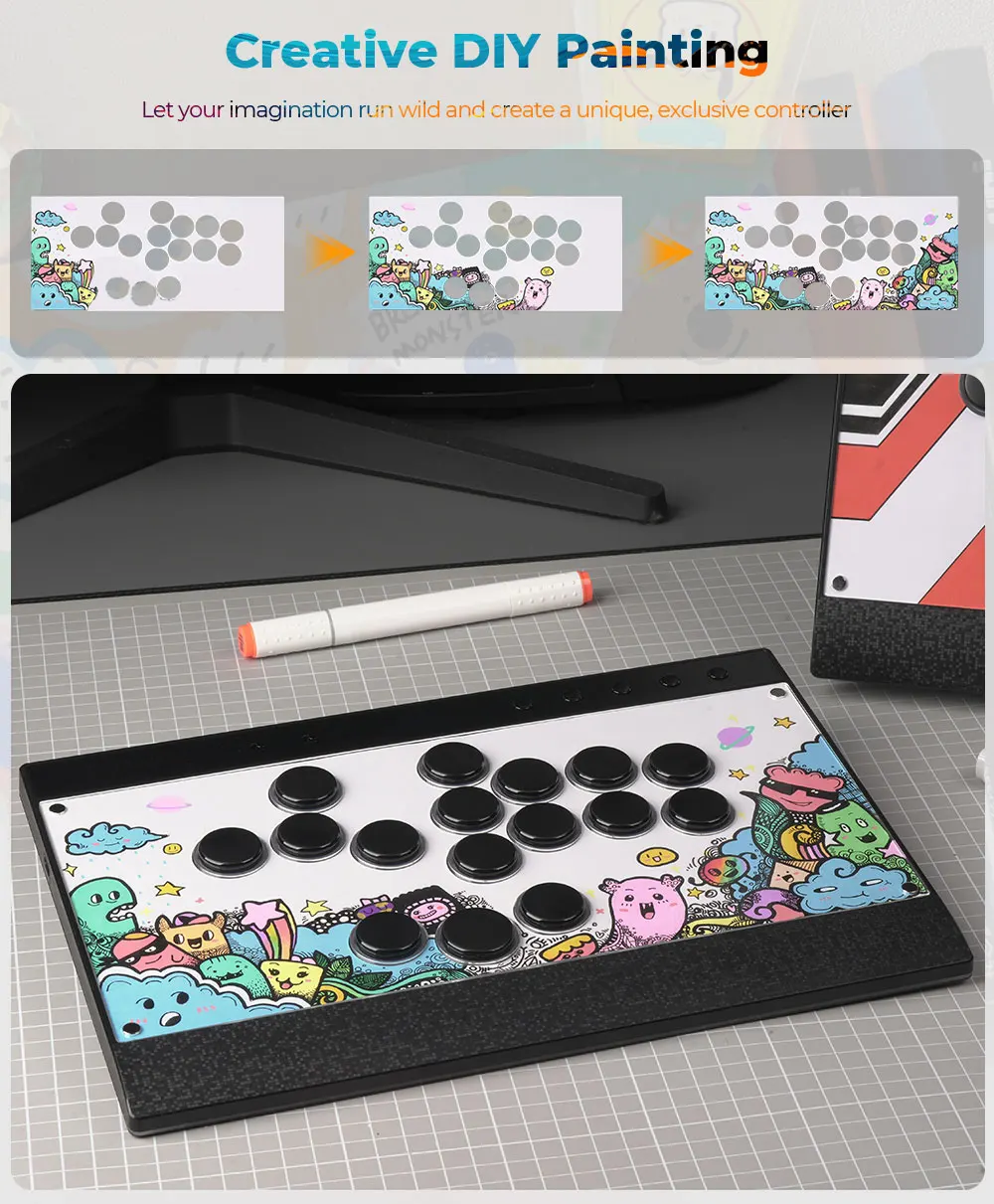
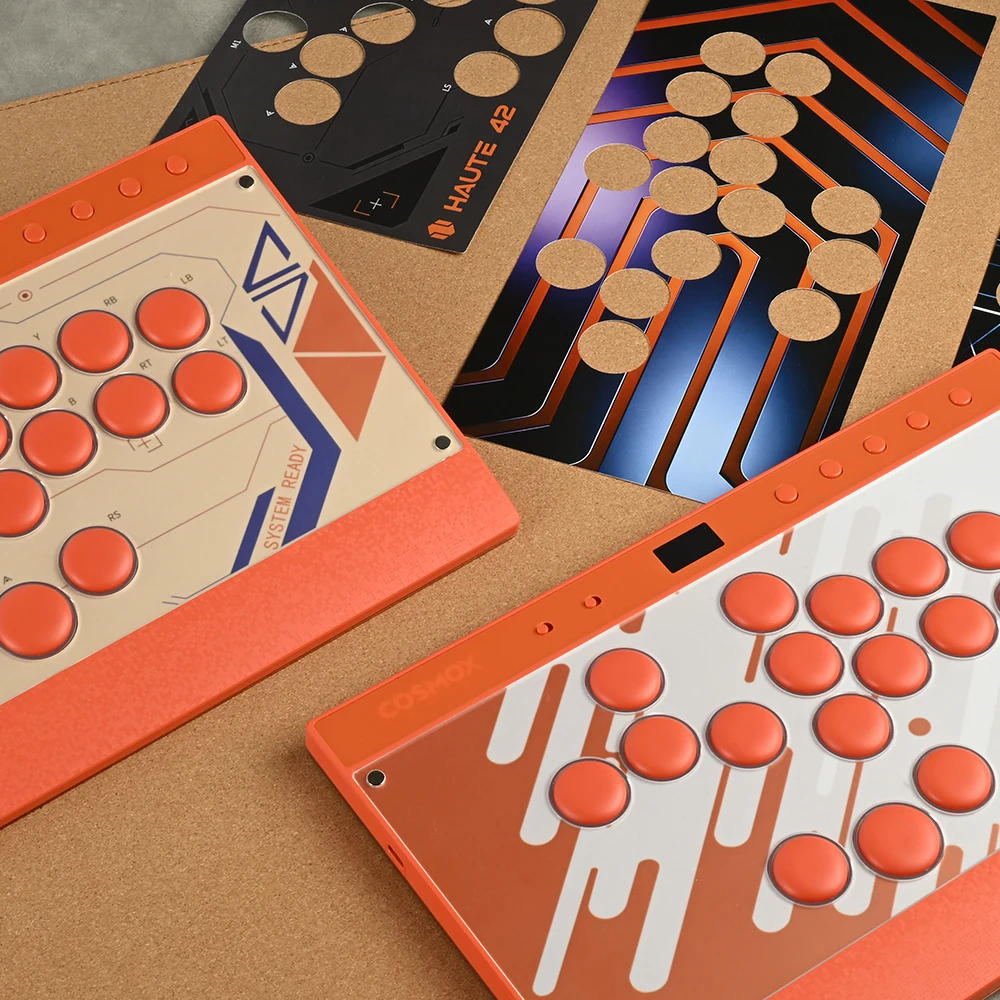
Magnetic Panel Design, Make DlY Easier And More Convenient,Newly Upgraded RGB Rim And Ambient LEDS Includes 6 sheets of DIY panel paper,
Realize DIY freedom and graffiti,
Show off your creative talent
01 Compatibility
B — Xinput mode (Windows/Steam)
A — SWITCH mode
X — PS3 / Dinput mode (Raspberry Pi / Android)
Y — PS4 mode (Compatible with PS4 games on PS5 console)
RT — KEYBOARD mode
Input Mode
To change the input mode, hold one of the buttons(as shown above) as the controller is plugged in.
Tips:
This product defaults to Xinput mode,Input mode is saved across power cycles.
If there are games that do not compatible the above input modes , you can enter the Web Configurator to modify them for normal use.
PS4 /PS5 /XBOX Mode
About PS4 /PS5 8 minute disconnection,there are two ways, one is insert a dongle or a officially authorized PS4 wired controller to the EXT.port,We don't have a recommend one,there are too many choices,maybe you can add our discord with other nice players in haute42 group,Oficial Website: haute42-cosmox.com
Web Configurator
This product contains a built-in web-based configuration application which can be started up by holding START when plugging your controller into a PC. Then access http://192.168.7.1 in a web browser to begin configuration.
04 RGB LED Setting
●BACK + START + X Next Animation
●BACK + START + A Previous Animation
●BACK + START + Y Brightness Up
●BACK + START + B Brightness Down
●BACK + START + RB LED Parameter Up
●BACK + START + RT LED Parameter Down
●BACK + START + LB Pressed Parameter Up
●BACK + START + LT Pressed Parameter Down